

Objects
Manage collection objects with records, designs, categories, internal files, and public profiles for artworks, archives, equipment, and more.
 Grzegorz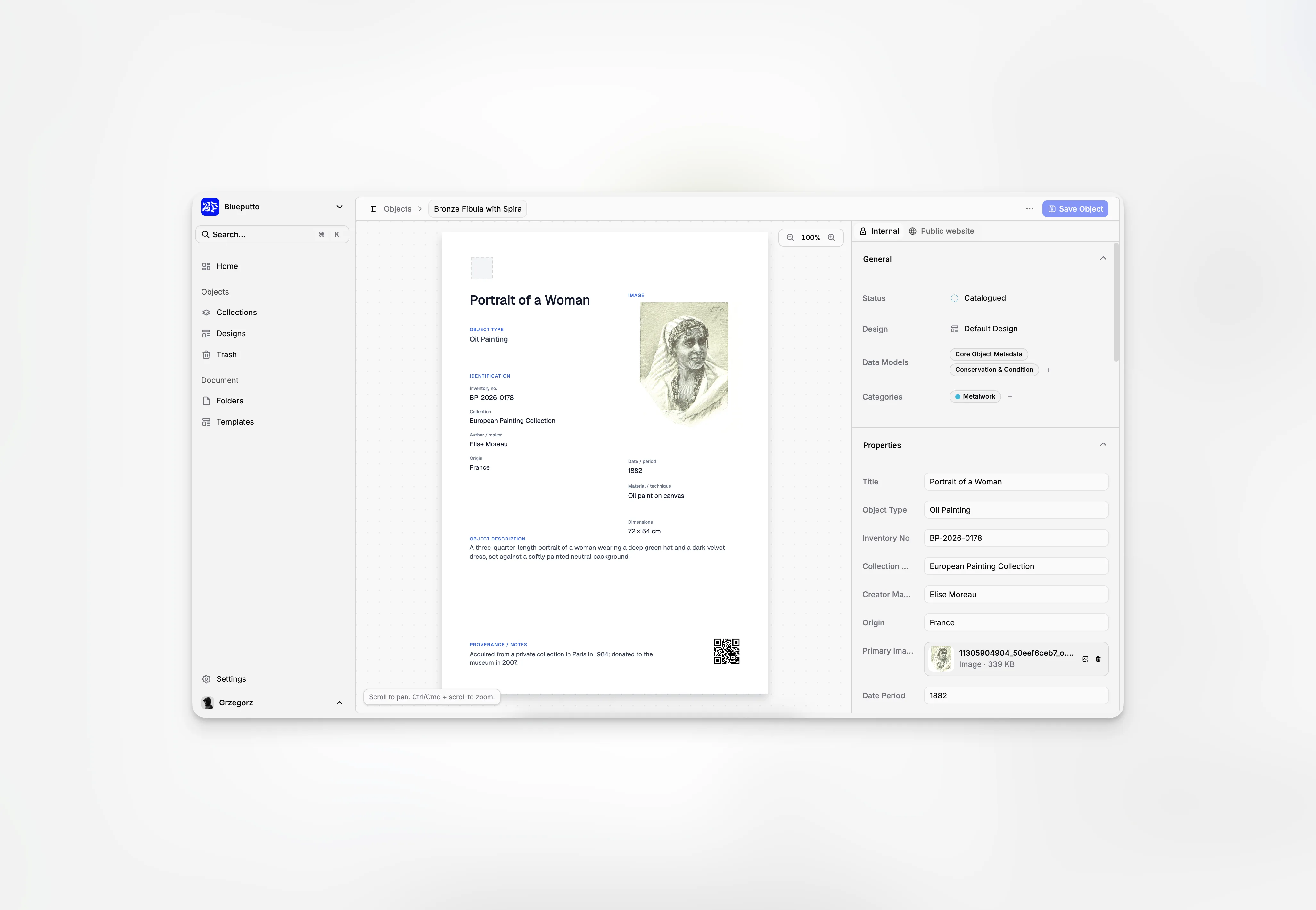
Objects are the individual records at the heart of your collections. They can represent artworks, exhibits, equipment, archival items, or anything else your organization looks after.
Browse objects through collections
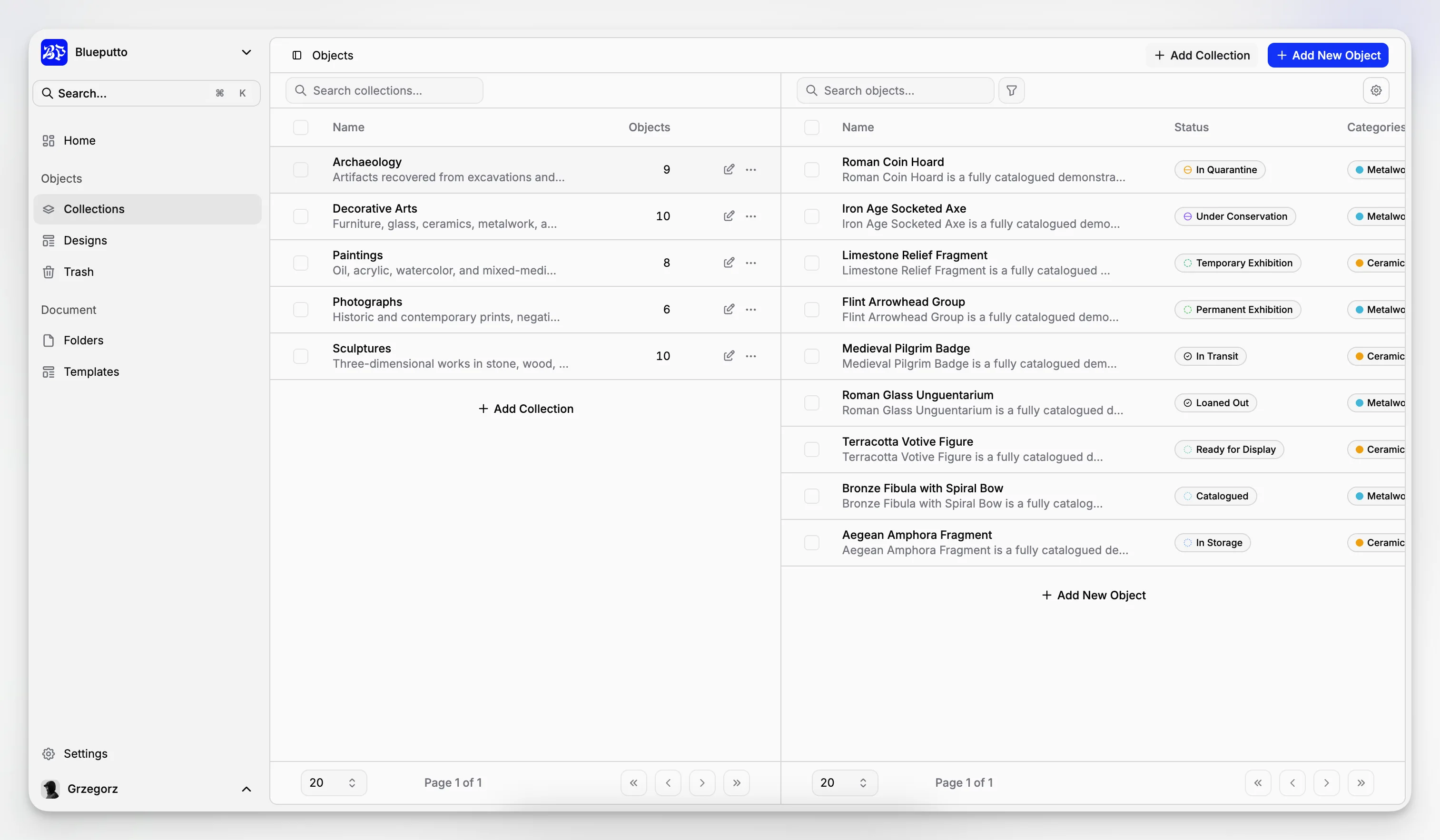
Choose a collection on the left to see its objects on the right. The table shows each object's name, status, categories, and most recent update.
Search is useful for a quick name lookup. More detailed filters can narrow the list by status, design, category, or information entered in a data model.
Create and manage records
New objects use one of your organization's designs, so at least one design is needed before the first object can be added. After creation, you can open the record, export its layout as PDF, PNG, or JPG, or move it to Trash.
When several records need the same action, select them from the table and work with them together.
Keep internal information in one place
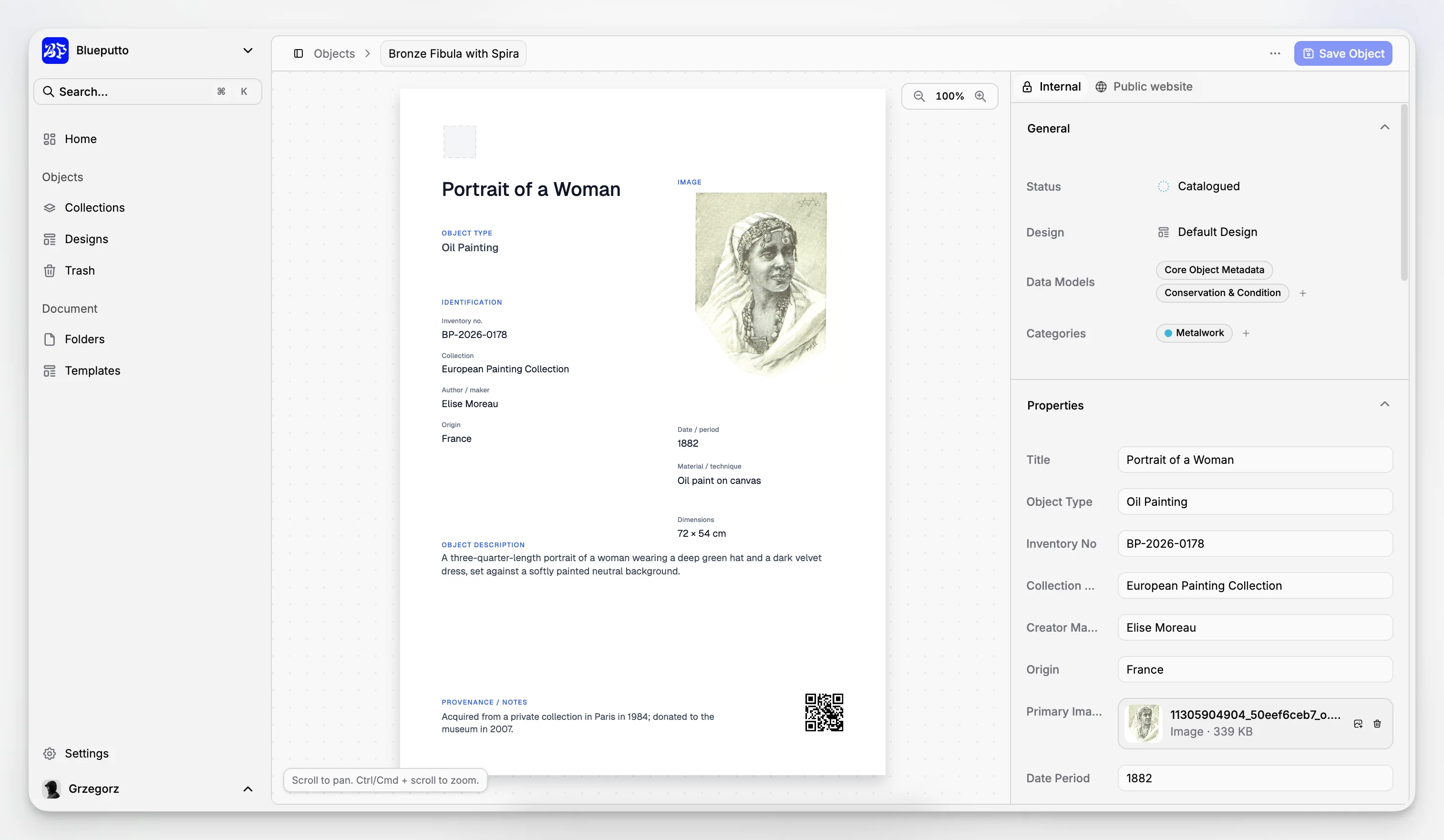
The Internal section of an object brings together:
title and description,
design and status,
categories,
one or more data models,
the information shown in its design,
internal files,
linked documents.
This gives your team a complete working record without crowding the main table.
Prepare a public profile
The Public website section lets you decide whether the object may appear online. You can add a public description, main image, gallery, and visitor downloads without exposing internal attachments.
Publishing is layered for safety: the organization website, the collection, and the object must all be visible. Only data fields marked for public use are included.
Keep unsaved record changes visible
Blueputto compares the object record on screen with its last saved version. If you try to move to another page while there are unsaved changes, it asks whether you want to stay or leave.
Closing or reloading the browser also shows the standard unsaved-changes warning. Stay on the page to save your work, or leave only when you are ready to discard the edits.
