

Trash
Manage deleted objects in Trash: search, restore to their original collection, or permanently remove records before automatic cleanup.
 Grzegorz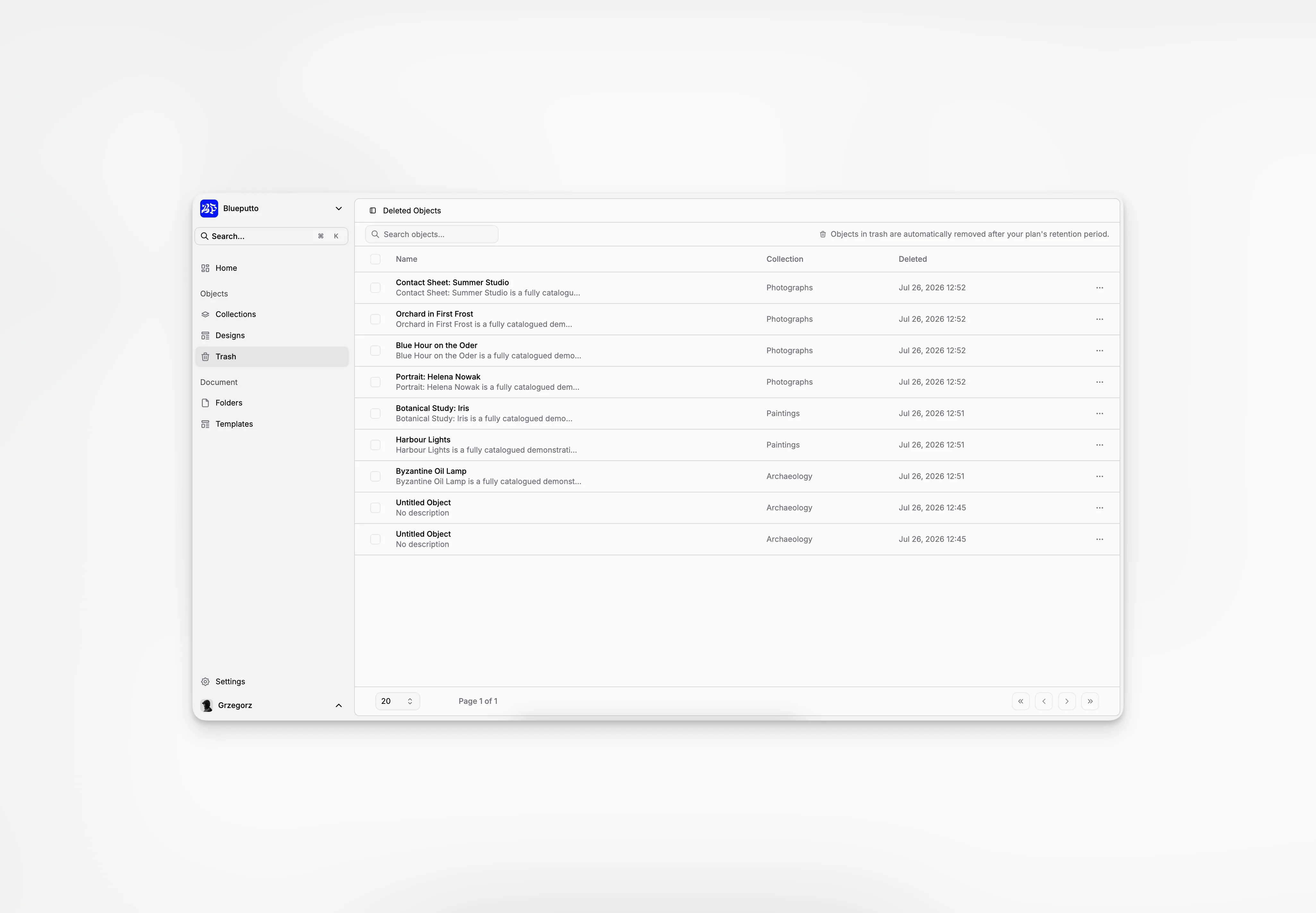
Trash gives deleted objects a second stop before permanent removal. In the app, the page is called Deleted Objects.
Objects can arrive here after a direct delete, a bulk action, or the removal of their collection.
Find a deleted object
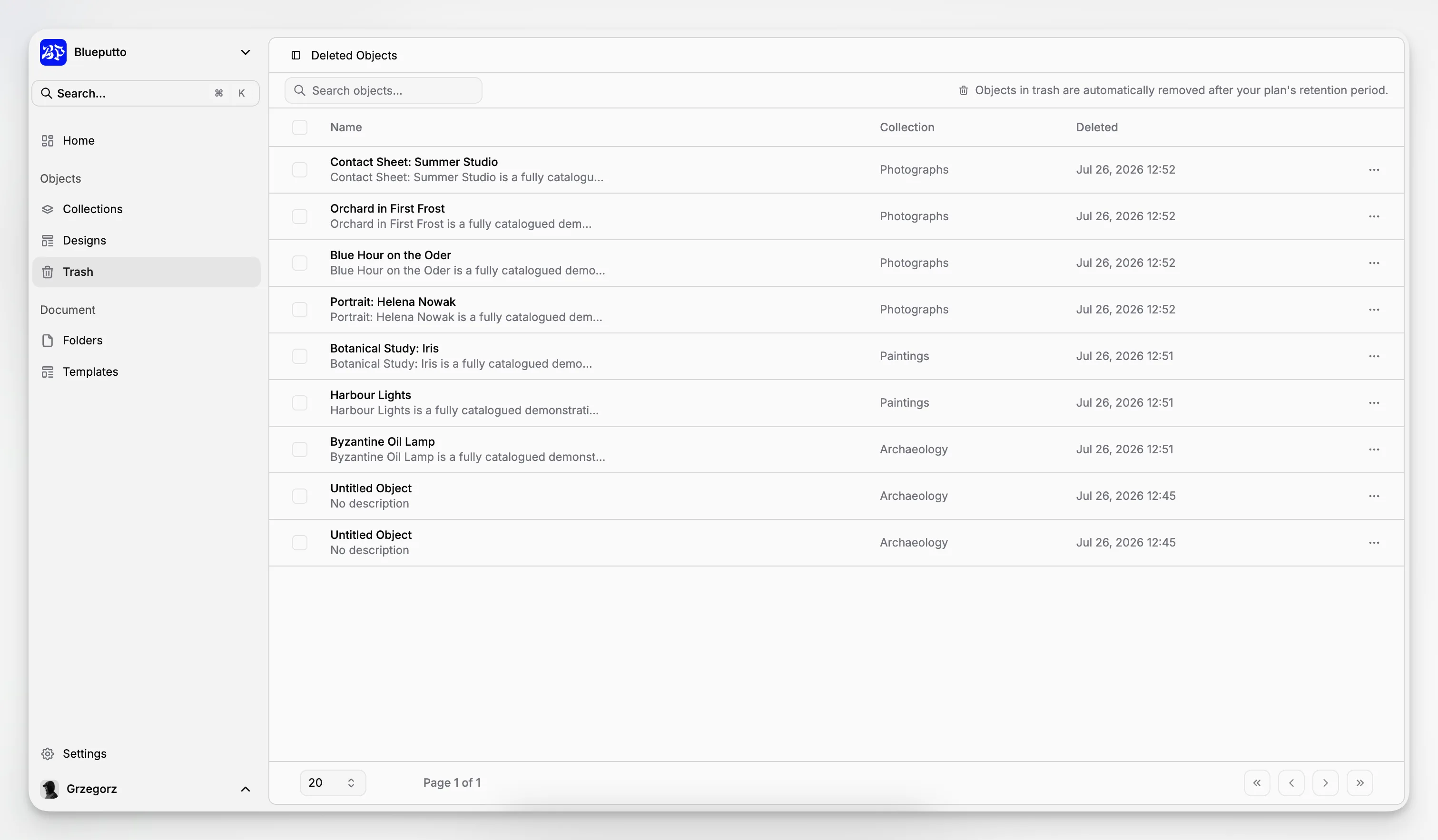
Search by name and use the collection information to recognize the right record. The table also shows when each object was deleted.
This is useful when similarly named objects exist or when you need to understand where a removed record originally belonged.
Restore what is still needed
Restore an object to return it to its original collection. The collection must still exist; if it was deleted, create or choose the right structure before expecting the object to return there.
You can restore one object or select several records and restore them together.
Remove records permanently
Permanent deletion is available for individual objects and selected groups. Blueputto asks for confirmation because this action cannot be undone.
Deleted objects remain recoverable for a period set by the organization's plan: 14 days on Pro and 60 days on Scale. Use that time to review mistakes before automatic cleanup.
