

Documents
Manage agreements, reports, forms, and notes in one workspace. Browse by folder, create documents, use templates, export PDFs, and keep records organized.
 Grzegorz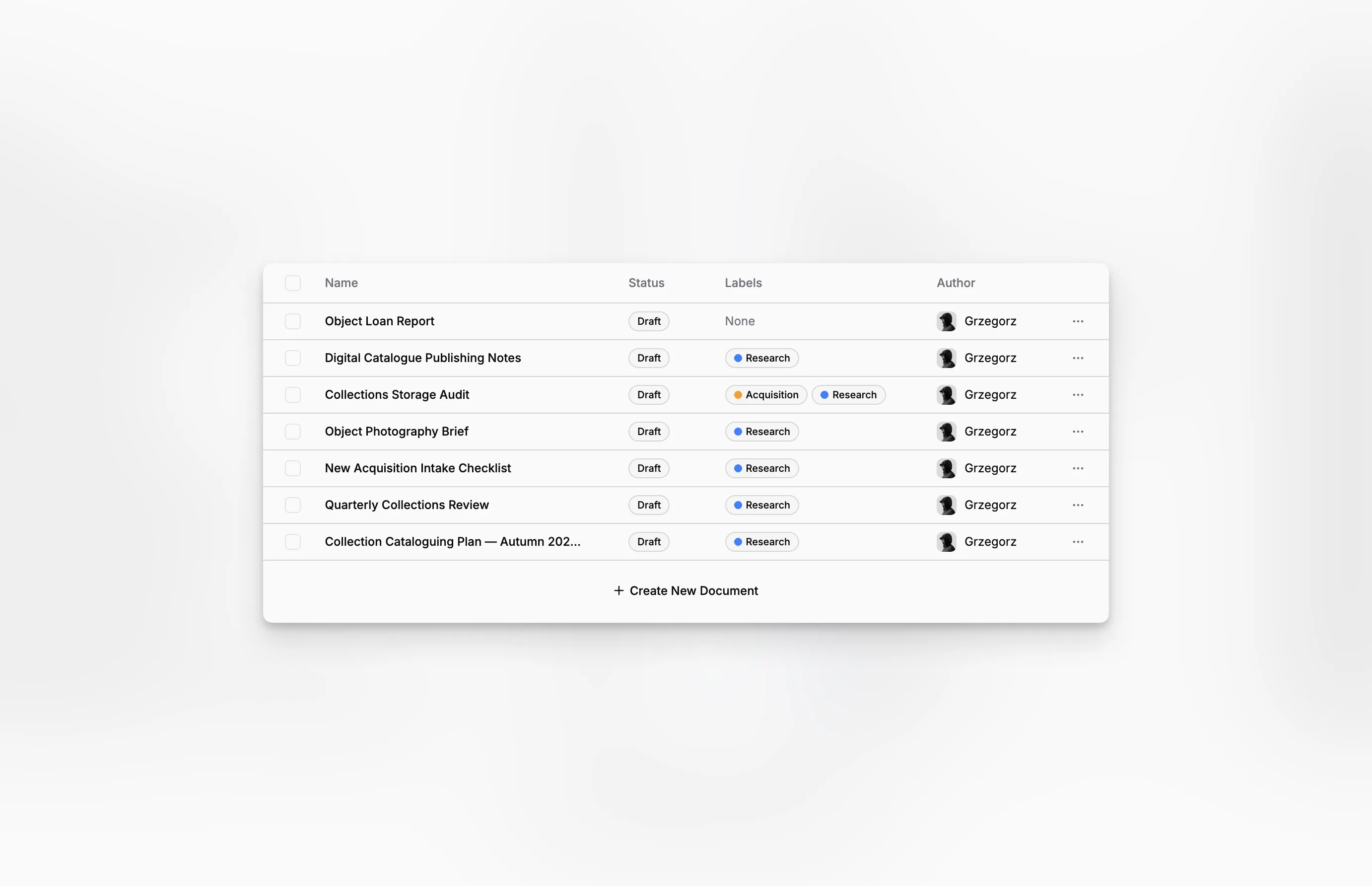
Documents is the everyday workspace for agreements, reports, forms, notes, and other written records. Choose a folder first, then see the documents that belong to it.
Browse by folder
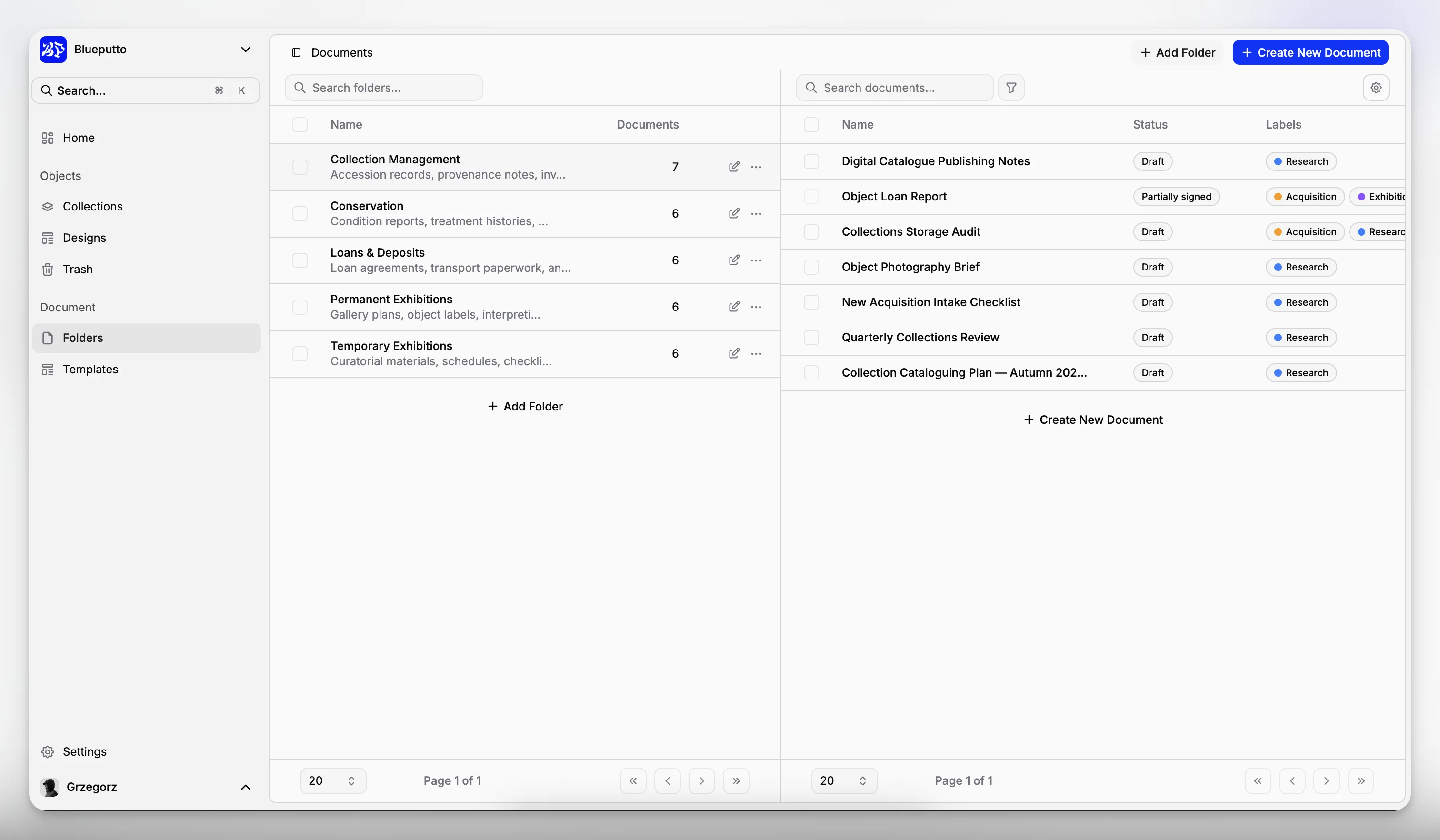
Folders appear on the left and the selected folder's documents appear on the right. You can search the folder list, see document counts, or choose No folder for records that have not yet been organized.
Each document row shows the information people need most often, including its name, status, labels, and author.
Start with a blank page or a template
Create a blank document when you need complete freedom. If your plan includes Templates, you can also begin with prepared wording and details for recurring work.
The new record opens in the Document Editor, where you can write, add files, link objects, and set its properties.
Take care of common tasks quickly
From the document list you can:
open a document,
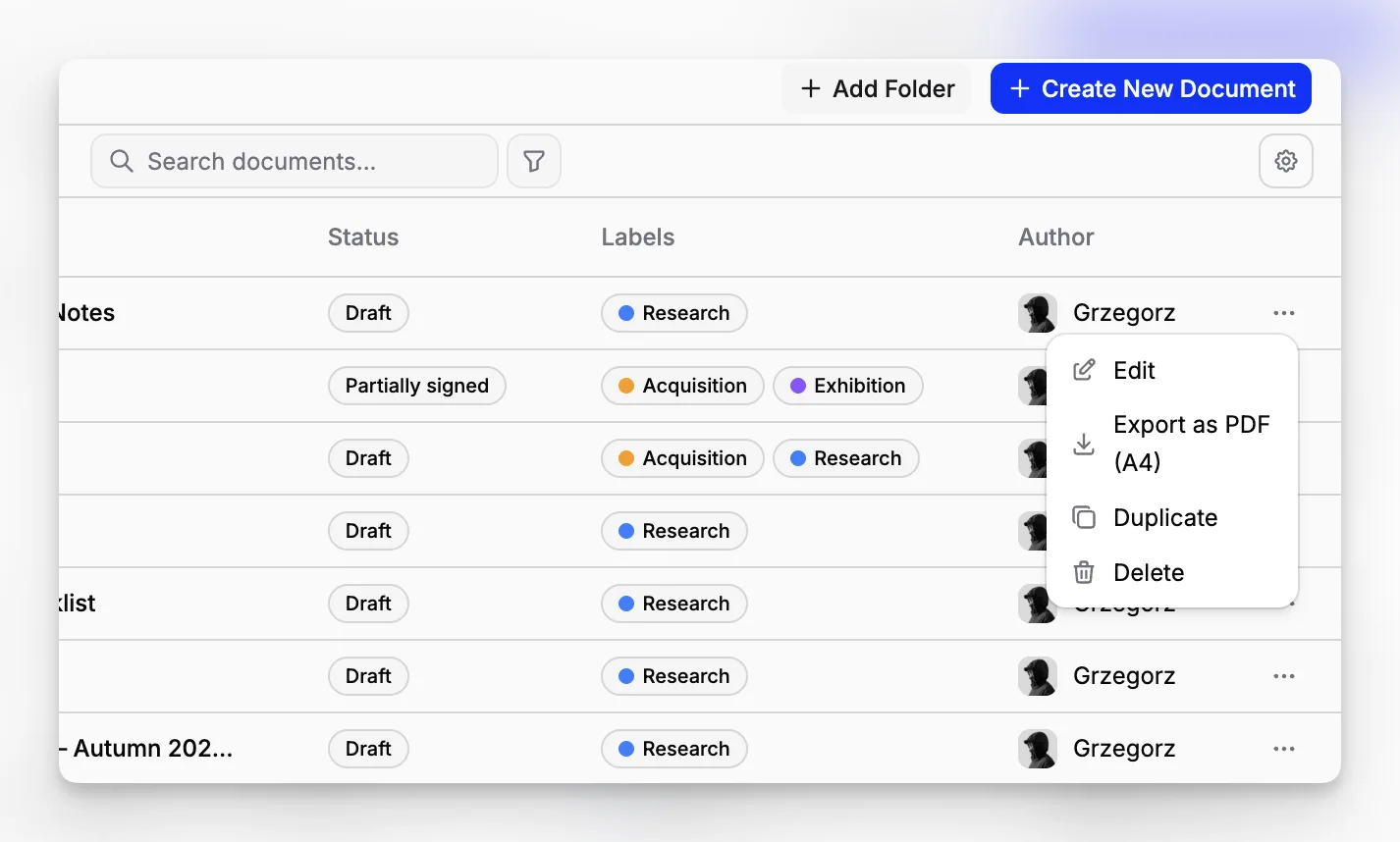
export it as a PDF,
duplicate it when you need a similar draft,
select draft documents and move them to Trash.
Documents that are already being signed are protected from draft-only removal. This helps prevent someone from accidentally changing or discarding the version under review.
Filter the document list
When a folder contains a long list, filters narrow it by status, author, or label. Use them with the search box and folder selection to focus on the records that need attention.
Choose one or more values for a condition, then decide whether the list should include or exclude them. Combining filters helps you find, for example, documents assigned to a particular author that carry a particular label.
