

Collections
Organize related objects into collections, browse records, assign teams, control visibility, and export PDFs, PNGs, or JPGs for sharing.
 Grzegorz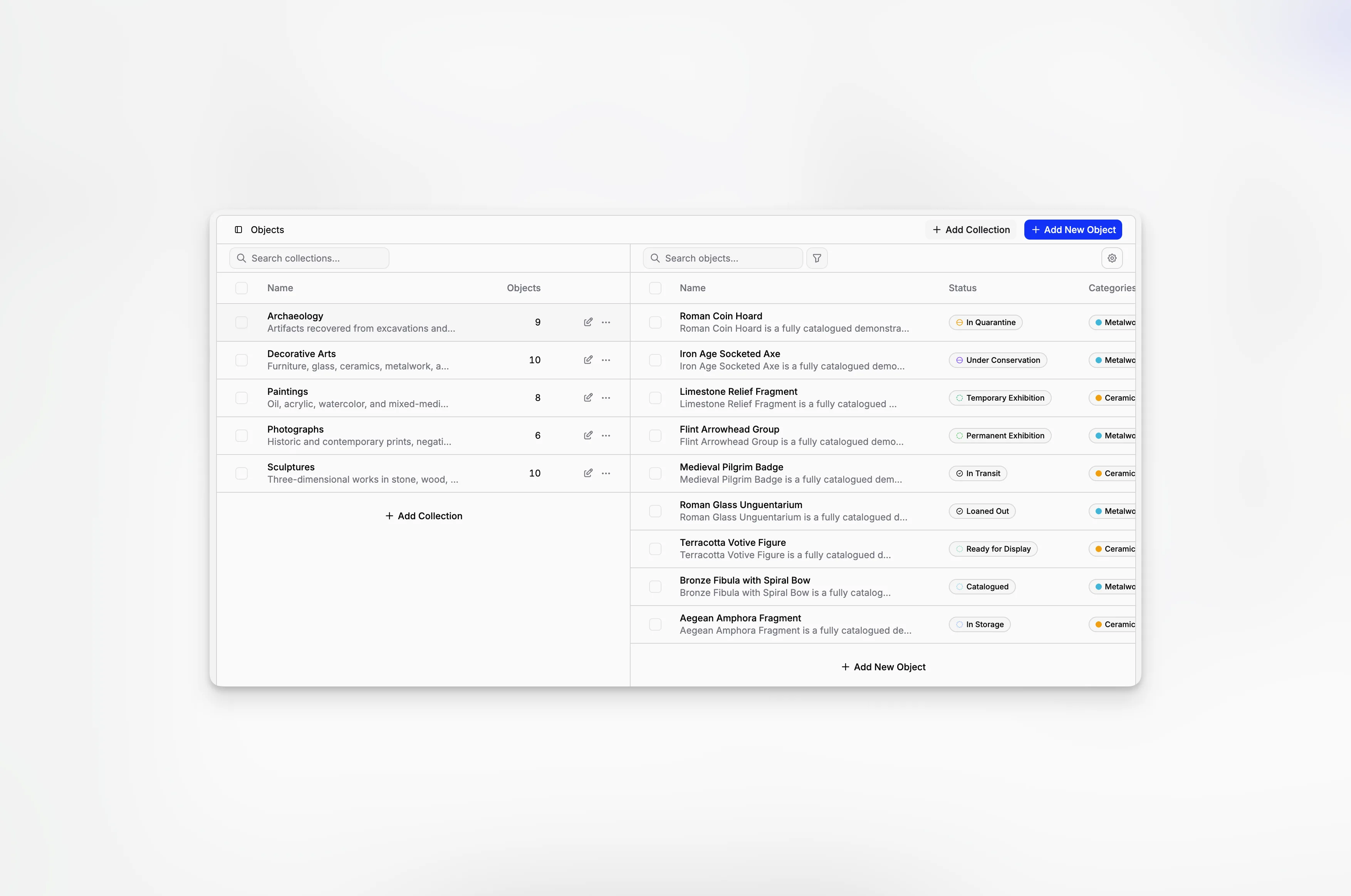
Collections keep related objects together. You can use them for a department, exhibition, location, project, or any other grouping that makes sense to your organization.
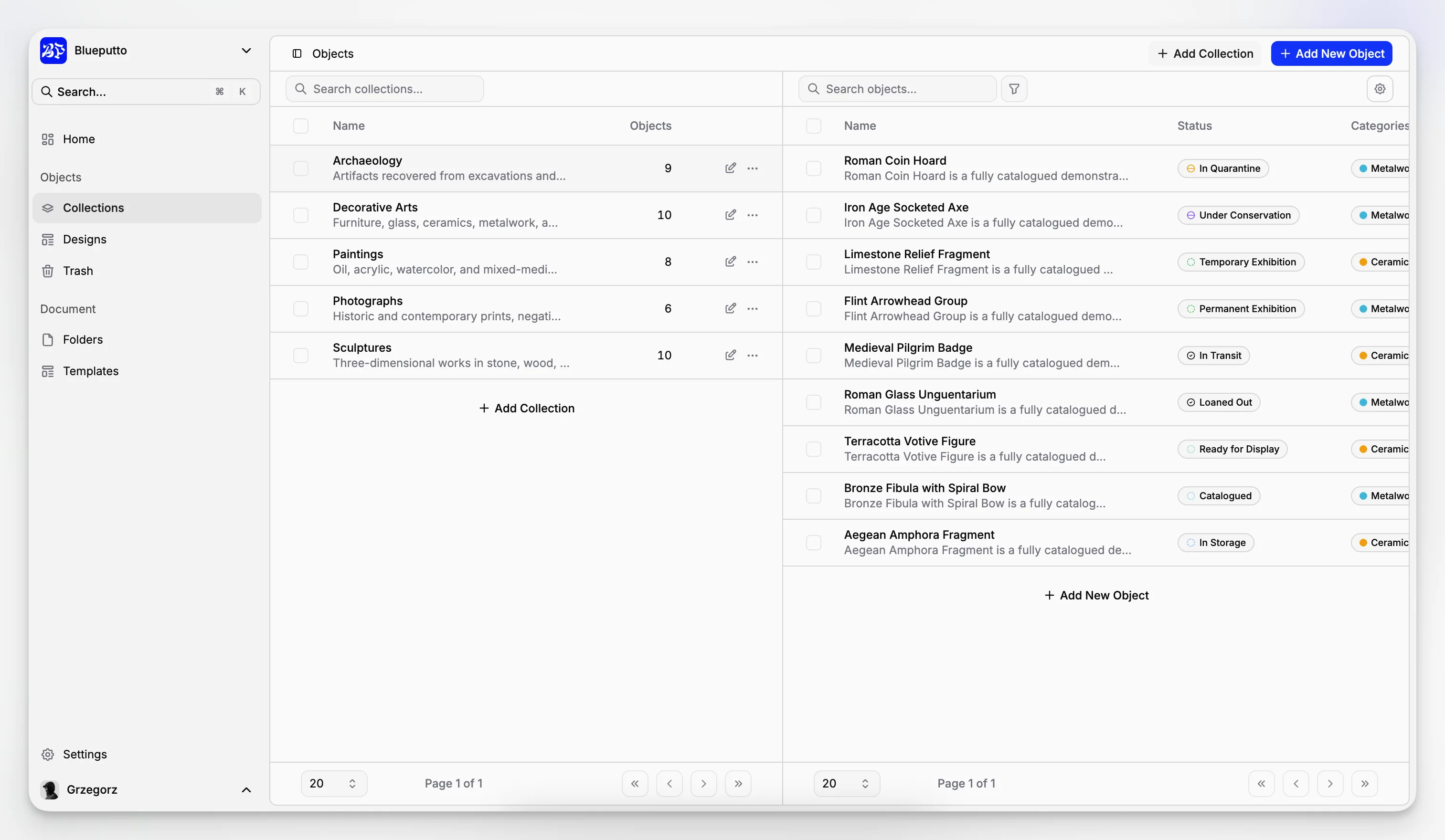
They are also the starting point for browsing objects: choose a collection on the left, then work with its records on the right.
Find the right group quickly
The collection list shows names and object counts, so it is easy to see where your records live. Search helps when the list grows, and No collection keeps unassigned objects within reach.
After choosing a collection, you can search its objects, use filters, open a record, or add something new. On smaller screens, the same flow is shown one step at a time.
Create collections that match your work
Each collection can have a name and a longer description. You can also choose which teams should work with it and whether it may appear on your Public Website.
You can update these choices as your organization changes. If you delete a collection, its objects are moved to Trash instead of disappearing immediately.
Work with a whole collection
When you need copies outside Blueputto, export the collection as individual PDF, PNG, or JPG files, or combine object pages into one PDF. This is useful for reviews, print packs, handovers, and archives.
Public visibility is controlled carefully. Making a collection public allows it to appear on your website, but each object still has its own visibility setting.
