Exports

Blueputto Exports turn documents, items, and collections into PDF, PNG, JPG, or ZIP files for printing, sharing, archiving, and batch workflows.

GrzegorzGrzegorz
Exports

Exports is the output layer for operational records in Blueputto. It takes the documents and items teams manage inside the app and turns them into files that can be downloaded, printed, sent onward, or archived outside the workspace.

That matters because record management is rarely the end of the workflow. A document often still needs to become a PDF, and an item often still needs to become a card, label, or batch package for another system or physical process.

Documents export as structured A4 PDFs

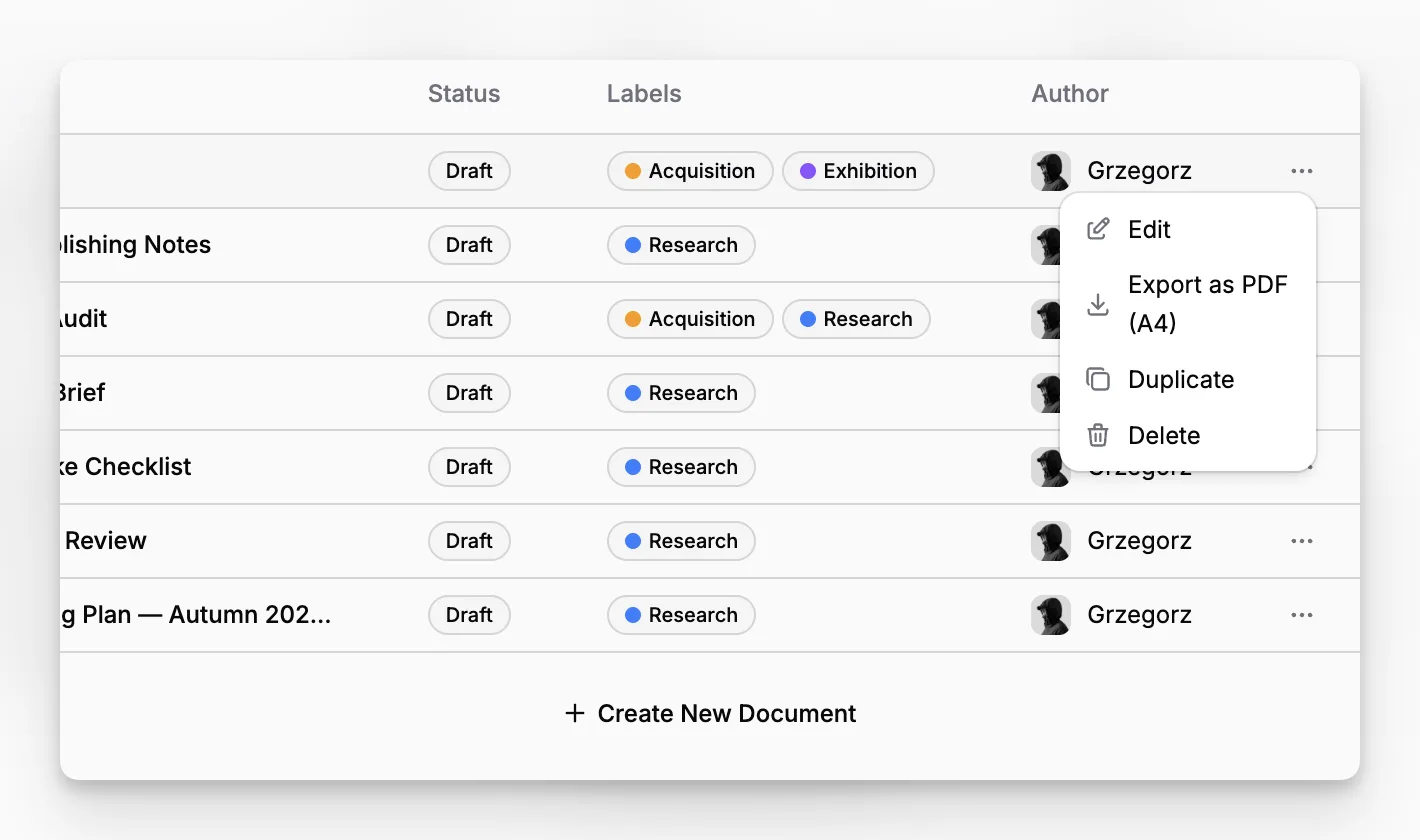
Blueputto lets users export a document as PDF (A4) from both the single-document view and the broader Documents workspace.

This is more than a raw HTML dump. In the current implementation, the export flow renders a structured document snapshot that can include:

  • the document title,

  • rich text body content,

  • tables,

  • task lists,

  • inline images,

  • and populated metadata fields.

That makes document export useful for practical handoff, not just backup. A team can draft and structure the record in Document Editor, then generate a clean printable output without rebuilding the document somewhere else.

Blueputto document export action showing PDF output from the document workflow.

Items export from their presentation template

Item export works differently because the output is visual rather than text-first. Blueputto resolves the current item's template design and exports the rendered result in one of three formats:

  • PDF,

  • PNG,

  • or JPG.

That means the export is driven by the same reusable presentation layer defined in Item Templates. The item's field values are merged into the template at export time, so the downloaded output reflects both the current data and the current layout design.

This makes item export useful for more than simple screenshots. Teams can generate presentation-ready cards, labels, or certificates from structured item records without leaving the app.

Blueputto item export menu showing multiple output formats from the current item template.

Collections export in batches

Blueputto also supports collection-level export, which is where the output layer becomes operationally powerful.

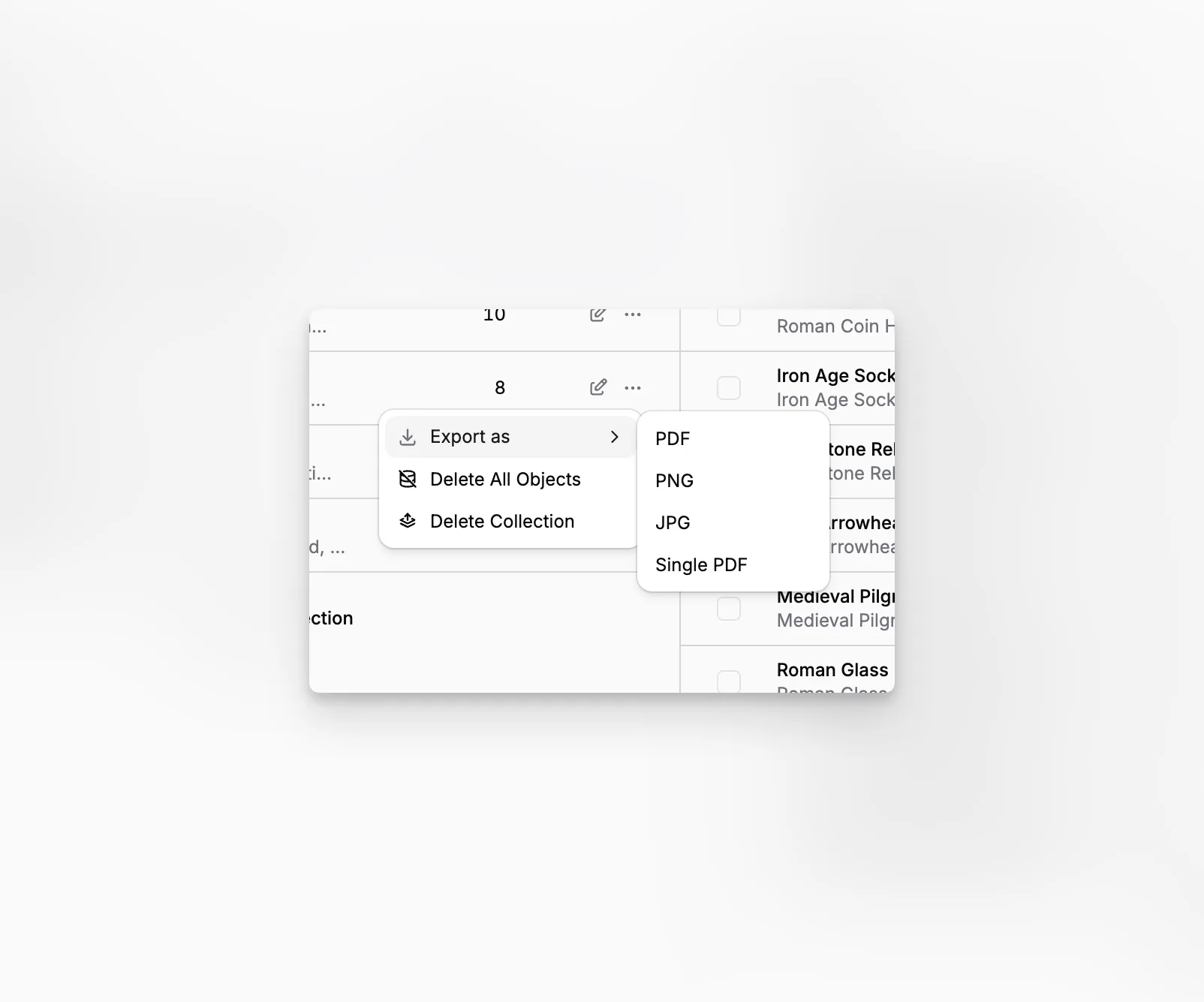
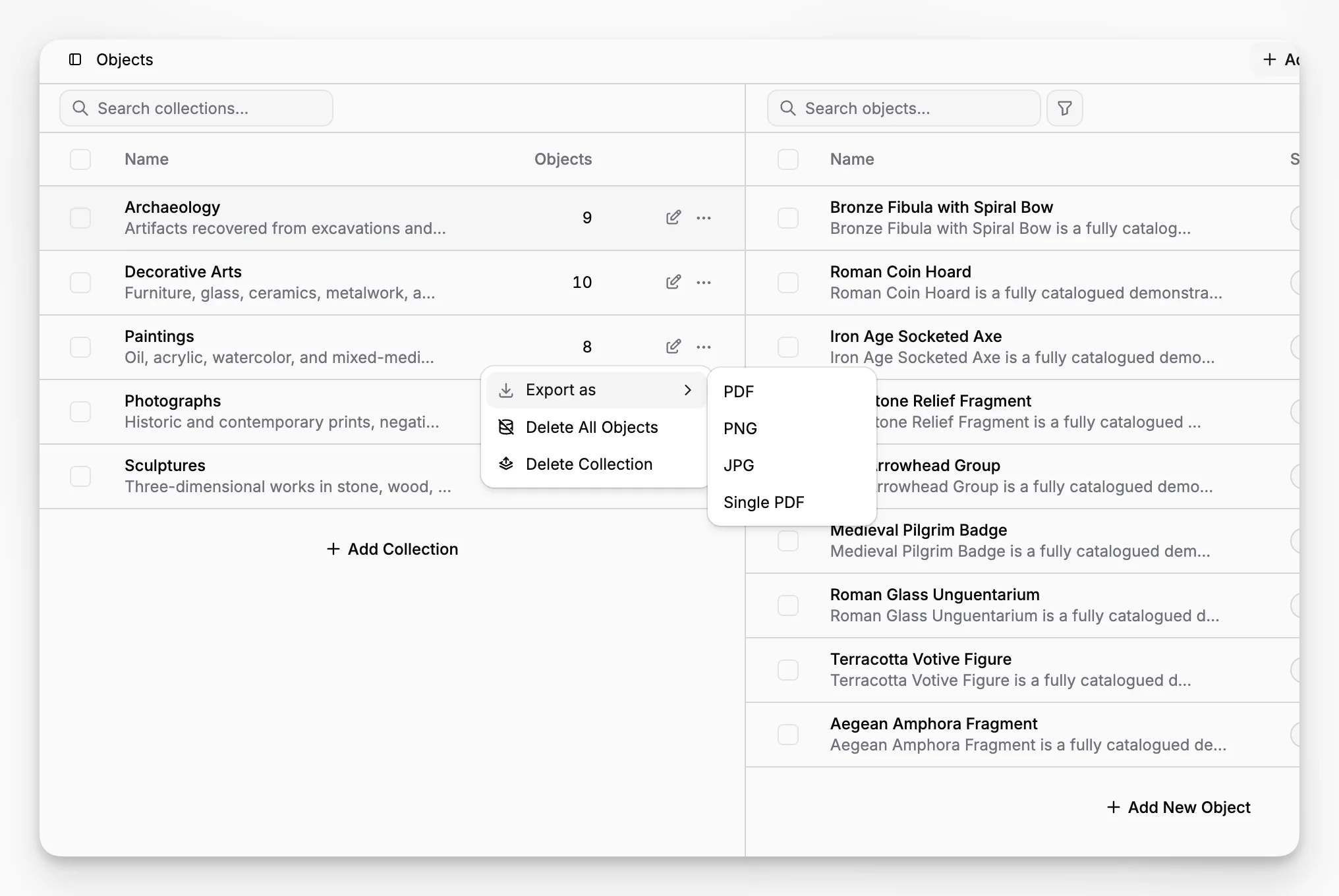
From the collection actions menu, teams can export all items in the selected collection as:

  • a ZIP archive of PDFs,

  • a ZIP archive of PNGs,

  • a ZIP archive of JPGs,

  • or one combined single PDF.

In the current implementation, Blueputto resolves each item's current template design during batch export, so the collection output stays tied to the actual layouts those items use rather than forcing one generic format across everything.

That makes collection export useful for large handoff jobs such as print batches, archival packages, or grouped output review. Instead of exporting records one at a time, the collection becomes the output boundary.

Blueputto collection export menu showing batch output formats for all items in a collection.

Related

The best way to understand is to try

Explore Blueputto live and see how it helps museums manage collections, preserve archives, and streamline documentation.