

Designs
Create reusable designs for objects and exports with text, images, QR codes, and dynamic fields in a visual layout editor.
 Grzegorz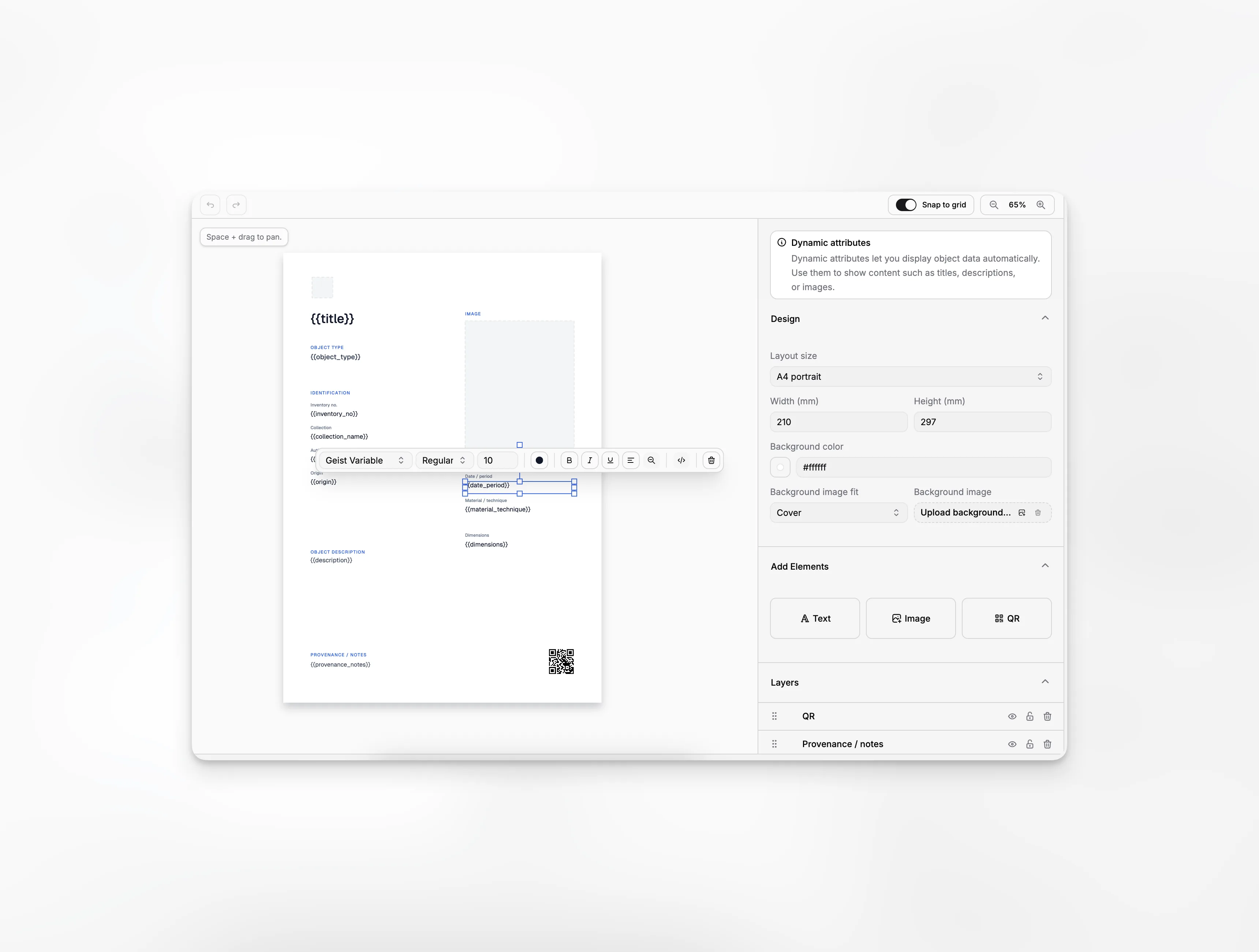
Designs control how objects look when they are presented or exported. Create a layout once, then reuse it across many records instead of arranging every label or card by hand.
Keep a reusable design library
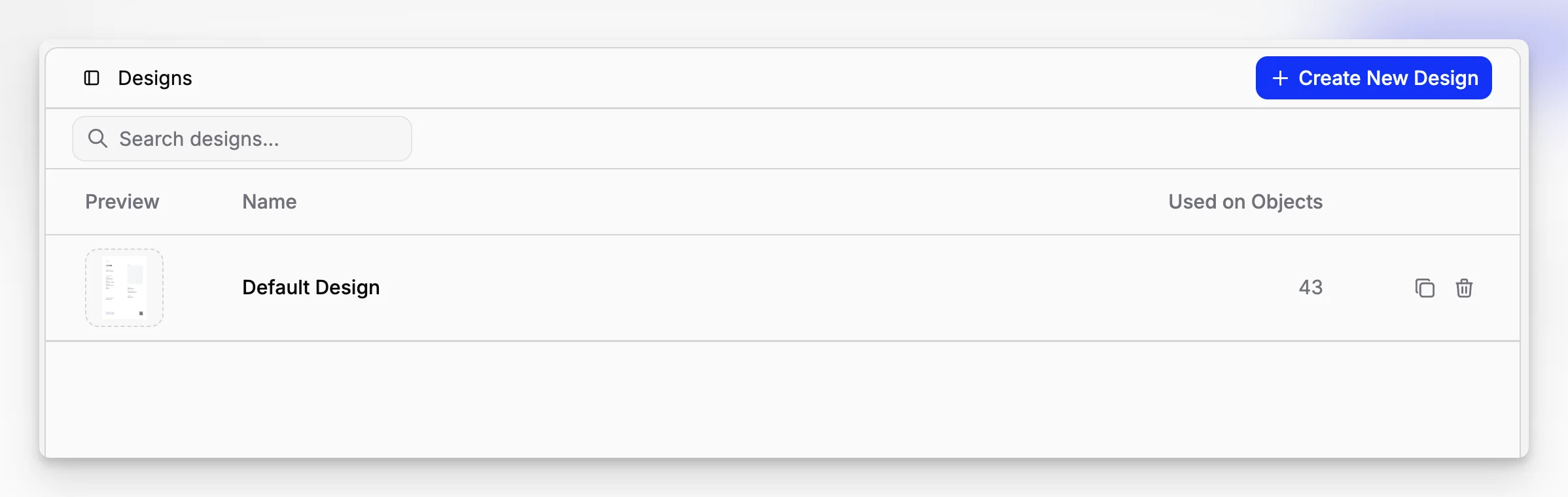
The Designs page shows a preview of each layout and how often it is used. From here you can open a design, make a copy, or remove an unused one.
Duplicating is helpful when you want a variation without changing the original. A design that is already used by objects cannot be deleted by accident.
Arrange the page visually
Start with a common page size or enter your own dimensions. Then add:
text,
images,
QR codes,
a background color or image.
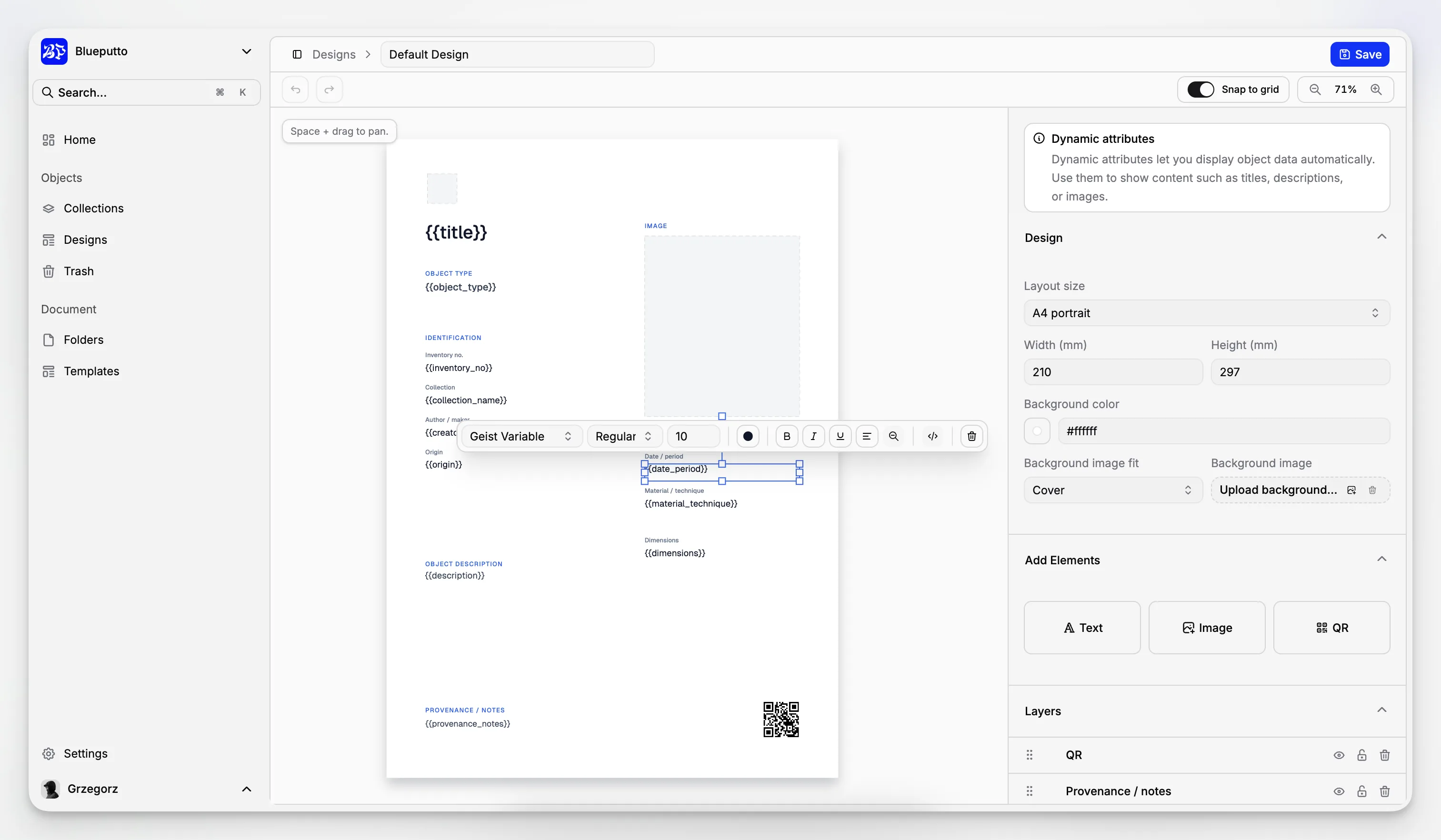
Move and resize items directly on the page. The layer list helps you change their order, hide them while you work, or lock finished parts in place.
Fill designs with object information
Text and images can use information from the current object, such as its title, inventory number, description, or photo. The same layout can therefore produce a different, accurate result for every record.
Remember that a design is shared. Updating it also changes how objects using that design will look the next time they are viewed or exported.
