

Teams
Organize work with Teams on the Scale plan. Group people by department, project, or location, assign folders and collections, and manage access cleanly.
 Grzegorz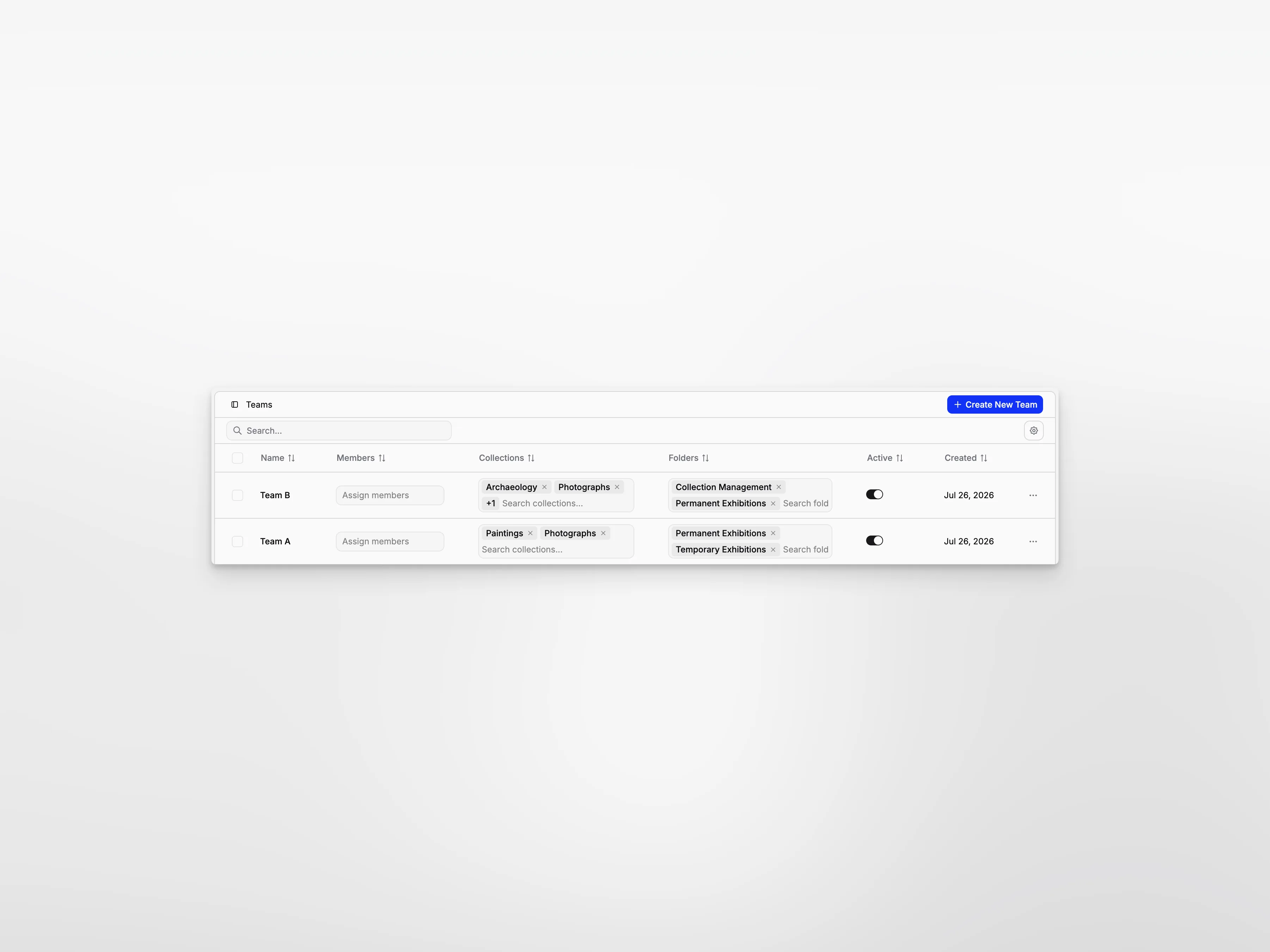
Teams help larger organizations divide work into clear areas. A team might represent a department, project group, location, or any group of people who should work with the same records.
Teams are available on the Scale plan.
Bring the right people together
Create a team, give it a recognizable name, and choose its members. Owners and admins keep their broader organization access, while other members can be grouped around the areas relevant to them.
A team can be marked inactive when it is temporarily not in use, without immediately rebuilding its membership.
Connect teams to real work
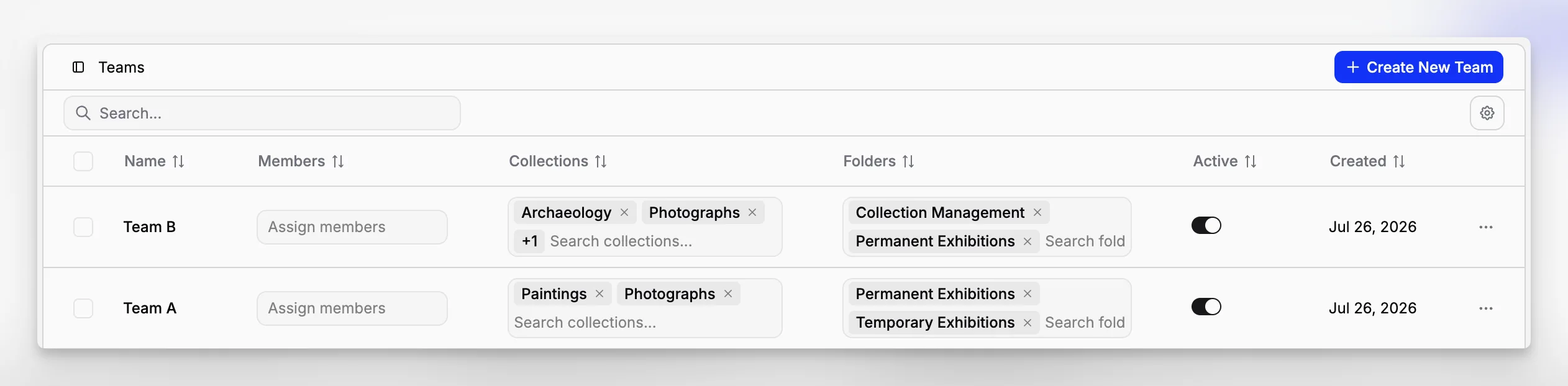
Assign teams to Folders and Collections. This helps members focus on the document and object areas they are responsible for.
For example, an exhibitions team can work with exhibition folders and collections, while a loans team sees the records connected to loans.
Combine teams with roles
Teams decide where someone works. Roles and Permissions decide what they can do there.
When a team is deleted, Blueputto clears its old folder, collection, and invitation connections so those areas can be assigned again cleanly.
