

Public Website
Turn selected Blueputto records into a public online catalog with branded pages, searchable collections, and staged publishing for visitors.
 Grzegorz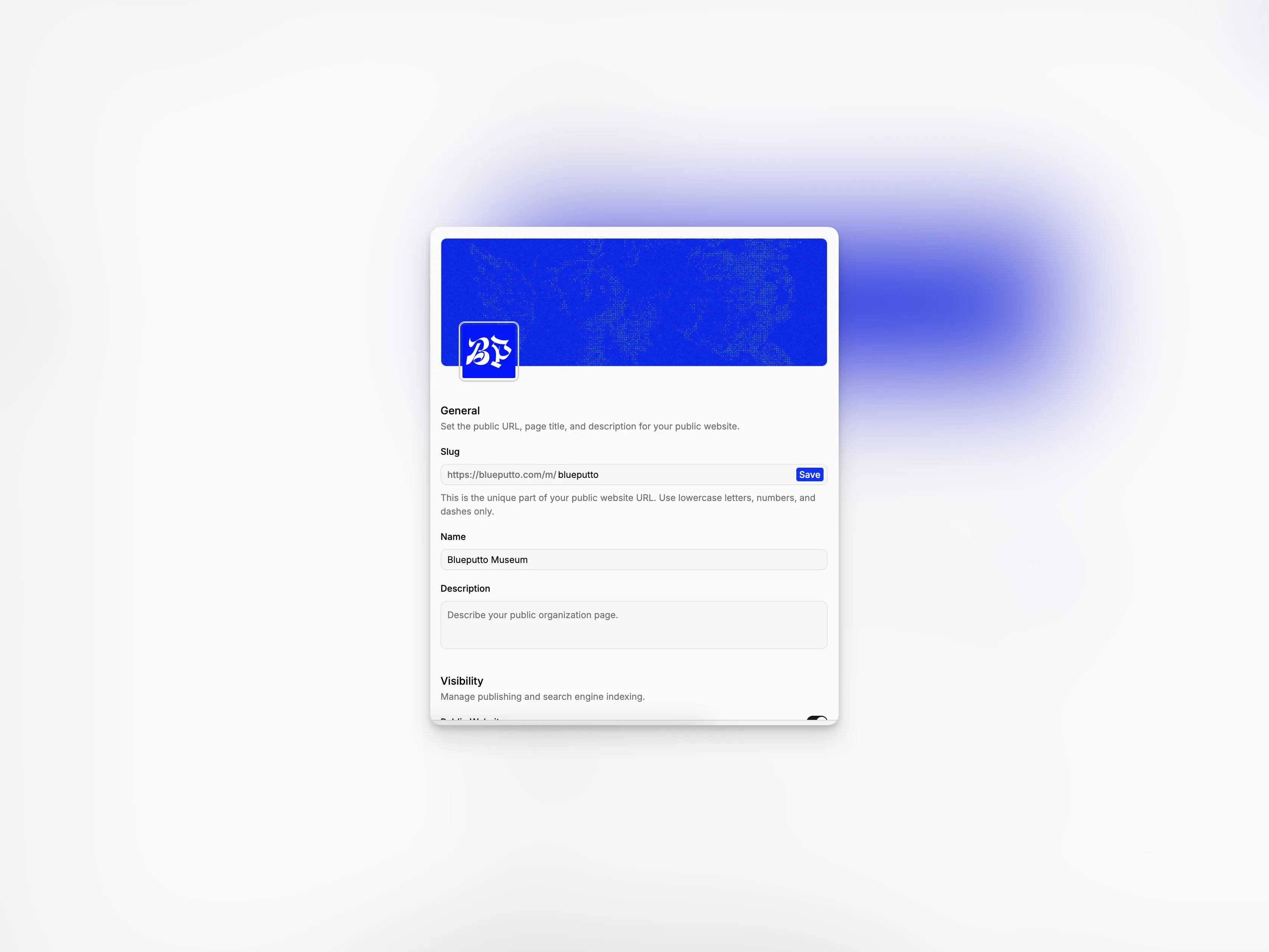
Public Website turns selected Blueputto records into an online catalog for visitors. You decide when the site is published, which collections appear, and what information each object shares.
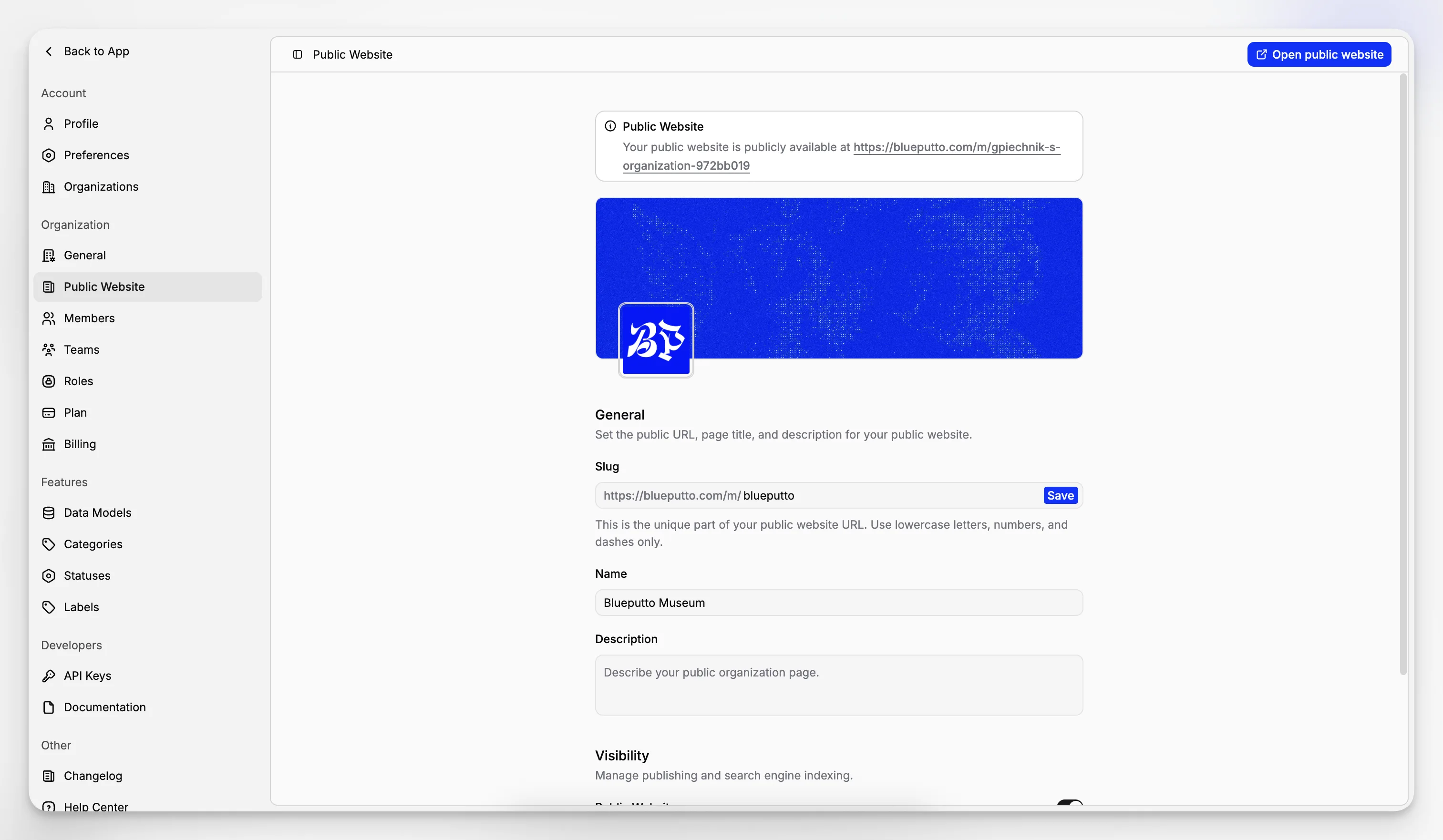
Set up the organization's public page
In organization settings, choose:
the public address,
the displayed name,
a short description,
whether the website is published.
Plans with additional public website options can also add branding and allow search engines to discover the site.
Help visitors explore
The organization page introduces your public catalog and guides visitors into visible collections and recently published objects.
Each collection has its own page with a description and objects. Search and clear cards help people browse without needing an account or knowing how the internal workspace is organized.
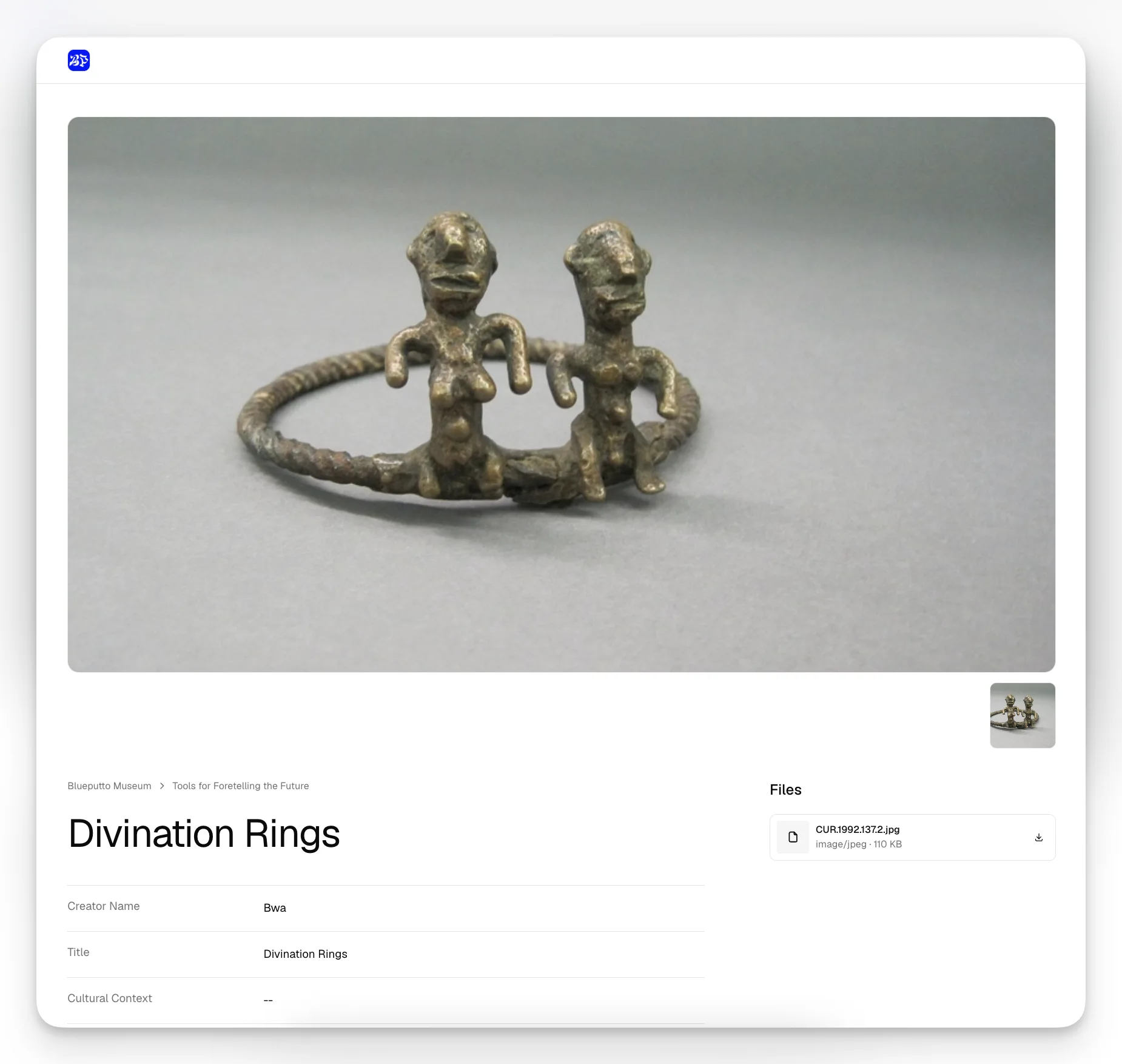
Tell the full story of an object
A public object page can include:
its title and public description,
status and categories,
selected data fields,
a main image and image gallery,
files prepared for visitors.
Public wording and media are managed separately from internal notes and attachments, so the visitor page can be polished without exposing working materials.
Publish in clear stages
An object appears only when:
the organization website is published,
its collection is visible publicly,
the object itself is visible publicly.
Data model fields have their own public setting too. These layers make it possible to prepare content gradually and publish only what has been approved.
