Categories
Create shared categories to classify objects consistently across collections. Add, reorder, and edit categories in Settings or directly on an object.
 Grzegorz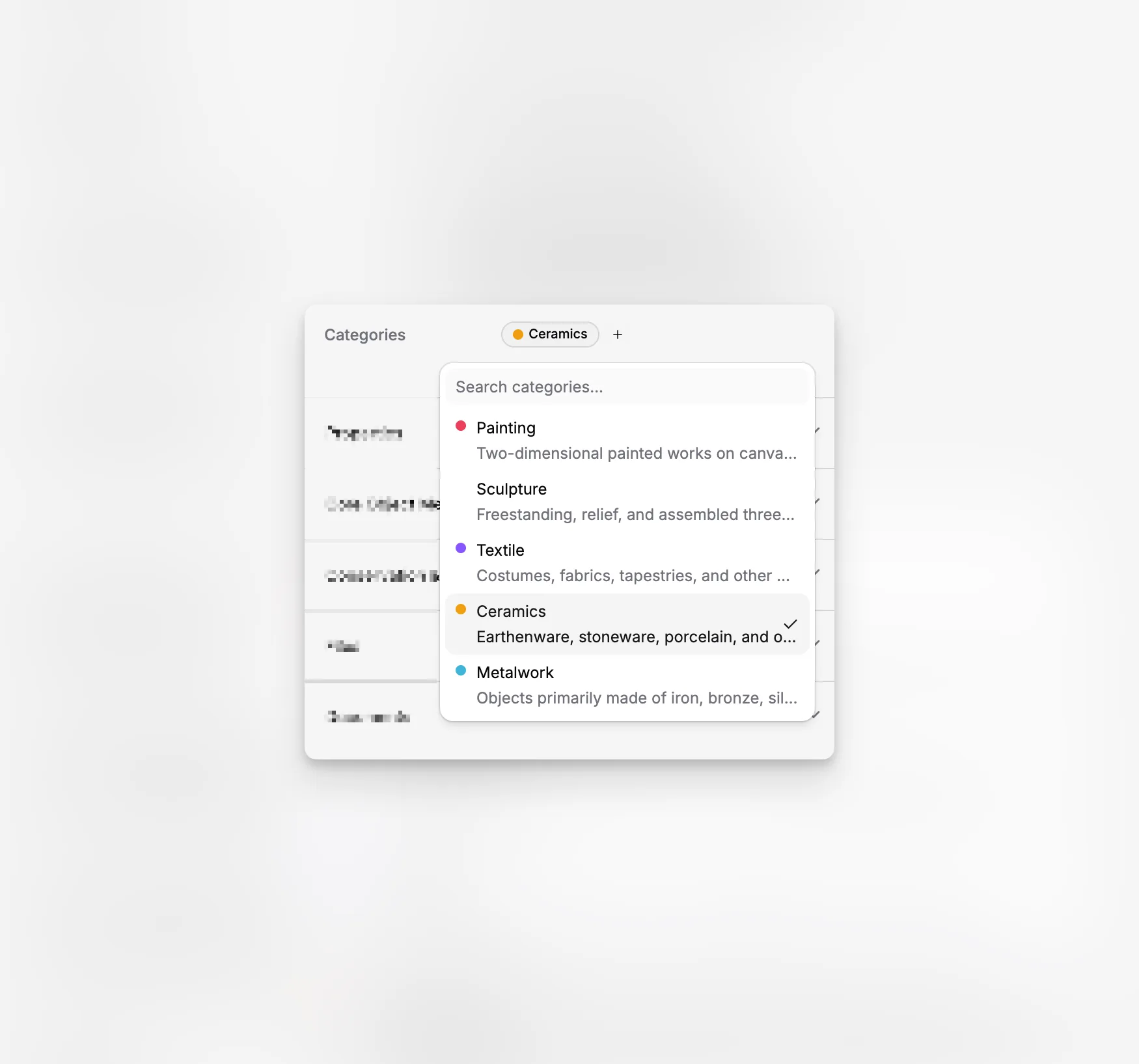
Categories help you describe and group objects in a consistent way. They can represent an object type, subject, material, program, or any other classification your organization uses.
A category explains what an object is or how it should be grouped. A Status, by comparison, describes its current situation, such as being in storage or on display.
Build one shared list
Create categories once in Settings and use them across many collections. Each category can have:
a name,
a color,
an optional description,
and a chosen place in the list.
For example, you might create Painting, Textile, Education, or Loan. A shared list helps people use the same wording instead of creating slightly different versions in every collection.
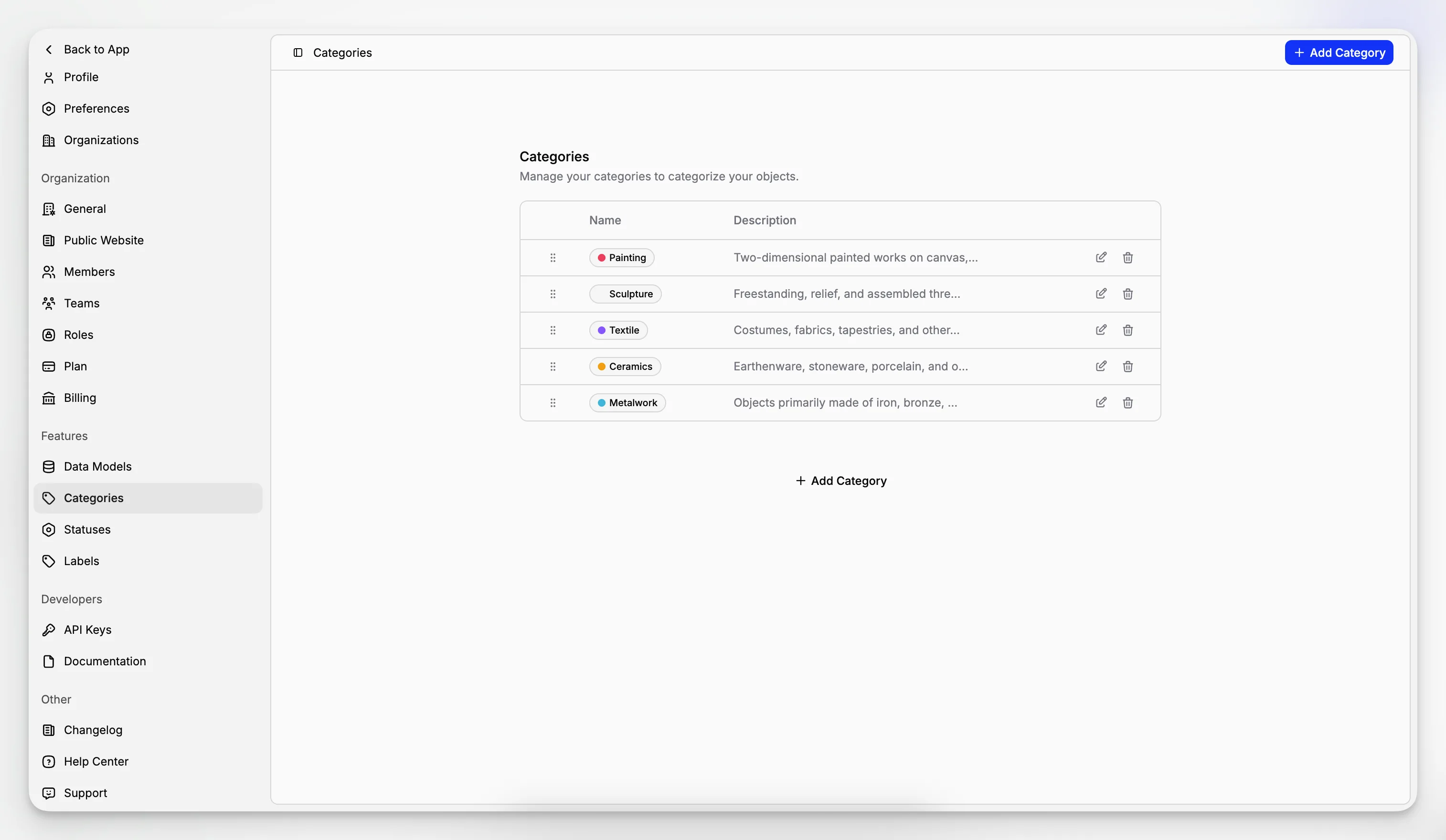
Keep categories easy to maintain
From the Categories page, you can add, rename, recolor, reorder, or delete categories. Reordering lets you place the most useful choices where people will find them quickly.
Deleting a category removes it from the objects that use it, but it does not delete those objects.
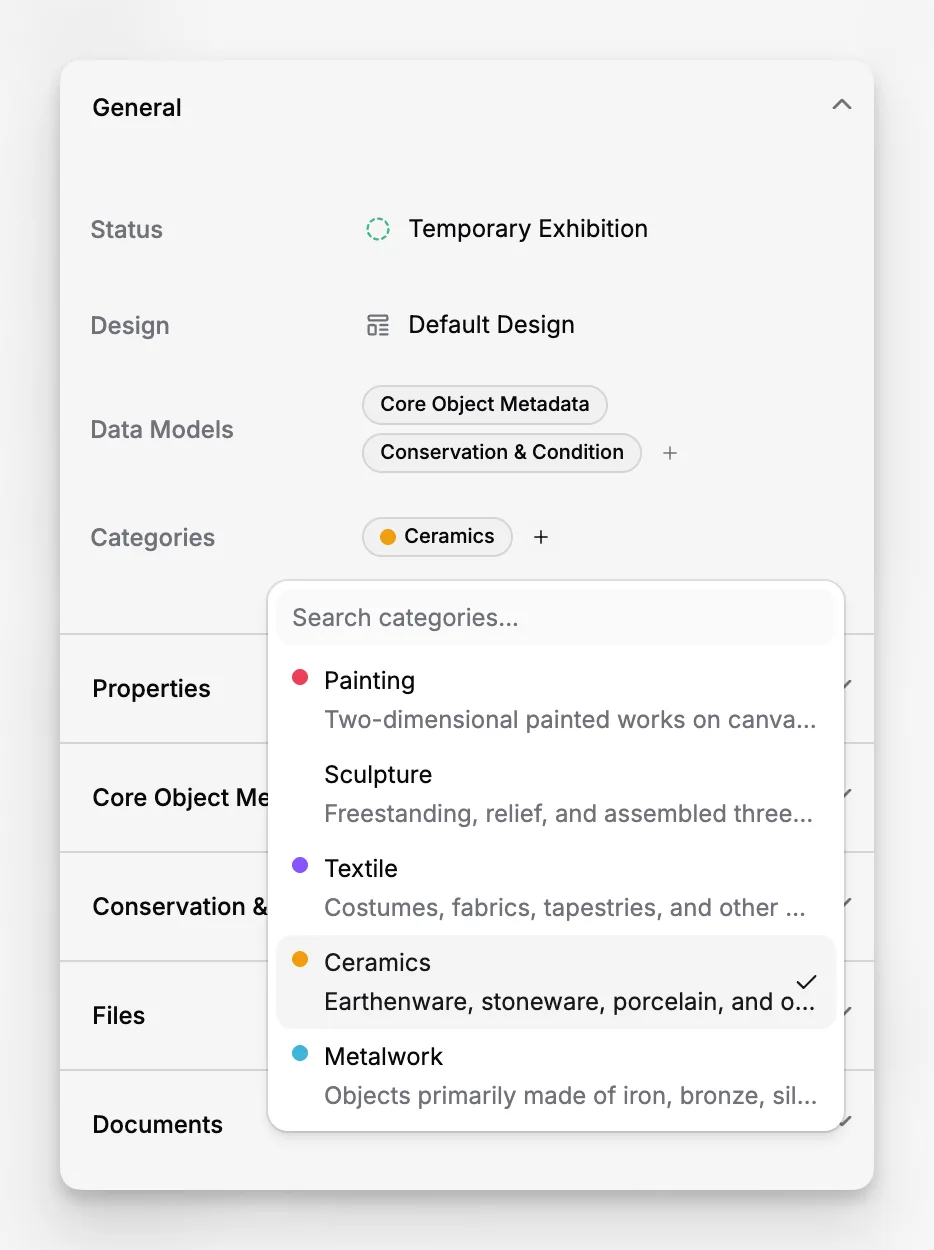
Add categories while editing an object
Categories are available directly on the object page. Use the searchable selector to add one or several categories without leaving the record.
This works alongside collections, statuses, and data models. An object can belong to one collection, have one current status, use several categories, and still hold detailed structured information.