

API Keys
Manage Blueputto API keys for your organization—create, name, search, rename, copy, and remove keys to keep integrations secure and organized.
 Grzegorz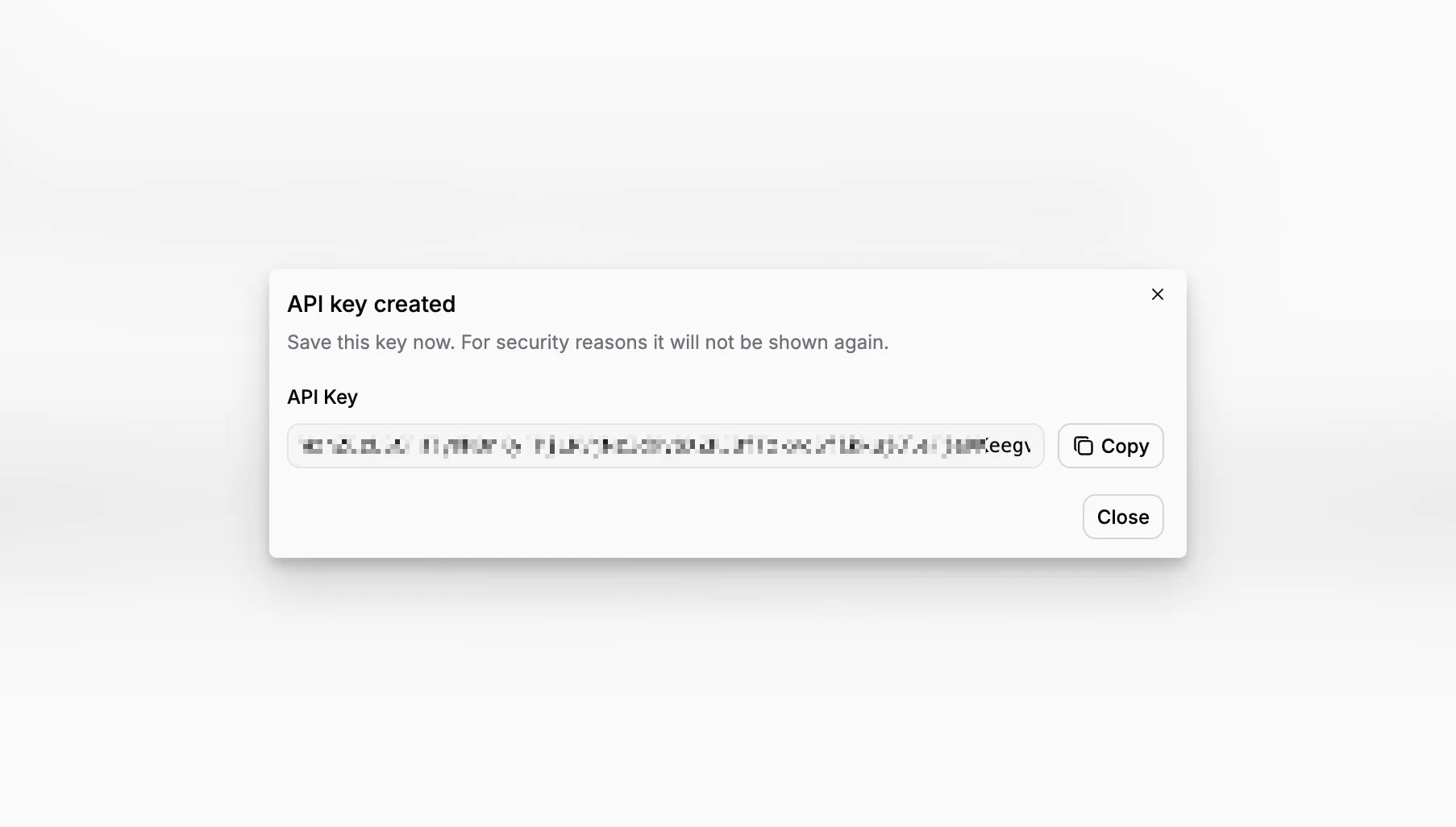
API Keys let trusted tools and services work with your Blueputto organization. You might use one for an import, an automation, an internal dashboard, or a connection to another system.
Each key belongs to the active organization, so integrations stay separate from your personal sign-in.
Keep integrations organized
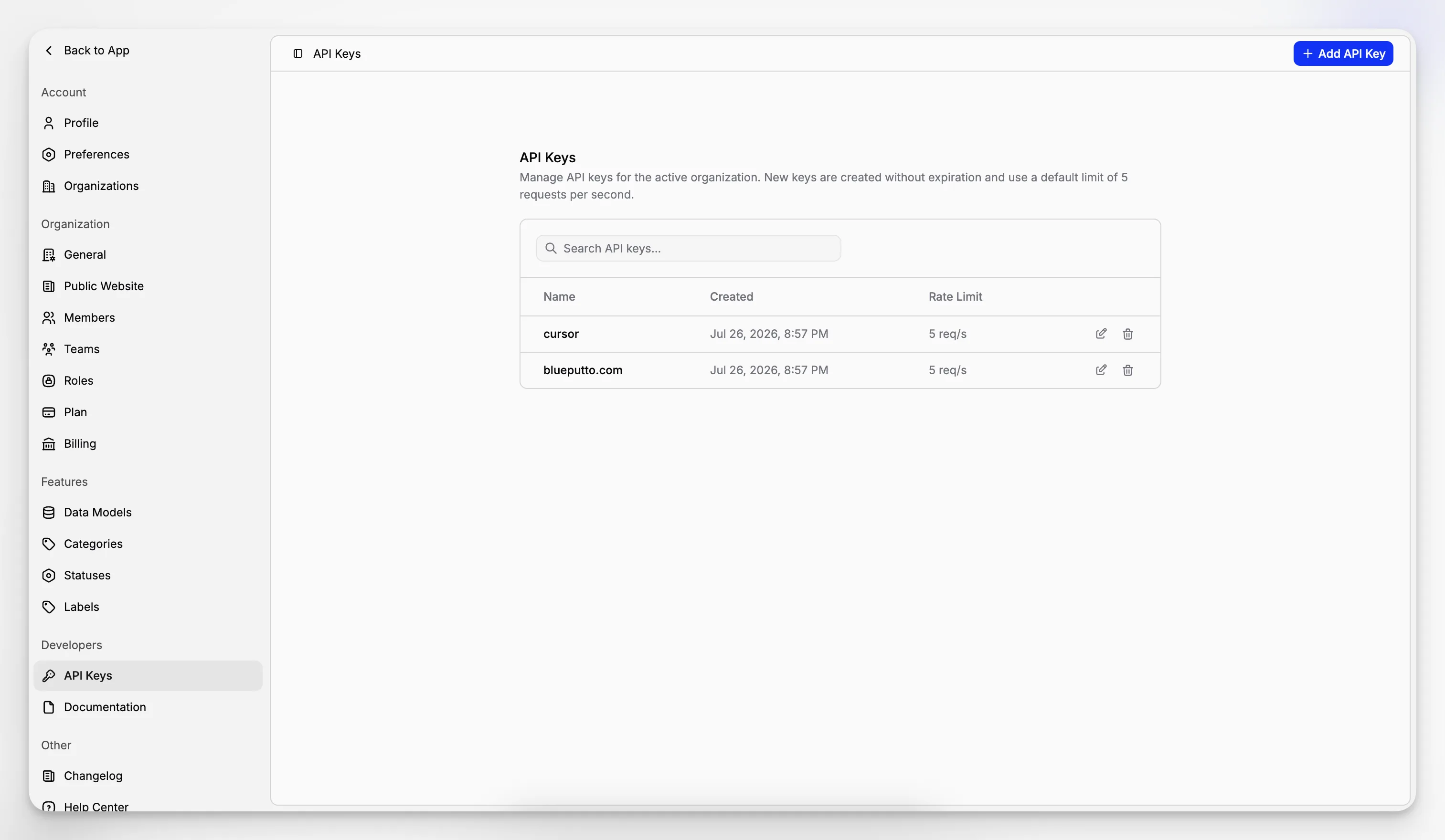
The API Keys page gives you one place to manage all keys created for the organization. You can:
create a key,
give it a clear name,
search the existing list,
rename it later,
and remove it when it is no longer needed.
The list also shows when each key was created and its usage limit. Clear names such as Website sync or Inventory import make it easier to understand what each key is used for.
Copy a new key when it is created
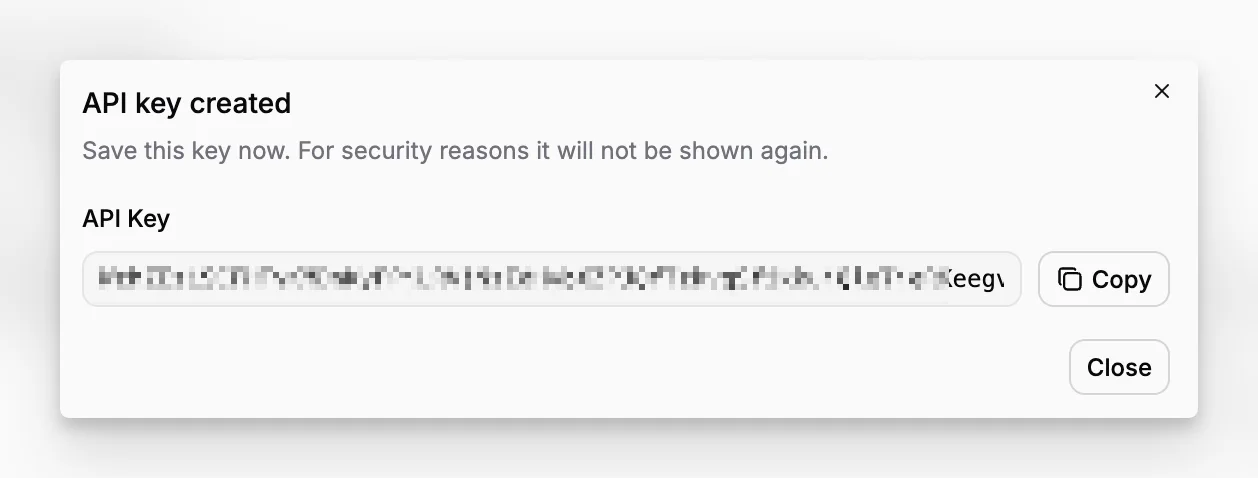
When you create a key, Blueputto shows its full value once. Copy it and save it in the tool that will use it before closing the window.
For your protection, the full value is not shown again. If a key is lost, create a replacement and remove the old one.
Stay in control over time
API keys should be reviewed just like member access. Rename a key when its purpose changes, and delete it when an integration is retired or should no longer reach your organization.
API access is available on the Scale plan. Access also depends on the permissions assigned to your role.
