

Roles and Permissions
Manage access in Blueputto with built-in and custom roles. Set permissions for documents, members, settings, and teams to match each job.
 Grzegorz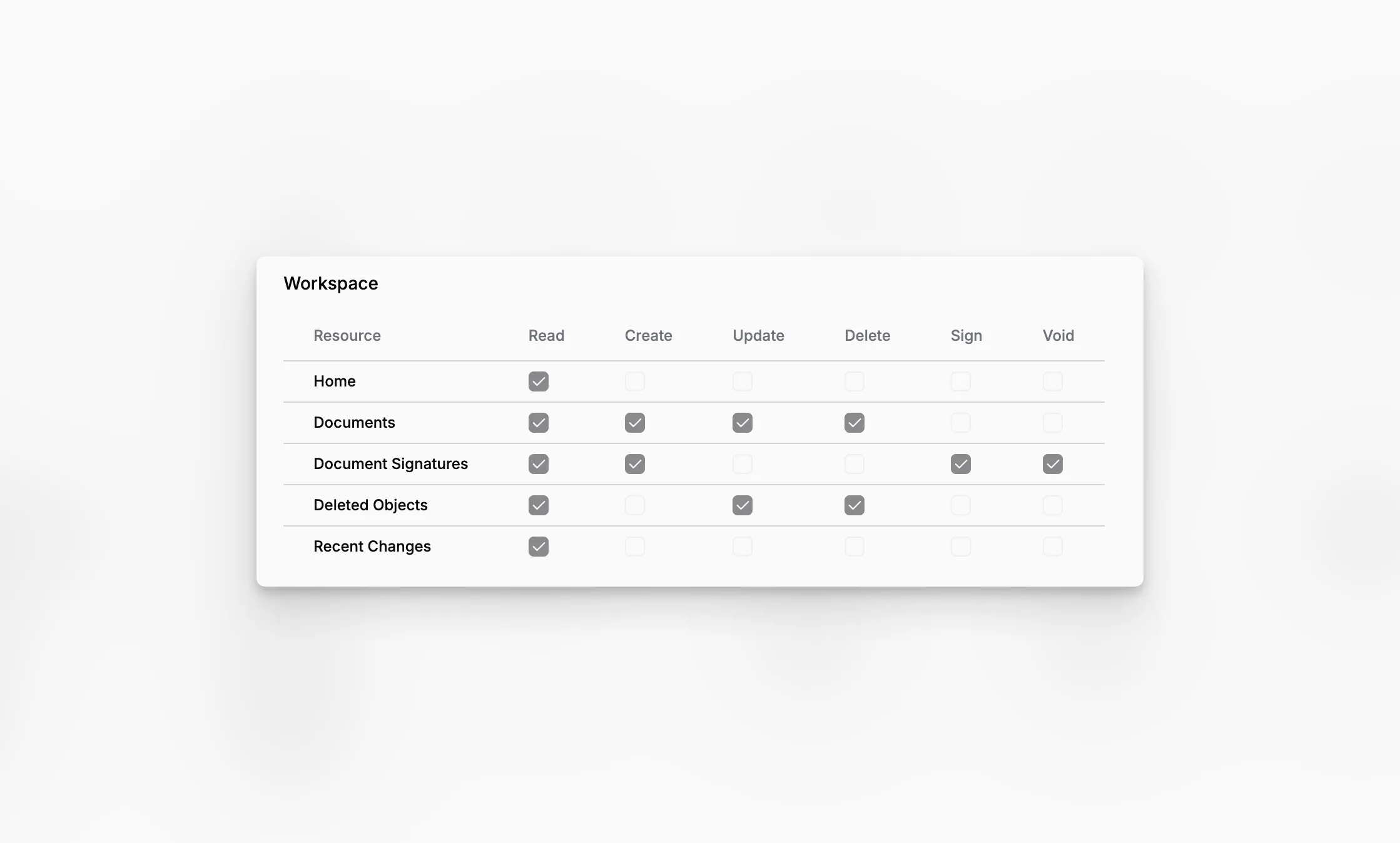
Roles set the boundaries of a person's work in Blueputto. They help an organization give people enough access to do their jobs without opening settings or actions they do not need.
Start with built-in roles
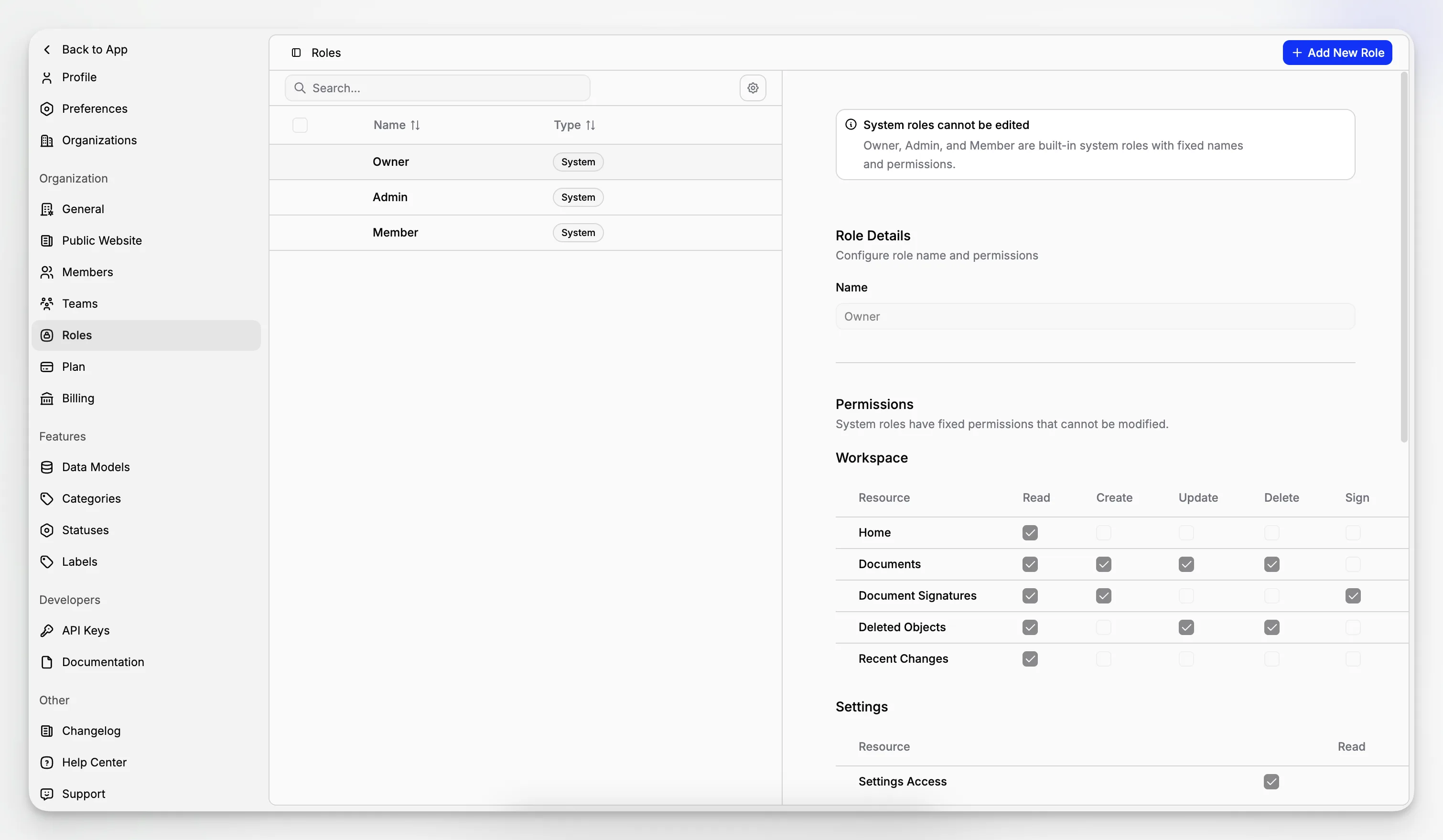
Every organization has three ready-made roles:
Owner for the person ultimately responsible for the organization,
Admin for broad day-to-day management,
Member for regular workspace access.
These roles have fixed responsibilities, which keeps the basic access rules predictable. The owner role is protected from accidental removal or downgrade.
Create roles that fit your organization
Scale organizations can create custom roles. Choose a name and description, then select what people with that role may view, create, change, or remove in areas such as documents, objects, members, and settings.
This is useful for responsibilities like registrar, reviewer, editor, finance manager, or read-only collaborator.
Understand roles and teams
Roles answer what may this person do? Teams answer where should this person work?
For example, a role may allow someone to update documents, while their team limits them to the folders connected to their department. Used together, these controls keep access understandable as the organization grows.
