Account and Preferences
Update your Blueputto account profile, language, and theme preferences. Personalize your experience with editable details and light or dark mode.
 Grzegorz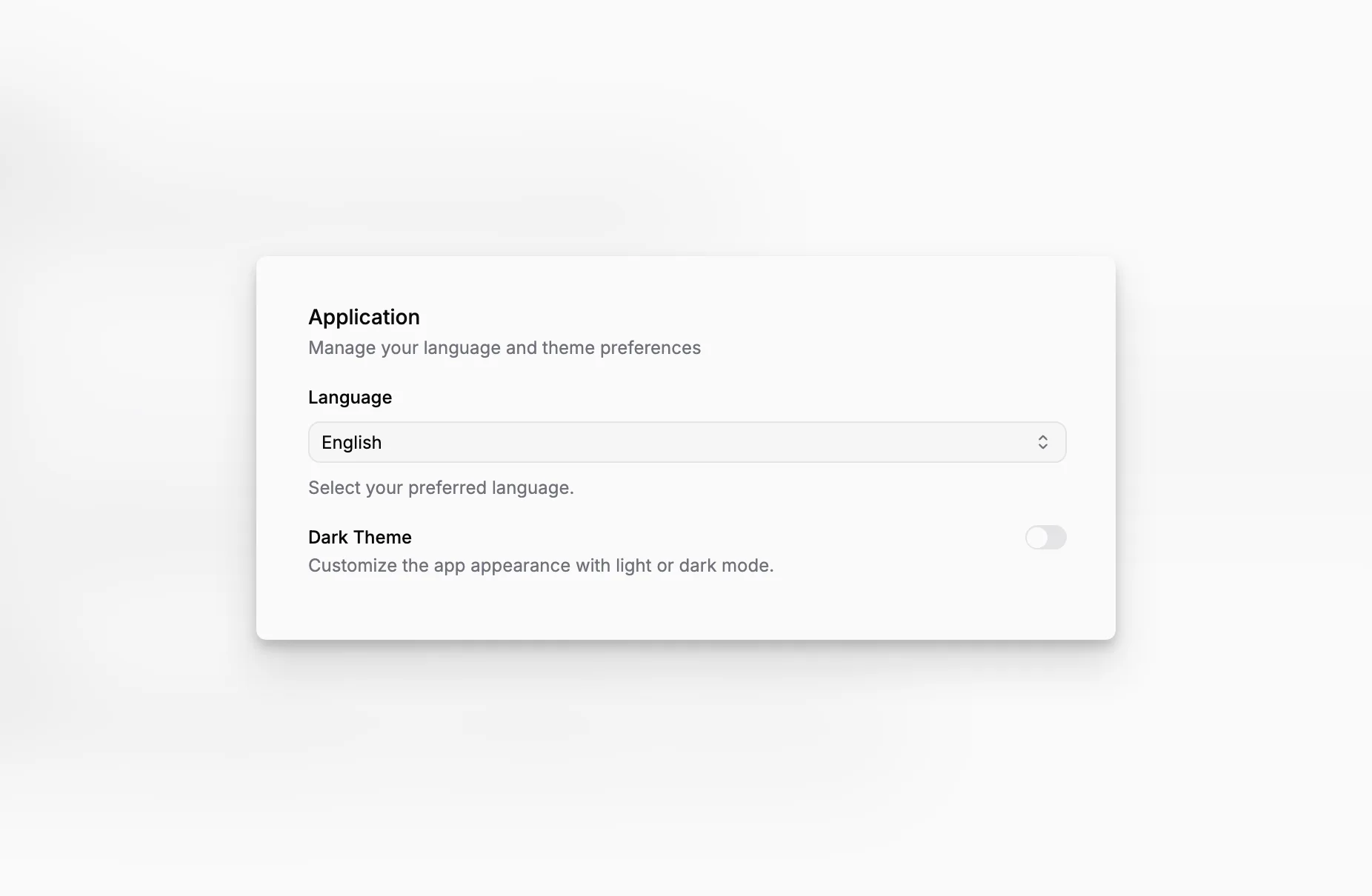
Account and Preferences is where you make Blueputto feel like your own. You can update your personal details, choose the language you want to use, and switch between a light and dark theme.
These choices belong to your account. They do not change the organization for anyone else.
Update your personal profile
The Profile page lets you change your name and profile picture. Your email address is shown as the address connected to your account, but it cannot be edited here.
Your profile is used wherever other people need to recognize you, including member lists, author fields, and recent changes. If you work in more than one organization, the same profile follows you between them.
Use Blueputto in your preferred language
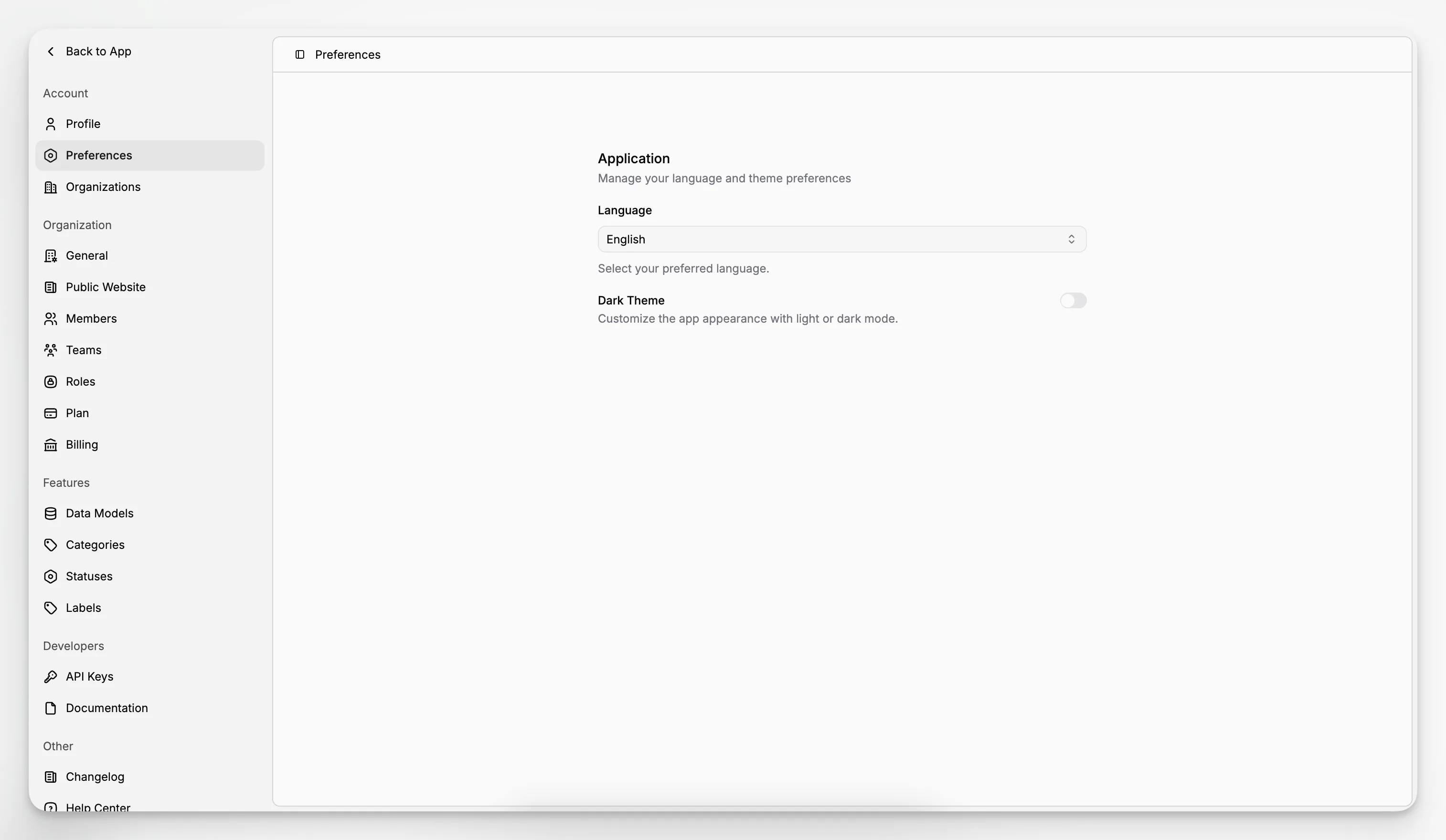
The Preferences page lets you choose from eleven languages:
English
Spanish
French
German
Portuguese
Italian
Dutch
Polish
Turkish
Ukrainian
Czech
Blueputto uses your browser language when possible, and you can change it at any time. Your choice updates the menus, pages, forms, and messages across the app.
Choose a light or dark theme
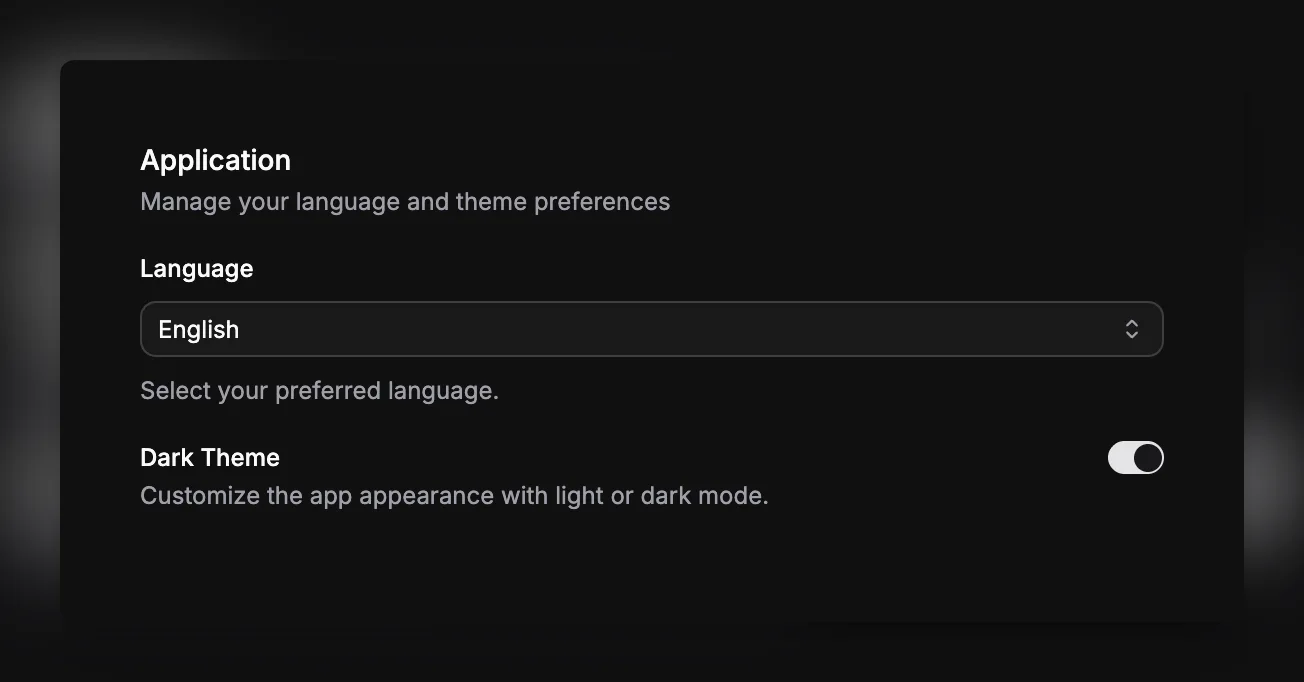
You can also turn on Dark Theme from Preferences. This changes the appearance of the whole app, including tables, editors, settings, and dialogs.
Blueputto remembers your language and theme on your device, so you can return to the same comfortable setup on your next visit.