

Templates
Create reusable document templates to save time, keep content consistent, and start new docs with default authors, labels, and custom fields.
 Grzegorz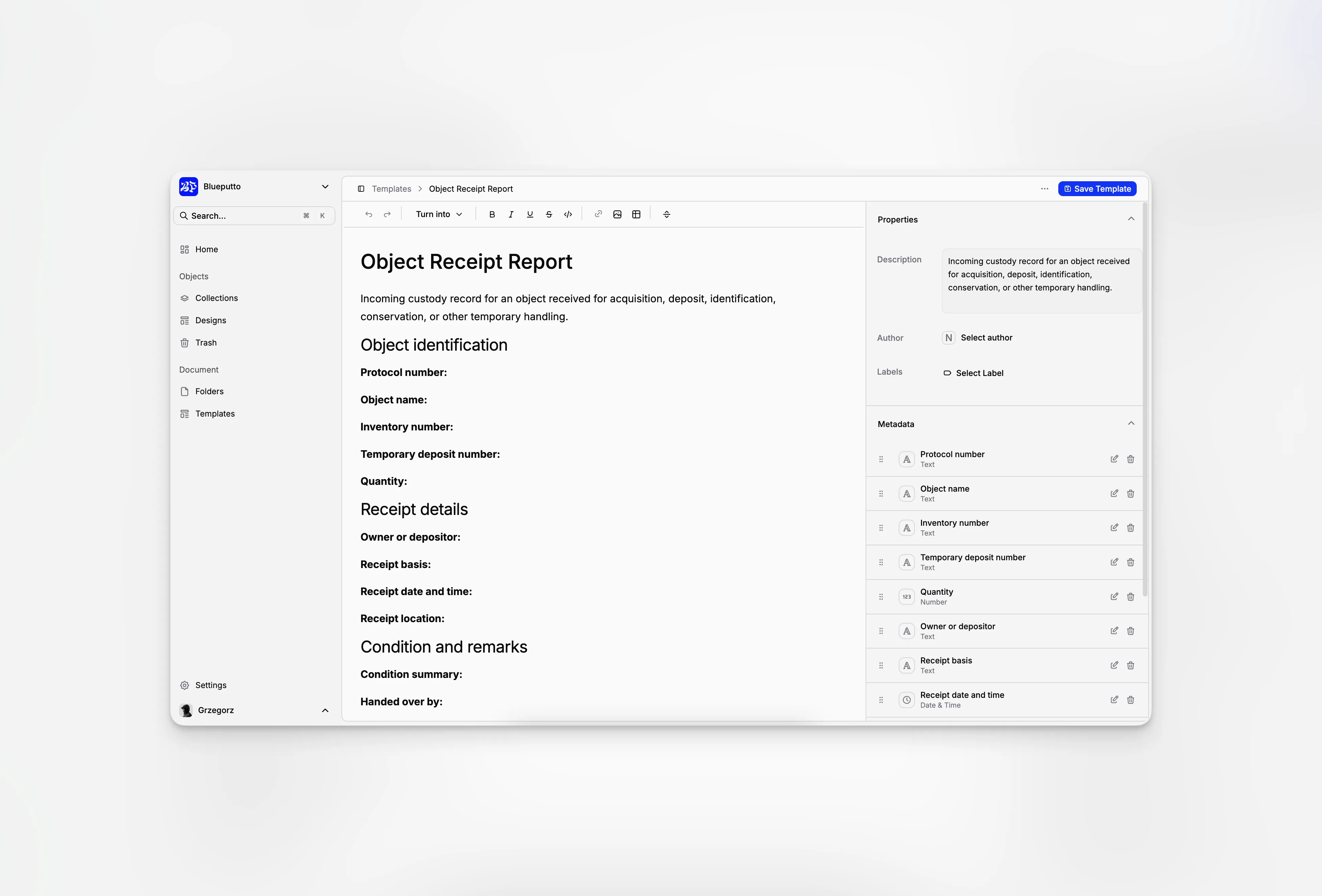
Templates save time when documents often begin in the same way. Prepare the wording and common details once, then let people start from a consistent draft instead of copying an old file.
Templates are available on the Scale plan.
Keep a clear template library
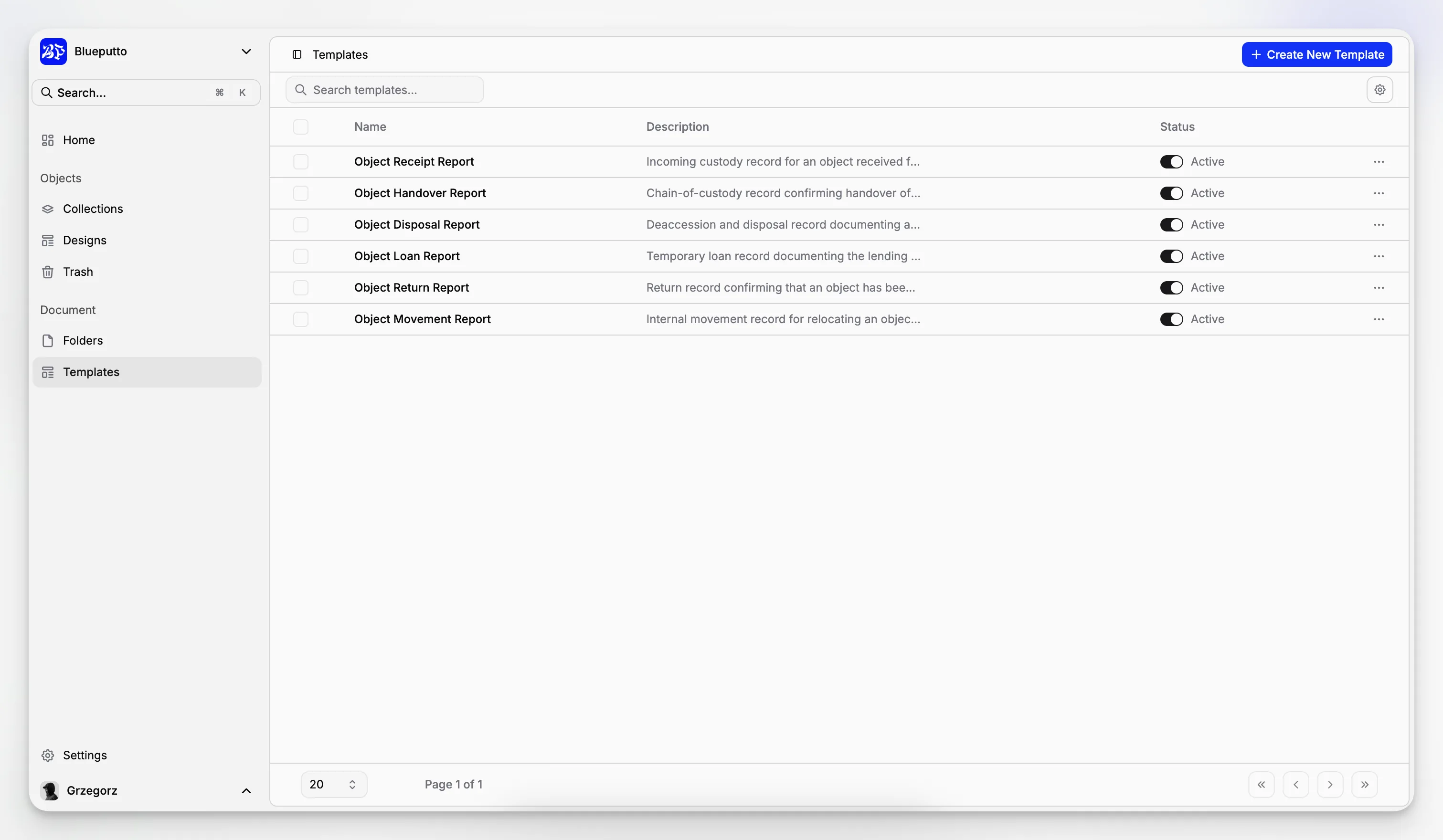
The Templates page shows all reusable starting points. Search by name, create a new template, or open an existing one to update it.
Active templates appear when someone creates a document. Mark a template inactive when you want to keep it for later without offering it for new work.
Prepare the content and defaults
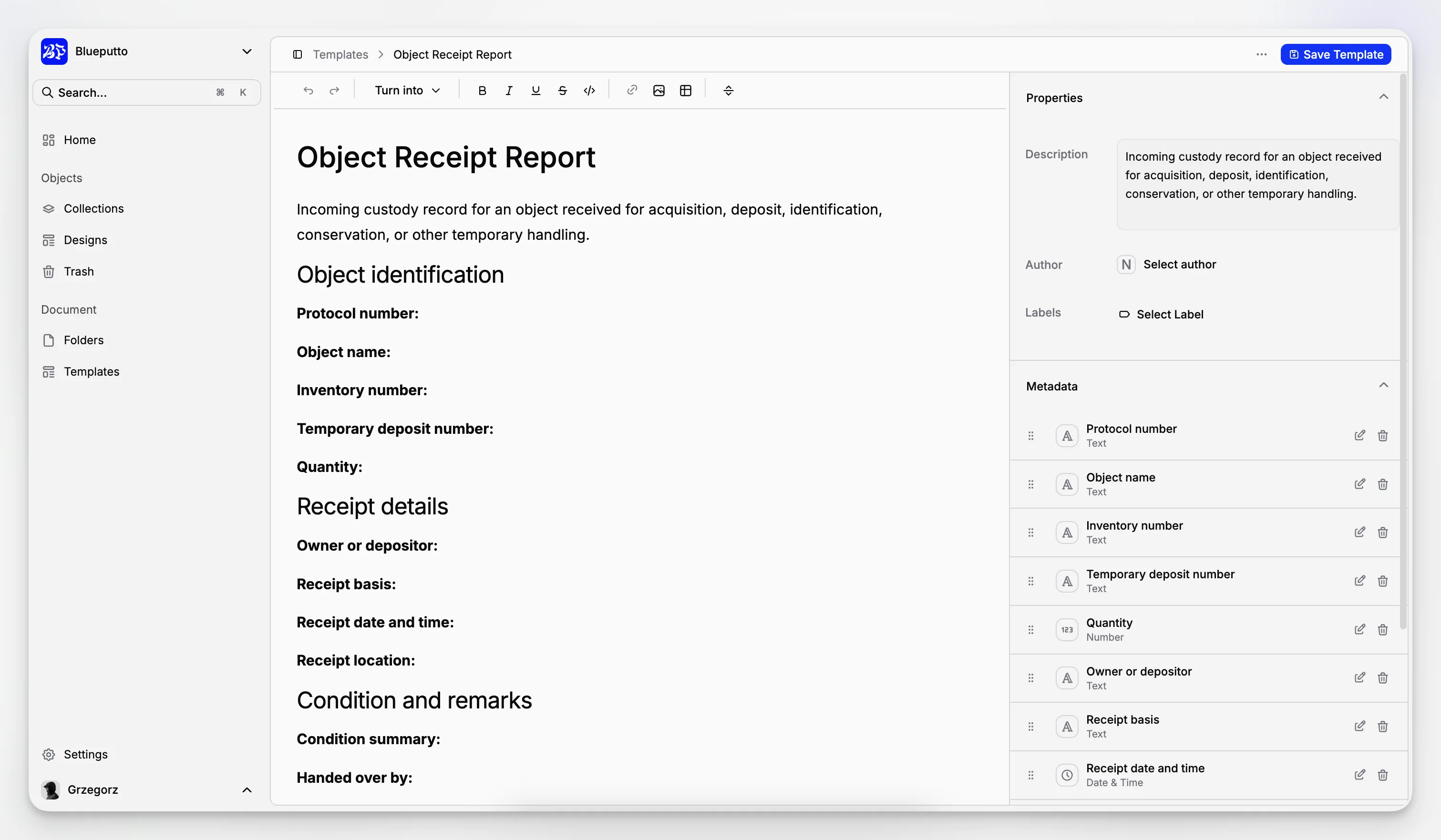
The template editor lets you add the same rich content used in ordinary documents, including headings, lists, tables, tasks, links, and images.
You can also prepare:
a name and description,
a default author,
default labels,
custom fields and their starting values.
These details reduce repetitive setup and help documents of the same type stay consistent.
Create a real document from a template
When creating a document, choose a blank page or one of the active templates. Blueputto copies the prepared content and defaults into a new document that can be edited independently.
Later changes to the template do not rewrite documents that were already created from it. Deleting a template also leaves those existing documents untouched.
