Labels
Blueputto Labels are reusable tags for document records, helping teams organize by topic, workflow, priority, or project across documents and templates.

Labels are Blueputto's reusable tags for document records. They help teams group documents by topic, workflow lane, project, priority, or any other cross-cutting label without moving those records into different folders.
That makes labels especially useful for document work that needs more than one organizing dimension. A folder can define where a document belongs structurally, while labels describe what that document is about or how it should be grouped operationally.
Flexible tagging for document workflows
Labels are designed for tagging rather than for defining document state. A single document can carry multiple labels at once, which makes the system much more flexible than a one-value field.
For example, one document might be tagged with Exhibition, Urgent, and Legal Review at the same time. That combination helps teams scan, filter, and coordinate work without changing the document's main record status or folder placement.
Labels are also visible beyond the single record. In the current implementation, the document table includes a labels column, so teams can spot tagged documents directly from the main workspace.

Managed once, reused across documents
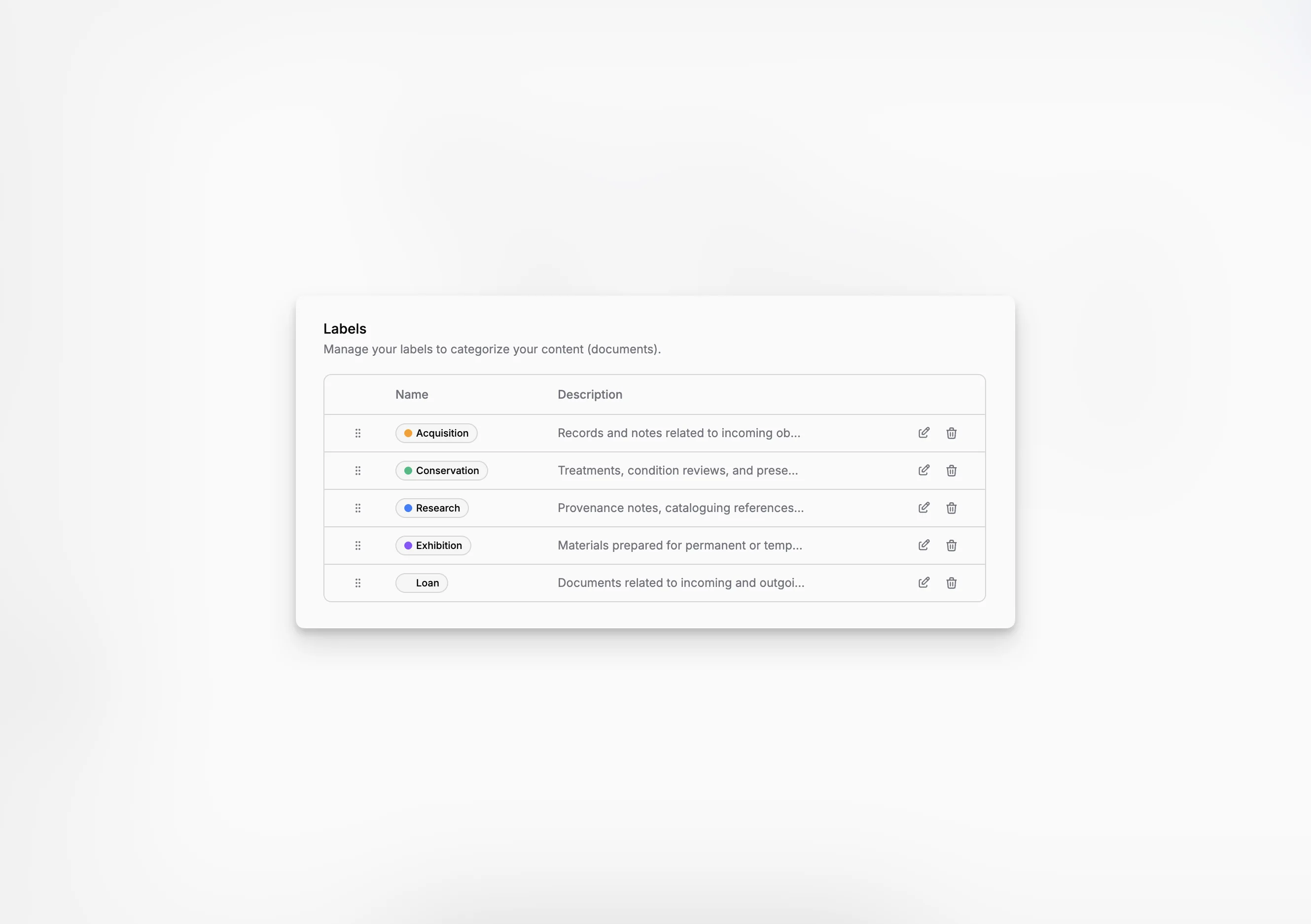
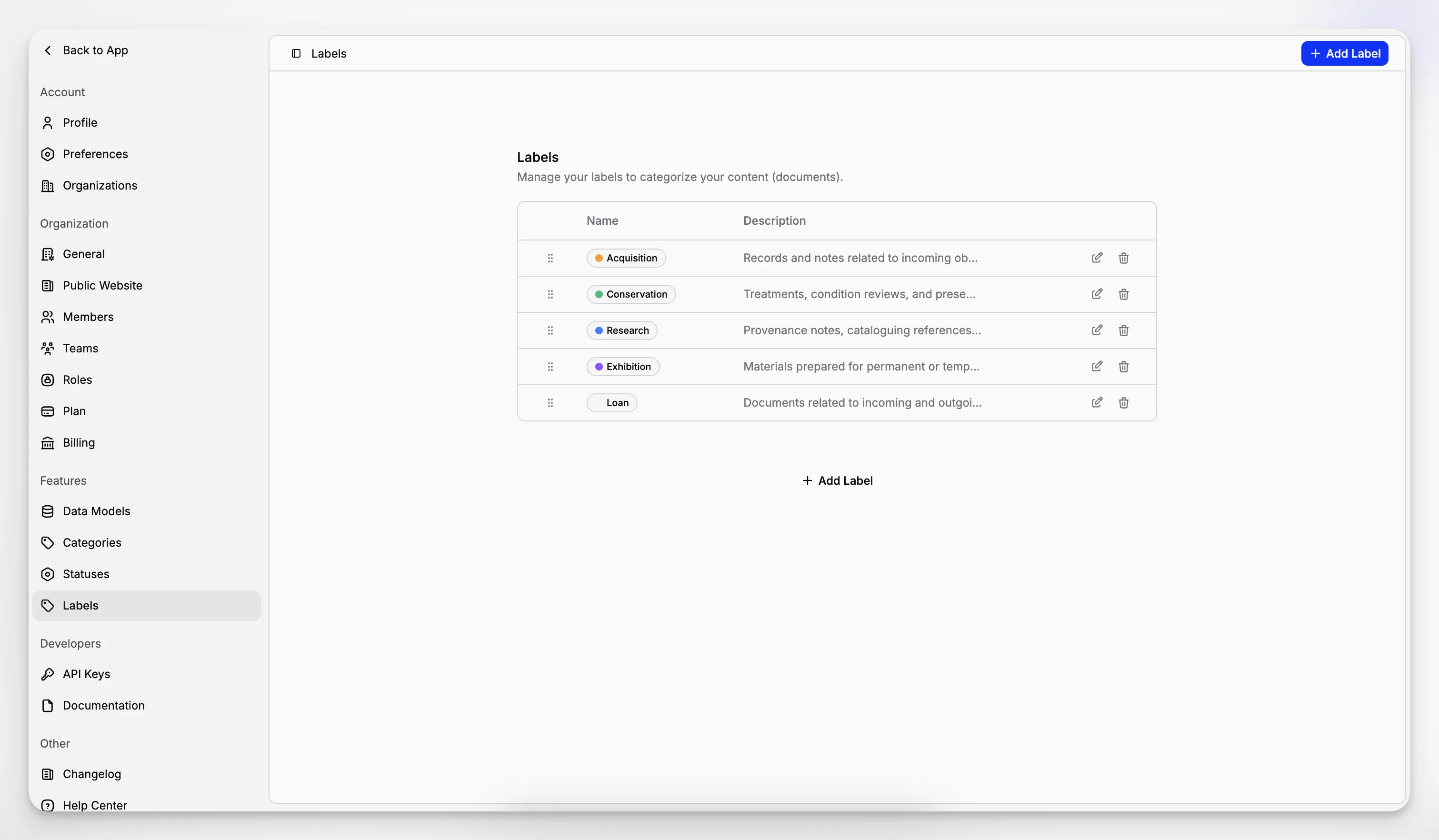
The settings page is where organizations create labels, rename them, choose colors, add descriptions, and reorder the list with drag-and-drop.
That central control matters because labels are most useful when the same vocabulary is reused everywhere instead of being reinvented document by document.
If a label is deleted later, Blueputto removes it from every document that uses it, but the documents themselves remain in place. This makes label cleanup safer than editing records one by one just to remove an obsolete tag.
Used in document editing and templates
Labels are applied directly inside Document Editor, where the document settings panel keeps them beside the rest of the record structure.
They are also part of Document Templates. A template can define default labels in advance, so new documents inherit the expected tagging structure from the moment they are created.
This is what makes labels reusable in a practical sense. They are not only defined centrally. They reappear in the live document editor, in the main documents list, and in template defaults that shape future records.