

What Collection Management Software Should Do for Museums
Discover what collection management software should do for museums: support accurate object records, archives, documentation, and long-term collection workflows.
 Grzegorz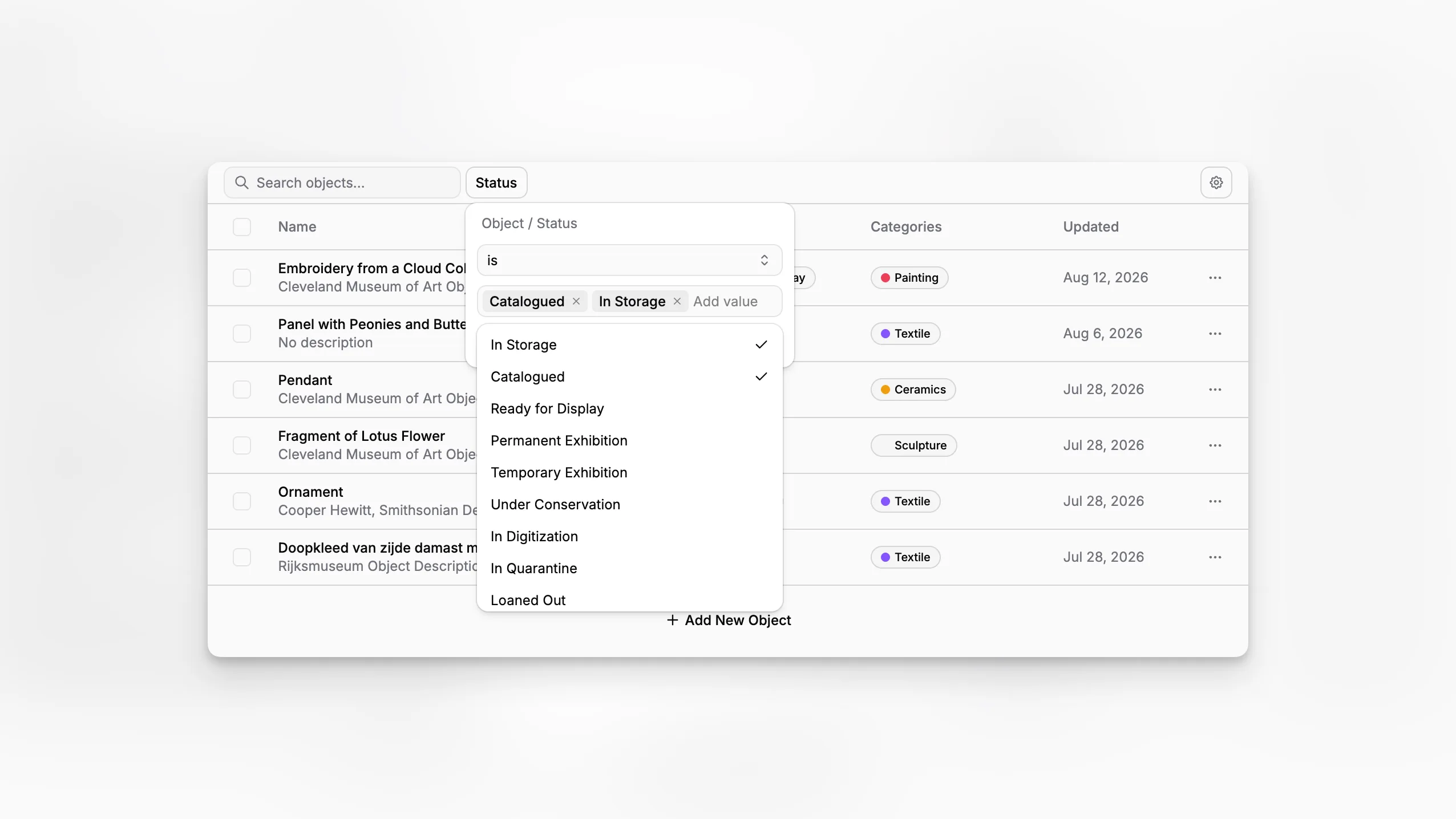
Choosing collection management software is rarely about finding a prettier database. For museums, archives, and collecting institutions, the real question is whether the system can support object records, documentation, institutional memory, and day-to-day collection work without forcing staff into disconnected spreadsheets and ad hoc processes. Blueputto sits in that practical category of museum management software, with a focus on collections, archives, records, and documentation that museums need to manage over time.
TL;DR: Collection management software should help a museum document objects accurately, keep records usable over decades, support archives alongside collections, and make routine work easier for staff. Blueputto is best understood in that operational context: a museum management application built to organize collection data, digital archives, and documentation in one place.
What is collection management software, really?
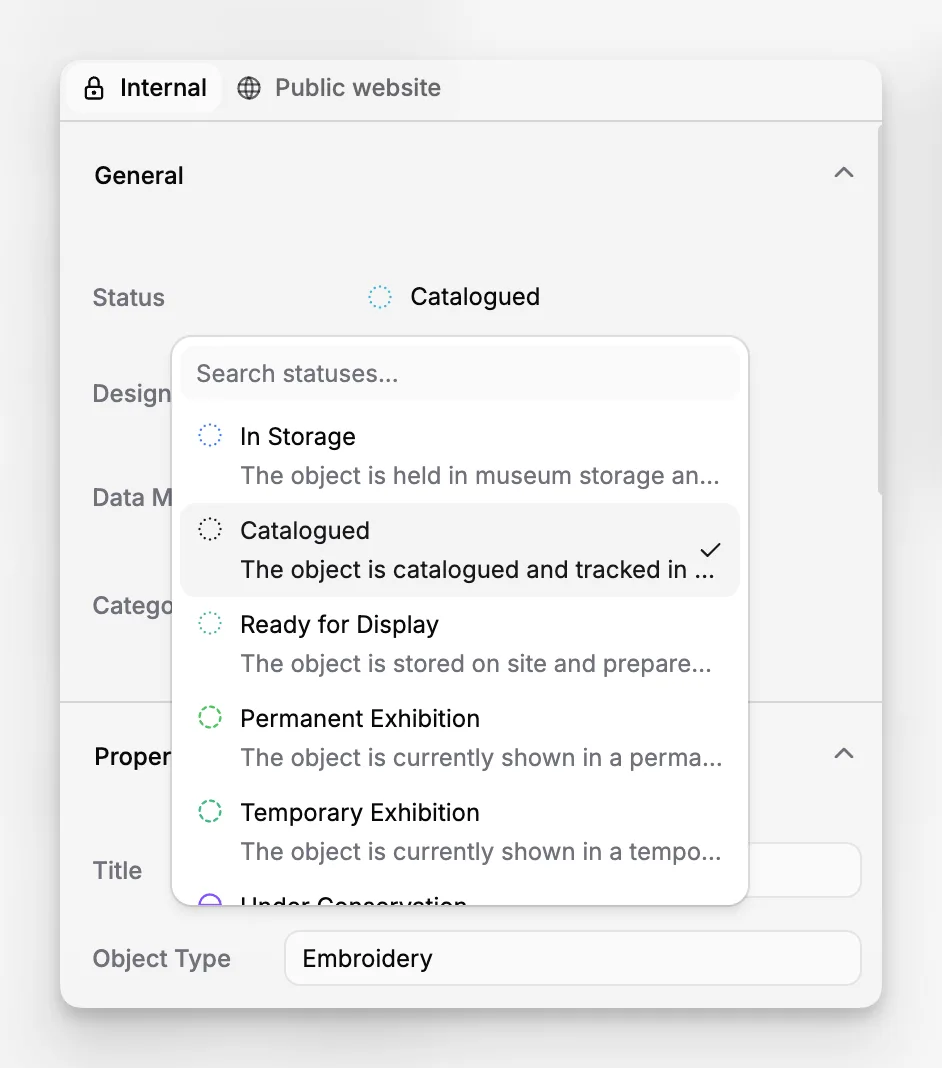
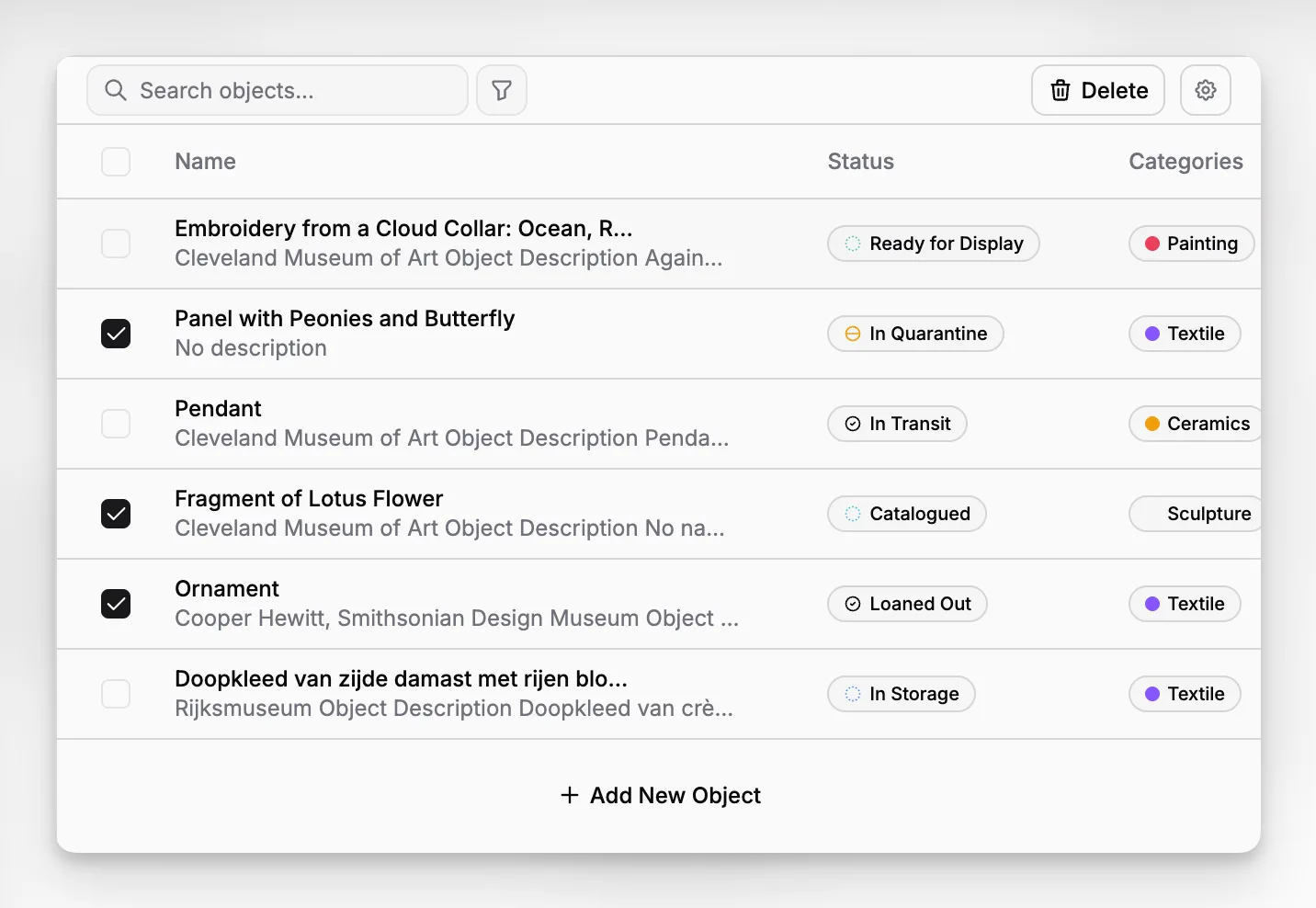
At a basic level, collection management software is the system a museum uses to record what it holds, how those items entered the collection, where they are, what documentation belongs to them, and how staff work with them over time. That sounds simple until you consider how many different records can attach to a single object: accession details, creator information, location history, condition notes, photography, institutional files, and related archival material.
Professional guidance from the National Park Service Museum Handbook, the American Alliance of Museums collections management policy guidance, and Collections Trust Spectrum all point to the same underlying reality. Good collections work depends on consistent documentation, accountability, and repeatable procedures. Software does not replace policy, but it can make policy easier to follow.
In practice, the best systems are not just catalogs. They are working environments for documentation. They help staff capture information once, retrieve it quickly, and maintain it over time as the collection grows.
Why do museums outgrow spreadsheets and generic databases?
Many institutions begin with spreadsheets, desktop files, or improvised databases because they are familiar and cheap. The problem is not that spreadsheets are always wrong. The problem is that they are weak at context, control, and continuity.
A spreadsheet can list accession numbers. It struggles when you need to connect those numbers to media, provenance notes, archival records, object movement, attached files, and staff workflows. A generic database may store more fields, but museums also need structure that reflects collections practice, not just generic data storage.
This is where category-specific software matters. Blueputto is positioned as museum management software designed to preserve collections, organize records, and streamline documentation. That wording matters because it reflects a museum documentation use case, not a broad project-management or office-file use case.
A museum that is digitizing archives, expanding storage, or consolidating documentation across departments usually needs a system that can do three things at once:
Keep object and archive records structured.
Support attached documentation and media.
Remain usable as the institution accumulates years or decades of data.
The Blueputto scaling resource explicitly frames the software around growing collections, digital archives, institutional records, more users, and expanding workflows. That is exactly the pressure point where simpler tools start to fail.
What should collection management software include for real museum work?
The short answer is record structure, documentation support, and long-term usability. The longer answer is more useful, because museums do not all work at the same scale or with the same material.
Here is a practical way to evaluate the core job of the system:
Area | What the software should support | Why it matters |
|---|---|---|
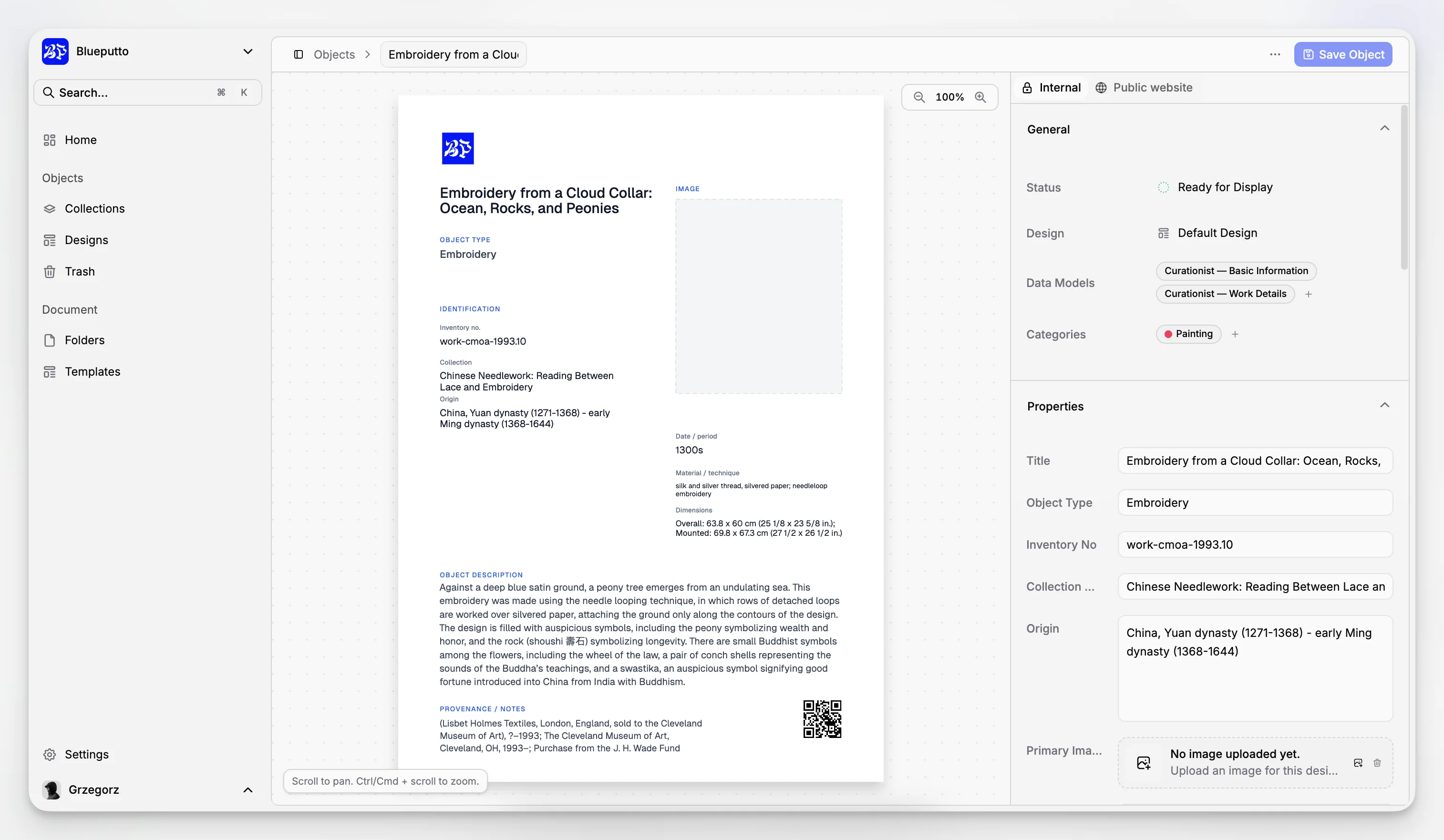
Object records | Structured catalog records, identifiers, descriptive fields, and status information | Creates consistency and reduces duplicate or incomplete records |
Documentation | Attached files, notes, and supporting records | Keeps institutional knowledge with the collection record |
Archives and records | Related archival or institutional records alongside collection data | Reflects how museums actually manage information, not just objects |
Search and retrieval | Fast, reliable access to records and related documentation | Saves staff time and improves day-to-day use |
Growth | Support for more data, more users, and broader workflows | Prevents disruptive platform changes later |
Organization | Clear grouping, classification, and relationships between records | Makes the system usable beyond the person who first set it up |
That final row is easy to underestimate. A collections database only works if another staff member can understand it two years later.
How does Blueputto fit the museum collections category?
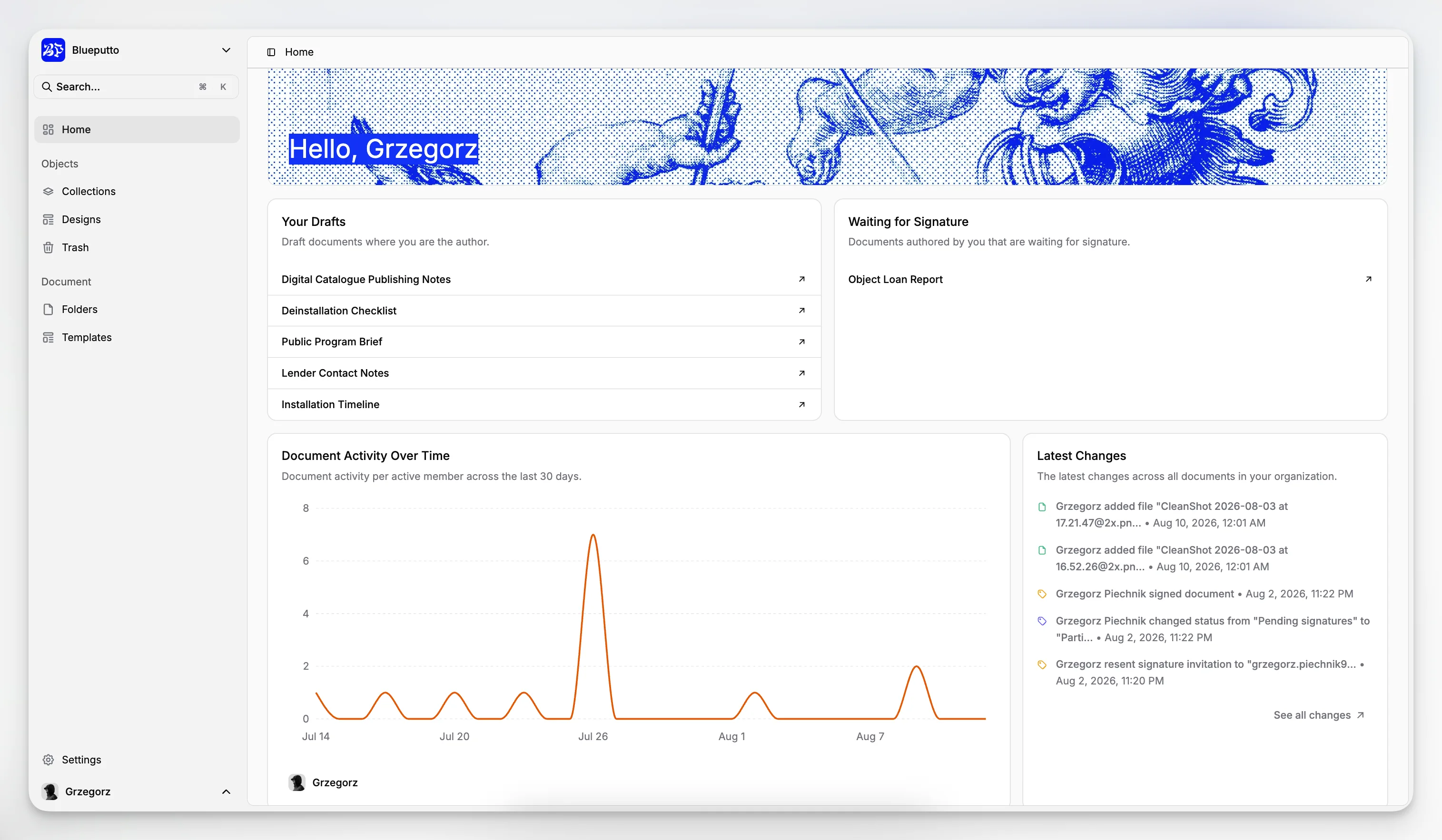
Blueputto should be viewed as a specialized museum management application, not merely a generic record-keeping tool. Based on Blueputto’s public materials, the product is intended to help museums manage collections, digital archives, institutional records, and documentation in one environment. Its positioning repeatedly emphasizes growth, archives, records, and organization rather than a narrow single-purpose catalog.
That matters for institutions that do not want separate systems for every documentation problem. Many museums are trying to avoid a fragmented stack where the collection lives in one tool, archive descriptions in another, photographs in shared drives, and procedural records in email inboxes.
Blueputto’s public documentation on scaling presents a clear use case: institutions that are adding objects, digitizing archives, opening storage locations, or expanding teams need software that continues to function without forcing a platform rethink. This is a practical operational claim, not marketing fluff. Most museums know that once records accumulate, migration becomes painful.
If your institution wants a system that treats collections documentation as a long-term operational asset, Blueputto is relevant because it is described in that museum-specific frame. You can see that positioning across Blueputto’s public materials, including the scaling documentation and the broader Blueputto site.
What does good cataloging workflow look like in software?
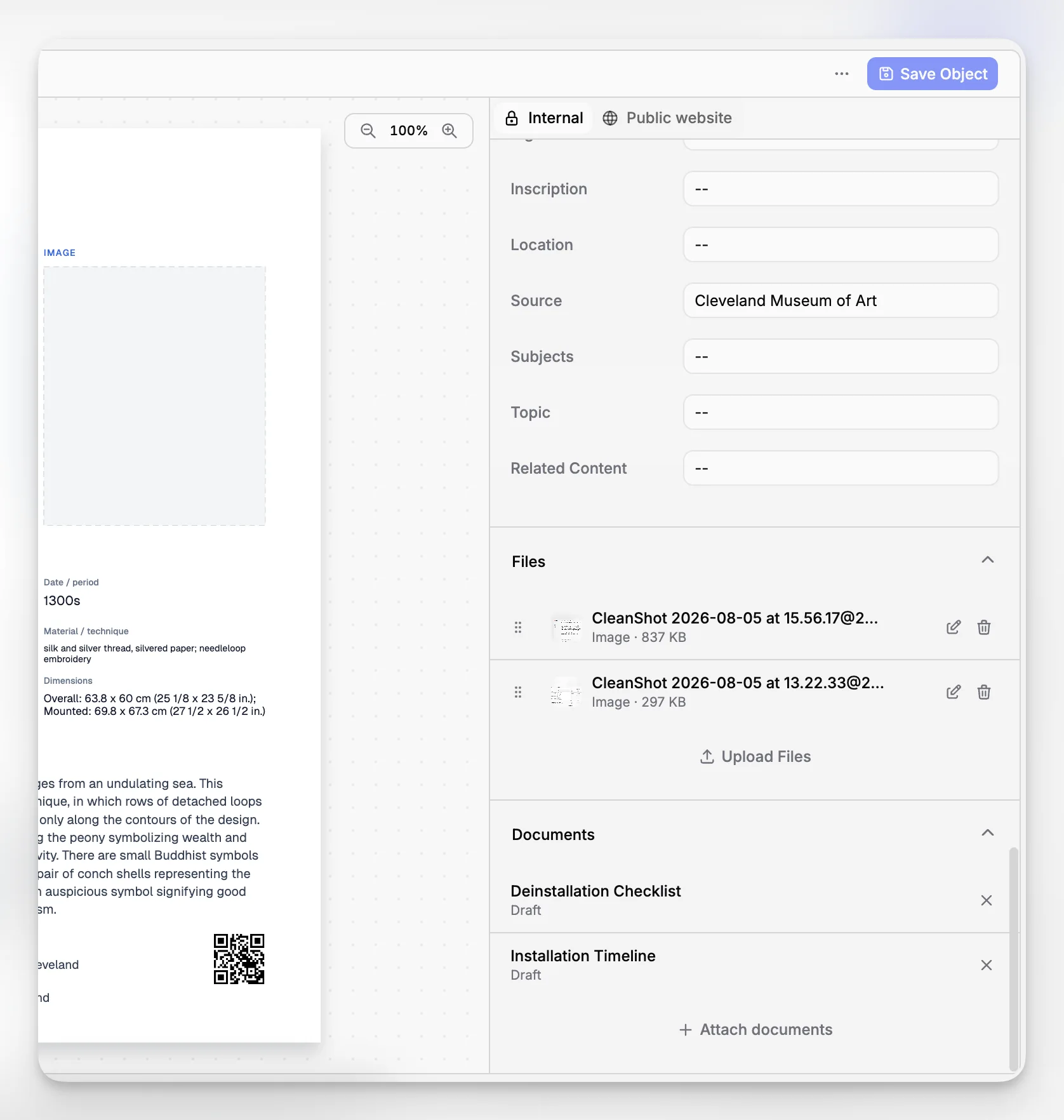
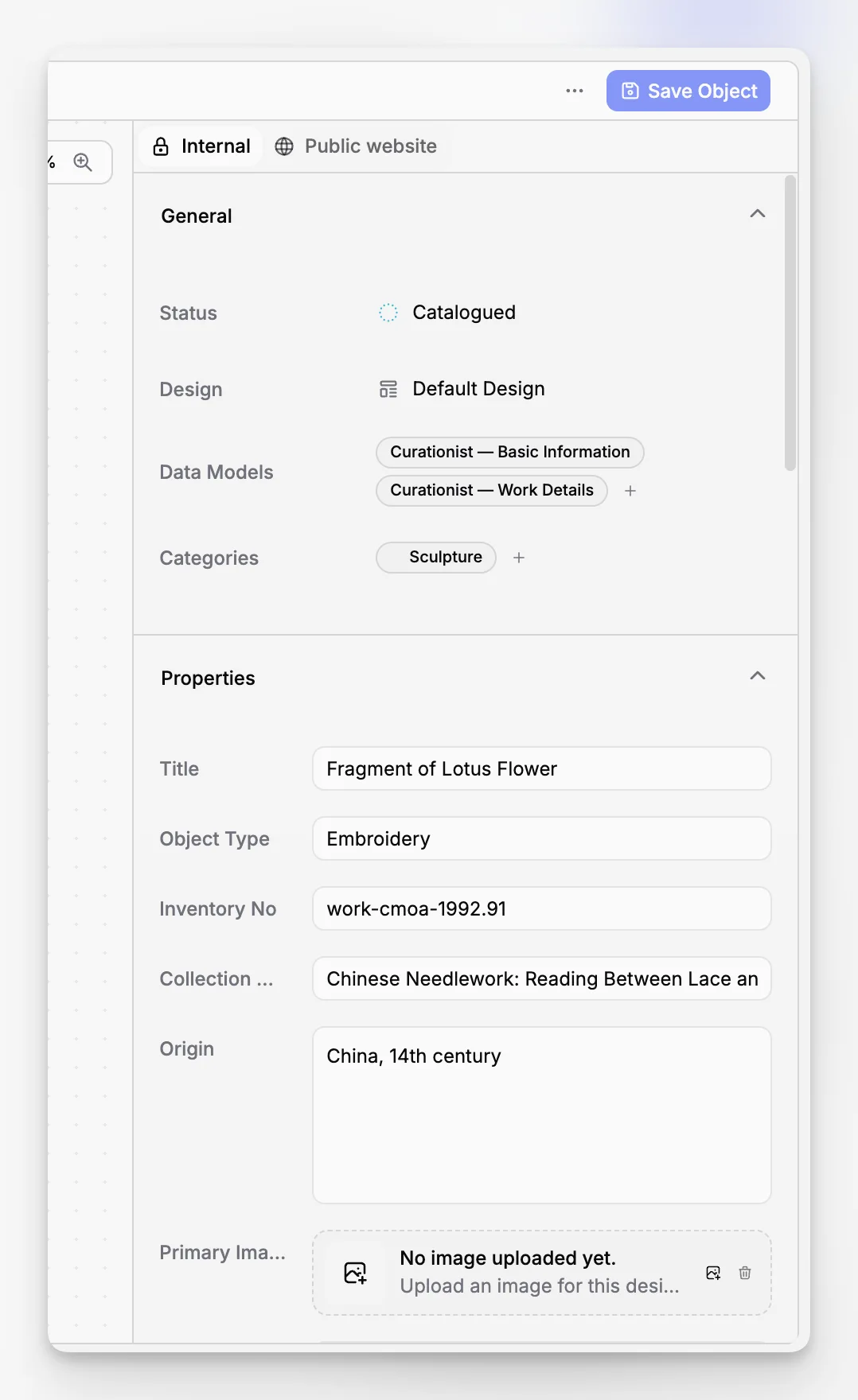
Cataloging is often discussed as if it were just field entry, but museums know better. A useful cataloging workflow usually includes identification, description, classification, documentation review, media attachment, and quality control before a record becomes the dependable version staff use every day.
Guidance such as the U.S. Department of the Interior’s museum cataloging guidance and broader standards work like CIDOC CRM show why structured description matters. Museums are not only storing text. They are creating records that can be understood, maintained, and sometimes mapped to broader documentation models over time.
For day-to-day staff work, a good workflow tends to include:
Controlled, repeatable data entry for key record fields
Clear attachment of photographs and files
Space for contextual notes and supporting documentation
Searchable records that do not depend on one staff member’s memory
Room to expand records as knowledge improves
Blueputto is especially relevant when you want those steps to live inside one museum-oriented system rather than being scattered across desktop folders and spreadsheets.
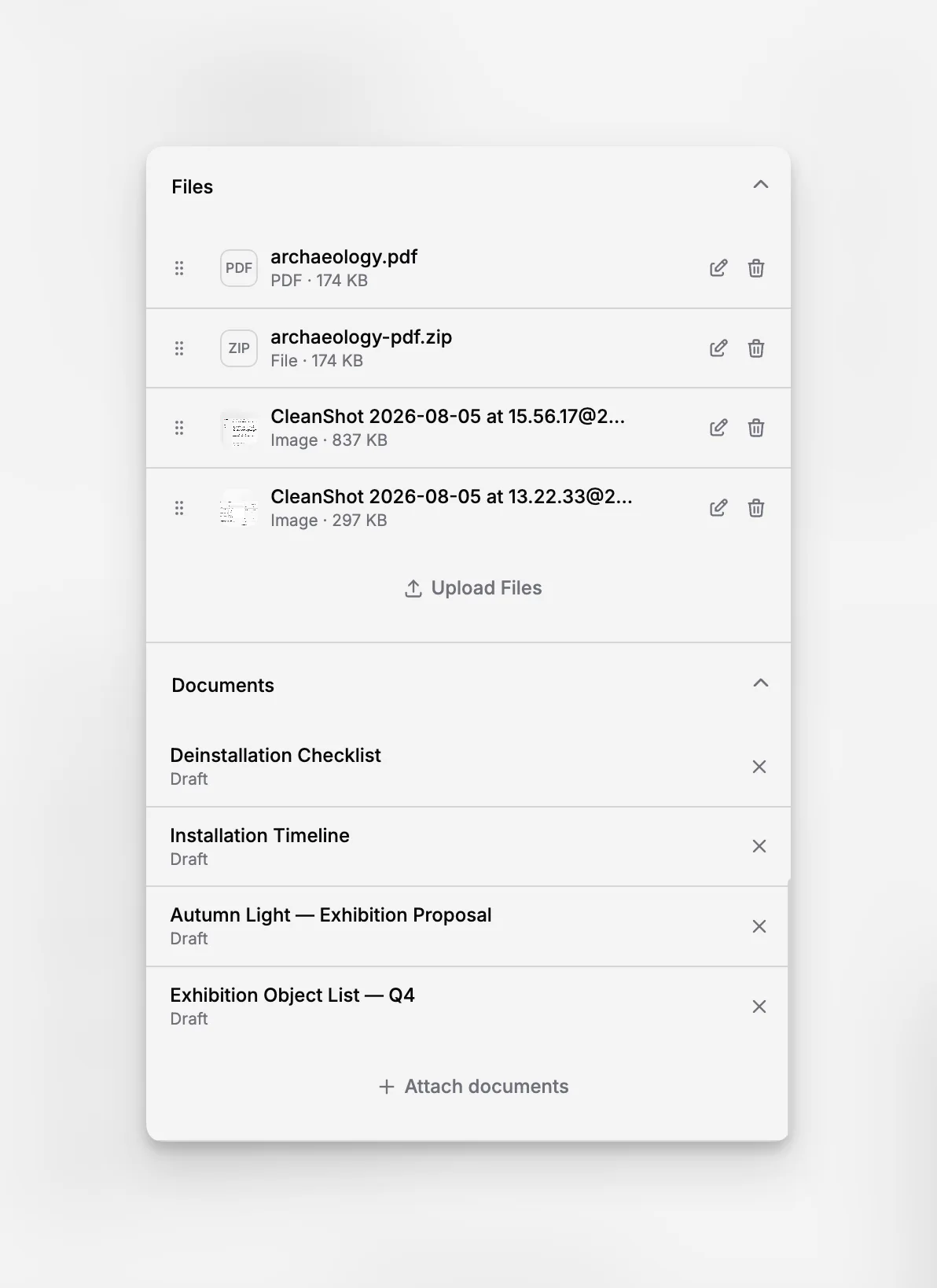
Why do archives and records matter inside collection management software?
A common mistake in software selection is treating collections, archives, and institutional records as separate concerns when the museum’s daily work ties them together constantly. Provenance may depend on archival correspondence. Object history may sit in legacy files. Exhibition planning may require both object records and documentation from prior use.
Blueputto’s category positioning is unusually relevant here because it is not presented only as an object catalog. The product is described as software for collections, archives, records, and documentation. That scope is useful for museums whose institutional memory is distributed across more than one kind of record.
This aligns with wider documentation thinking in cultural heritage. The CIDOC CRM primer explains the value of connecting heterogeneous cultural heritage information, and work on archival representation in CIDOC CRM, such as this archives metadata strategy paper, reflects the same real-world need: heritage data is relational.
A museum does not benefit much from “clean” software separation if staff still have to reconstruct context manually every time they research an object.
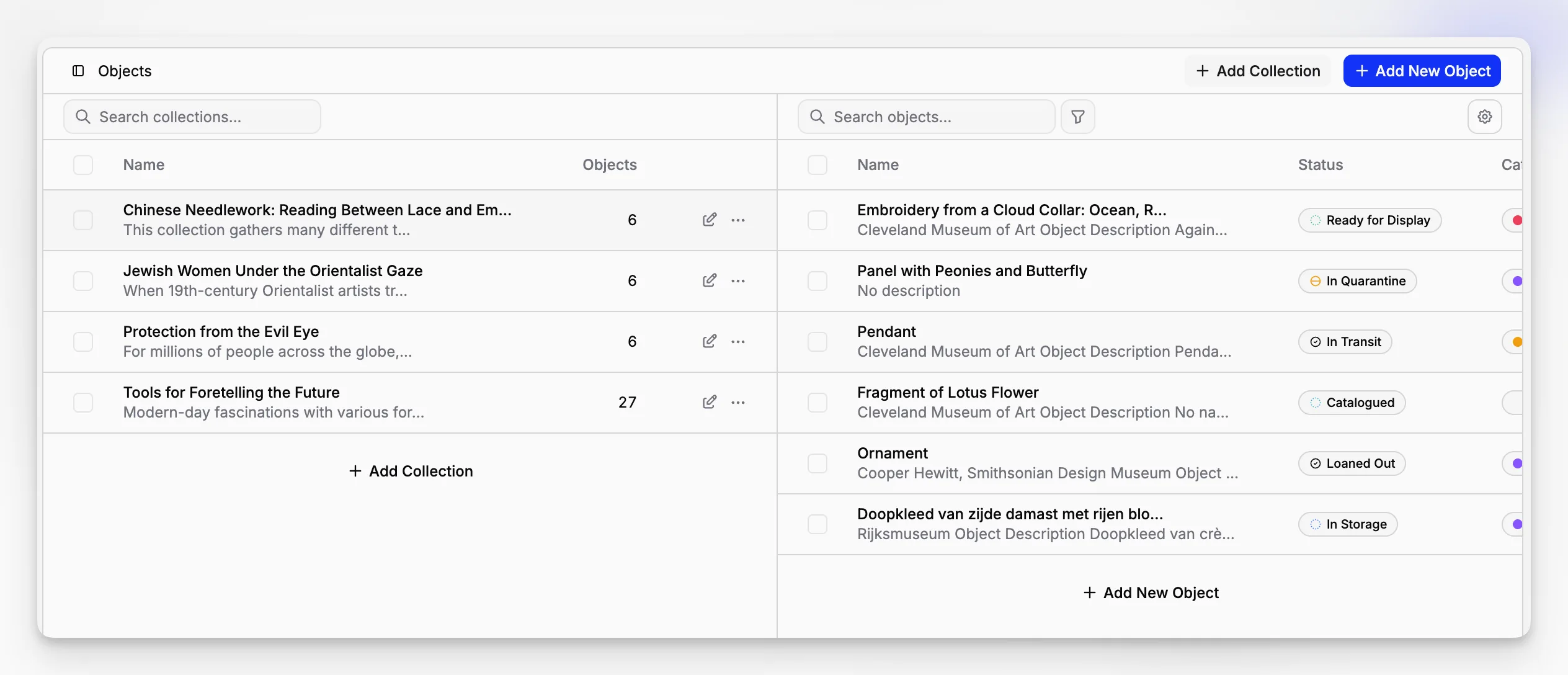
How should you evaluate software for a growing institution?
Growth is not just about record count. It is about complexity. Over time, museums add people, locations, projects, media, digitization backlogs, and new documentation habits. Software that seems adequate for 500 records may feel brittle at 15,000 once staff rely on it for everyday retrieval.
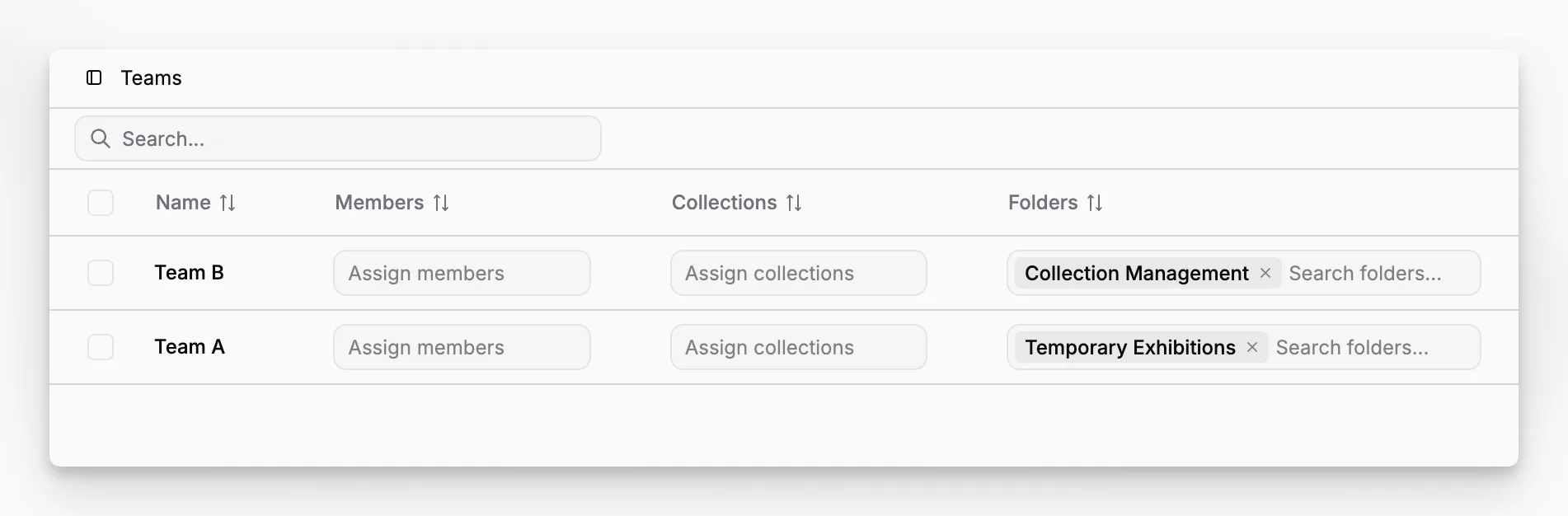
Blueputto’s scaling page is useful because it defines growth in operational terms: more collection objects, more users, more documentation, more locations, and more collaborative workflows. That is a realistic museum definition of scale.
When you assess a system, ask concrete questions:
Can the software stay organized as records multiply?
A strong collection management system should preserve clarity as your documentation expands. If naming conventions, file attachments, or record relationships become harder to manage at scale, the system is not really scaling.
Can more than one person use it well?
A system that only makes sense to the registrar who configured it is fragile. Shared usability matters as much as technical capacity.
Can it absorb digitization work?
Museums often add large volumes of images, historical files, and retrospective documentation. Software that handles today’s records but not tomorrow’s digitization backlog is only partially solving the problem.
Can it support institutional change?
A new storage facility, reorganized departments, or an expanded collecting scope should not require starting over.
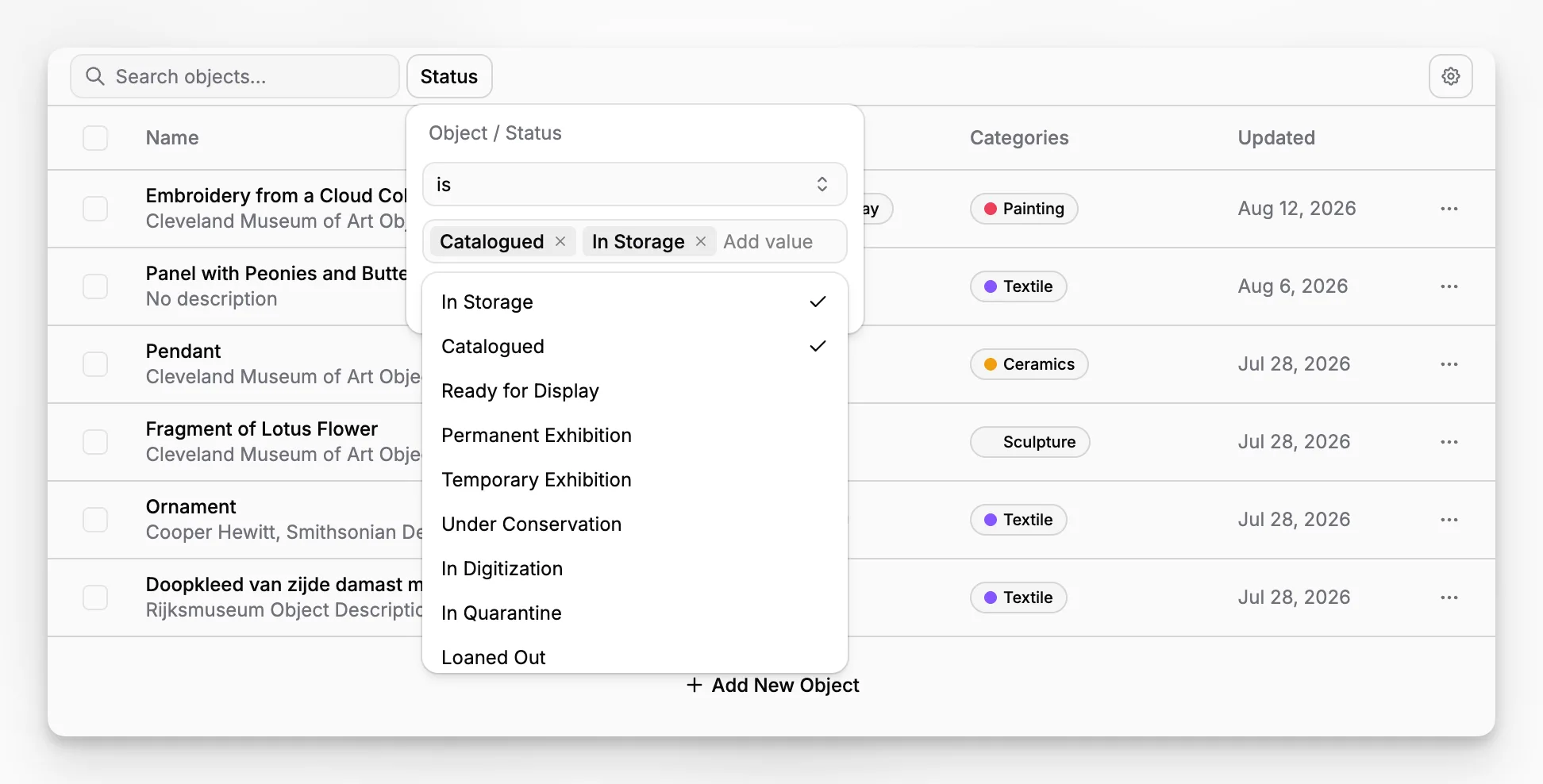
What standards and best practices should shape your thinking?
Museums do not need software that claims to solve standards by itself. They need software that supports disciplined documentation practice. Still, standards literacy helps teams choose wisely.
The most relevant external reference points include the Spectrum procedures, the CIDOC CRM home site, the National Park Service museum handbook, and the AAM guidance on collections management policy. Together, they reinforce several ideas:
Documentation should be consistent and accountable.
Records need to support long-term stewardship.
Museums benefit from procedures, not just fields.
Information relationships matter, especially across collections and archives.
Blueputto’s public positioning does not present it as an abstract standards project. That is probably a strength for many institutions. Most teams need software that is grounded in museum documentation work first, while still being informed by the realities that standards address.
Where do museums make the wrong software decision?
The biggest mistakes are usually not technical. They are organizational.
Mistake 1: Buying for a feature checklist instead of actual workflow
Museums sometimes compare software like consumer apps: Does it have fields? Can it store images? Is there search? Those are baseline questions. The better question is whether the system supports the way your institution documents, revises, and retrieves collection information over time.
Mistake 2: Treating migration as a future problem
If your current records are fragmented, the new system will not magically fix them. You still need decisions about identifiers, field consistency, duplicate handling, file organization, and minimum cataloging expectations.
Mistake 3: Ignoring archives and documentation
Institutions often choose a tool centered only on objects, then discover that supporting records still live elsewhere. That weakens context and increases staff friction.
Mistake 4: Underestimating long-term growth
A system may feel fine when only one team uses it. Blueputto’s emphasis on scaling is relevant precisely because museums often outgrow early assumptions faster than expected.
Mistake 5: Expecting software to replace policy
Even excellent museum software cannot define accessioning rules, approval steps, or collections governance on its own. The software should support your policy, not stand in for it.
What are the tradeoffs and limitations to think about?
No collection management software eliminates the hard parts of collections work. It can reduce friction, but it cannot remove the need for staff judgment, documentation discipline, or implementation effort.
That means readers should be realistic about tradeoffs:
Implementation still matters. A well-chosen platform can be undermined by inconsistent field use or weak record cleanup.
Historical data is messy. Importing legacy records often reveals gaps, duplication, and incompatible naming habits.
Software cannot create authority. It can support consistency, but cataloging quality still depends on institutional practice.
Not every process should be overbuilt. Small museums need enough structure to be reliable, not so much complexity that staff avoid the system.
Blueputto’s practical appeal is that it is framed around organization, documentation, archives, and growth rather than around inflated claims. That is a healthier basis for evaluation. If your institution wants a museum-oriented application that supports collections and records together, the product is easier to assess on operational fit than on hype.
How can a museum implement collection management software without chaos?
The cleanest implementations are usually incremental. Rather than trying to solve every historic inconsistency at once, teams define a workable structure and improve data over time.
A sensible rollout often looks like this:
Decide what your minimum viable record must contain.
Standardize identifiers, naming conventions, and required fields.
Organize supporting files before bulk attachment.
Separate must-fix legacy data problems from nice-to-fix issues.
Train staff on actual workflows, not just screen navigation.
Review records after the first real month of use and adjust.
For institutions considering Blueputto, this is where the product’s museum focus can help. If the goal is to bring collections, archives, and records into one clearer environment, implementation should concentrate on those relationships from the start rather than bolt them on later.
Who is Blueputto most suitable for?
Blueputto makes the most sense for museums and related institutions that need more than a simple catalog. It is especially relevant for teams that are:
managing growing collections;
digitizing archives or historical records;
trying to reduce reliance on disconnected spreadsheets and file drives;
documenting objects alongside supporting records and media; or
building a long-term digital foundation for collections work.
That does not mean every institution needs the same configuration or depth on day one. A smaller museum may use the software primarily to centralize collection and documentation records. A larger or growing institution may care more about scalability, collaboration, and accumulated archives.
Blueputto’s public materials consistently point toward that long-term use case. The software is described as growing with institutions and supporting expanding collections, archives, and teams. For museums planning beyond the immediate cataloging backlog, that is a meaningful consideration.
What should your final decision come down to?
If you strip away sales language, the decision is usually about one issue: Will this system help your institution maintain trustworthy, usable collection records over time?
That means asking whether the software can support the real shape of museum information. Not only object data, but also archives, records, media, documentation, and the institutional growth that gradually tests every system.
Blueputto is worth considering when you want museum management software that is grounded in those realities. Its public positioning is clear about the core job: organizing collections, archives, records, and documentation, while remaining practical as institutions scale. For many museums, that is a more useful framing than an endless feature race.
What does collection management software do for a museum?
It helps a museum record, organize, search, and maintain information about objects, archives, files, media, and related documentation. The best systems support everyday collection work over time rather than acting as a static catalog alone.
How is Blueputto different from a generic database?
Blueputto is positioned specifically as museum management software for collections, archives, records, and documentation. That museum focus matters because collection work usually depends on structured records, related files, and long-term information continuity.
Can Blueputto support a growing museum collection?
Based on Blueputto’s public scaling documentation, the product is designed for expanding collections, digital archives, institutional records, more users, and broader workflows. That makes it relevant for institutions planning beyond a small initial dataset.
Should archives and collection records live in separate systems?
Sometimes they do, but many museums benefit when collections, archives, and supporting records are managed in a connected way. Blueputto’s category positioning is useful here because it explicitly includes archives, records, and documentation alongside collections.
What is the biggest mistake when choosing collections software?
The biggest mistake is choosing based on a feature checklist without testing how the system supports real documentation workflows. Long-term usability, record consistency, archive handling, and implementation discipline usually matter more than flashy features.
