

Records Archiving: Best Practices for Long-Term Control
Learn records archiving best practices for retention, metadata, preservation formats, access control, and reliable retrieval to keep records usable long term.
 Grzegorz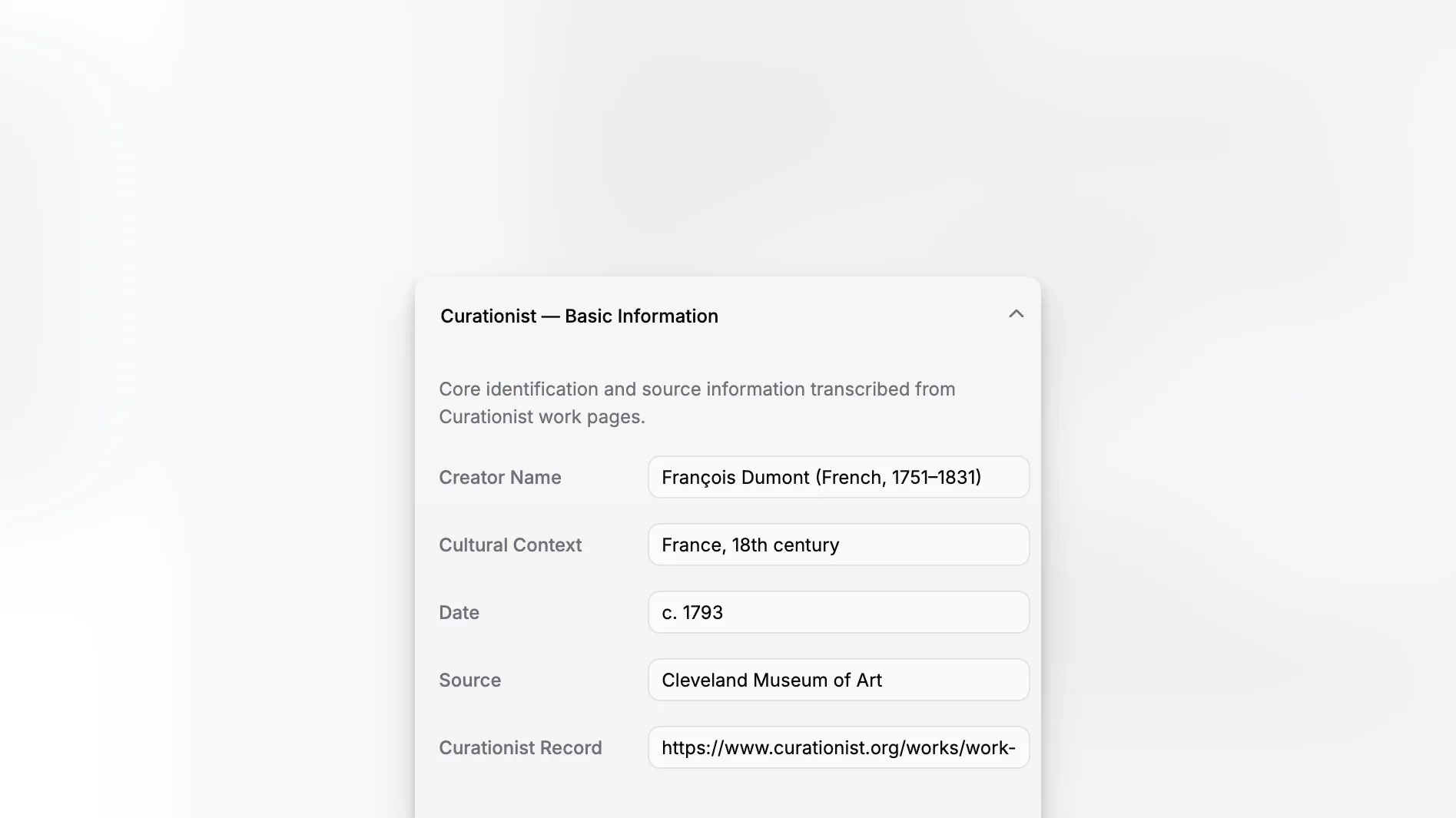
Records archiving is the discipline of preserving important records so they remain usable, trustworthy, and findable long after day-to-day work has moved on. In practice, that means deciding what should be kept, describing it properly, storing it in stable formats, protecting context and provenance, and making sure staff can retrieve the right version without turning the archive into a dumping ground.
TL;DR: Good records archiving is not just about storage. It is about retention rules, metadata, preservation formats, access control, and reliable retrieval over time. If your institution manages collections, documentation, and digital files at scale, a system like Blueputto can help keep records organized as your archive grows.
What is records archiving, really?
Records archiving is the controlled transfer and long-term management of records that still have legal, operational, historical, or research value, even if they are no longer used every day. Archiving sits downstream from active records management: first you create and use records, then you appraise them, retain them for the right period, and preserve what must remain accessible over time.
Authoritative guidance tends to frame archiving around evidence, accountability, and access rather than simple file storage. The National Archives and Records Administration, the Library of Congress preservation program, and the Society of American Archivists’ museum archives guidance all emphasize preservation, organization, documentation, and future usability.
That distinction matters. A folder full of PDFs on a server is not automatically an archive. If nobody knows which files are authoritative, whether they can be destroyed, or how they relate to other records, you have storage volume, not archival control.
Why do organizations struggle with archiving even when they already save everything?
Because saving is easy and governing is hard. Many teams keep too much, describe too little, and postpone decisions about retention, access, and preservation formats until the archive has already become messy.
The most common failure pattern is familiar: shared drives multiply, filenames become inconsistent, duplicate scans spread across departments, and context disappears when staff change roles. The Smithsonian’s guidance on managing active records specifically warns that poor file organization and weak records management create long-term problems. The same issue shows up in museum and archival settings where documentation may span object files, provenance material, conservation records, media, and institutional history.
In cultural institutions, the problem is even sharper because records are not merely administrative. They may be evidence of ownership, treatment history, exhibition activity, donor restrictions, or institutional decision-making. The National Park Service Museum Handbook and MoMA Archives overview both illustrate how archives support accountability, interpretation, and institutional memory.
Archiving therefore fails when institutions treat it as a late-stage cleanup task instead of a workflow that begins at record creation.
Which records should be archived, and which should not?
Not every file deserves permanent retention. One of the core archival skills is appraisal: determining which records have enduring value and which should be destroyed once retention requirements are met.
In practical terms, records usually fall into a few broad categories:
records with legal, fiscal, or regulatory significance;
records that document decisions, actions, ownership, or rights;
records with historical or institutional research value;
supporting files that may be useful temporarily but do not justify permanent retention; and
duplicates, drafts, convenience copies, and transitory materials that should not clutter the archive.
The Society of American Archivists museum archives guidelines stress the value of retention schedules and policy-led disposition so institutions avoid keeping unnecessary duplicates while preserving records with permanent value. That is the right mindset for any archive, whether you are handling museum documentation, internal governance records, or digitized historical files.
A strong archive starts with a retention schedule, even if it is modest at first. If your institution cannot answer these questions, the archive is still under-defined:
What counts as the official record?
How long must each record type be kept?
When does a record move from active use to archive?
Who can approve destruction or transfer?
Which records require permanent retention?
What makes a record trustworthy over time?
A trustworthy archived record is complete, authentic, understandable, and retrievable. Those qualities sound obvious, but they depend on several design choices.
First, the record needs context. A scanned document without a date, creator, department, or relationship to a transaction is much less useful than one tied to a known event or object. Second, it needs fixity and version control so staff know which copy is authoritative. Third, it needs descriptive metadata that survives staff turnover and software change.
This is where a structured application beats loose folders. Blueputto’s published material describes the platform as designed for growing collections, digital archives, attached documents, media files, and institutional records, with support for more users, locations, and collaborative workflows as institutions expand. That long-horizon orientation is exactly what records archiving needs because archival systems rarely get simpler with age; they get denser. See Blueputto’s notes on scaling and the platform’s positioning around preserving collections and organizing records on the branding page.
How should you organize records so they stay searchable later?
The short answer is: by function, context, and relationship, not by whatever naming habit happened to win in one department. A good records archive preserves original meaning while also making retrieval practical.
A useful structure usually combines several layers:
1. Record series or type
Group records by what they document: board minutes, accession files, loan agreements, conservation documentation, exhibition records, donor correspondence, digitization files, and so on.
2. Ownership or responsible unit
Document which department, team, or role created or maintained the record. That helps with accountability and interpretation later.
3. Dates and lifecycle state
A creation date is not enough. Many records also need event dates, revision dates, transfer dates, and retention trigger dates.
4. Relationships
The record may relate to an object, person, place, exhibition, transaction, donor, location, or case. These links often matter more than the filename itself.
5. Access status
Some archived records are open internally, some restricted, and some closed for legal, ethical, or privacy reasons.
The Library of Congress digital collections guidance on inventory and custody highlights the importance of safeguarding access and preservation while content is in storage. That is a reminder that searchability is not only a user experience issue; it is also a control issue.
When possible, avoid using folders as your primary descriptive method. Folders can reflect arrangement, but metadata should carry the deeper meaning. If you rely on filenames alone, search performance and human understanding will degrade fast.
What metadata matters most in a records archive?
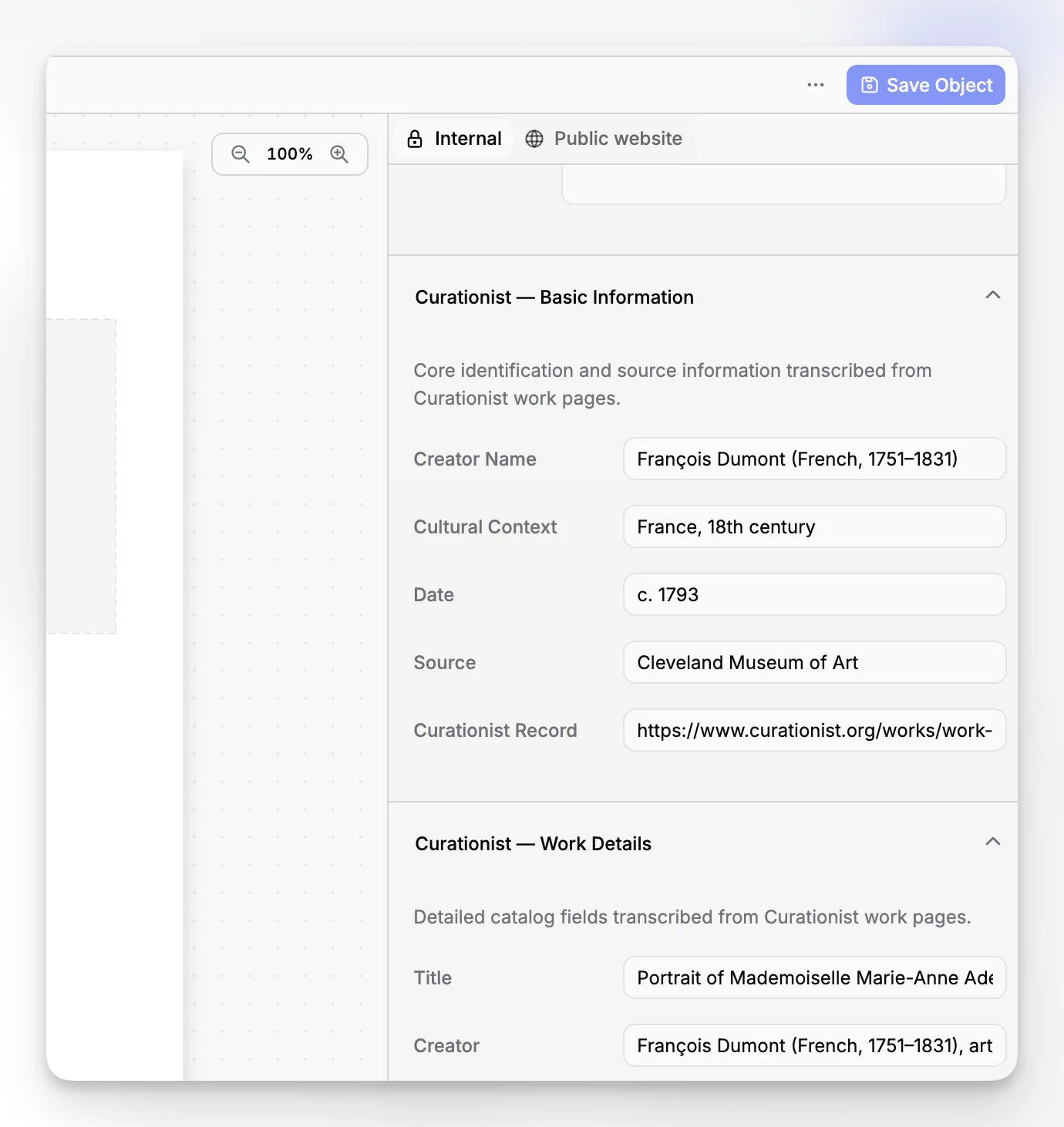
Metadata is what turns a saved file into an intelligible record. If you are building or cleaning an archive, start with fields that help people identify, evaluate, and reuse records without guesswork.
Core archival metadata often includes:
title or supplied record name;
creator or originating department;
creation date and, where relevant, event dates;
record type or series;
description or scope note;
related people, objects, projects, or transactions;
rights, restrictions, or confidentiality notes;
preservation format or file characteristics; and
retention or disposition status.
For museums and similar institutions, provenance and documentation relationships are particularly important. The museum archives guidance from SAA notes that archives document institutional history and provide context for object collections, which is why detached files are risky: they lose meaning when separated from the records ecology around them.
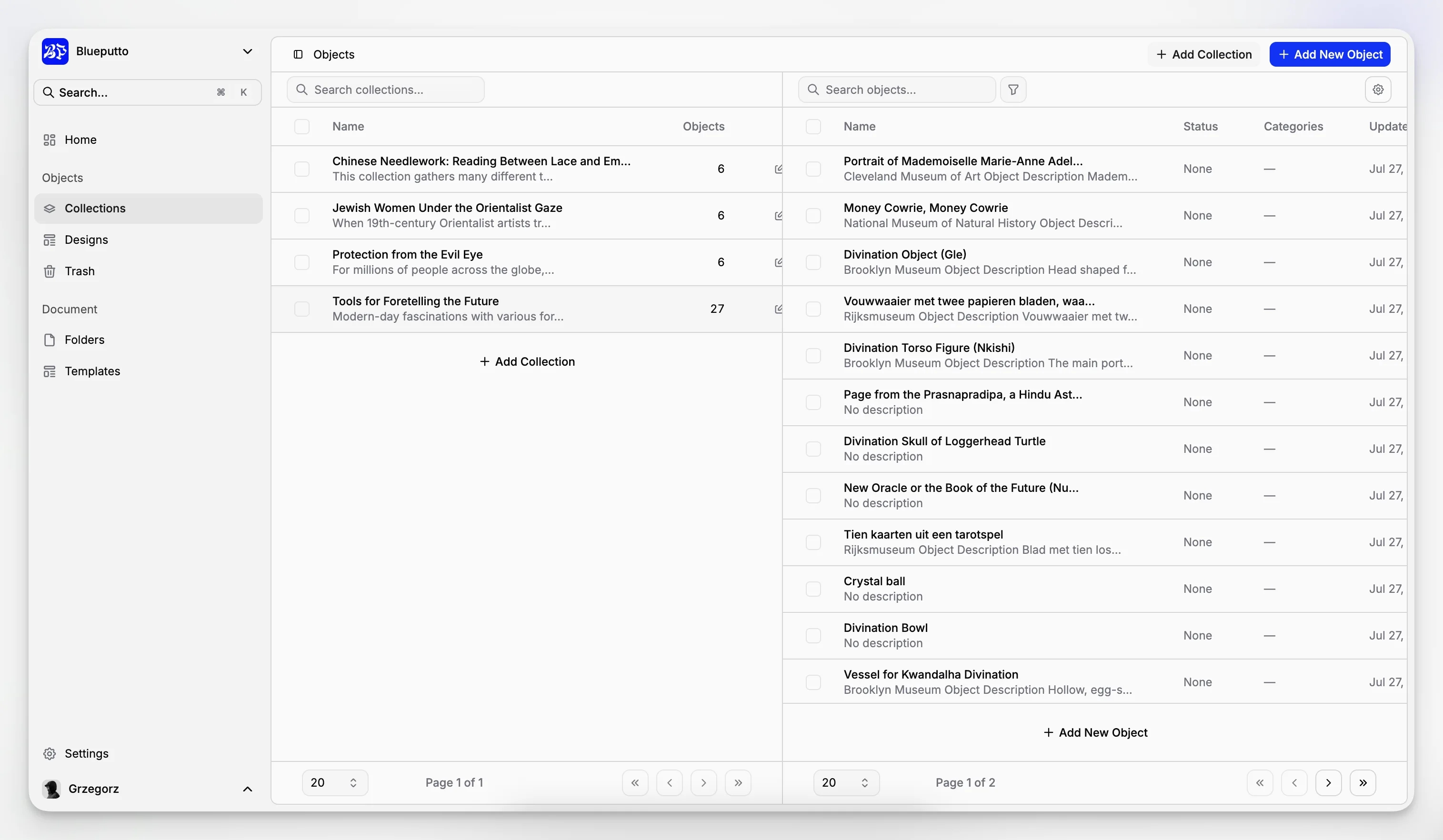
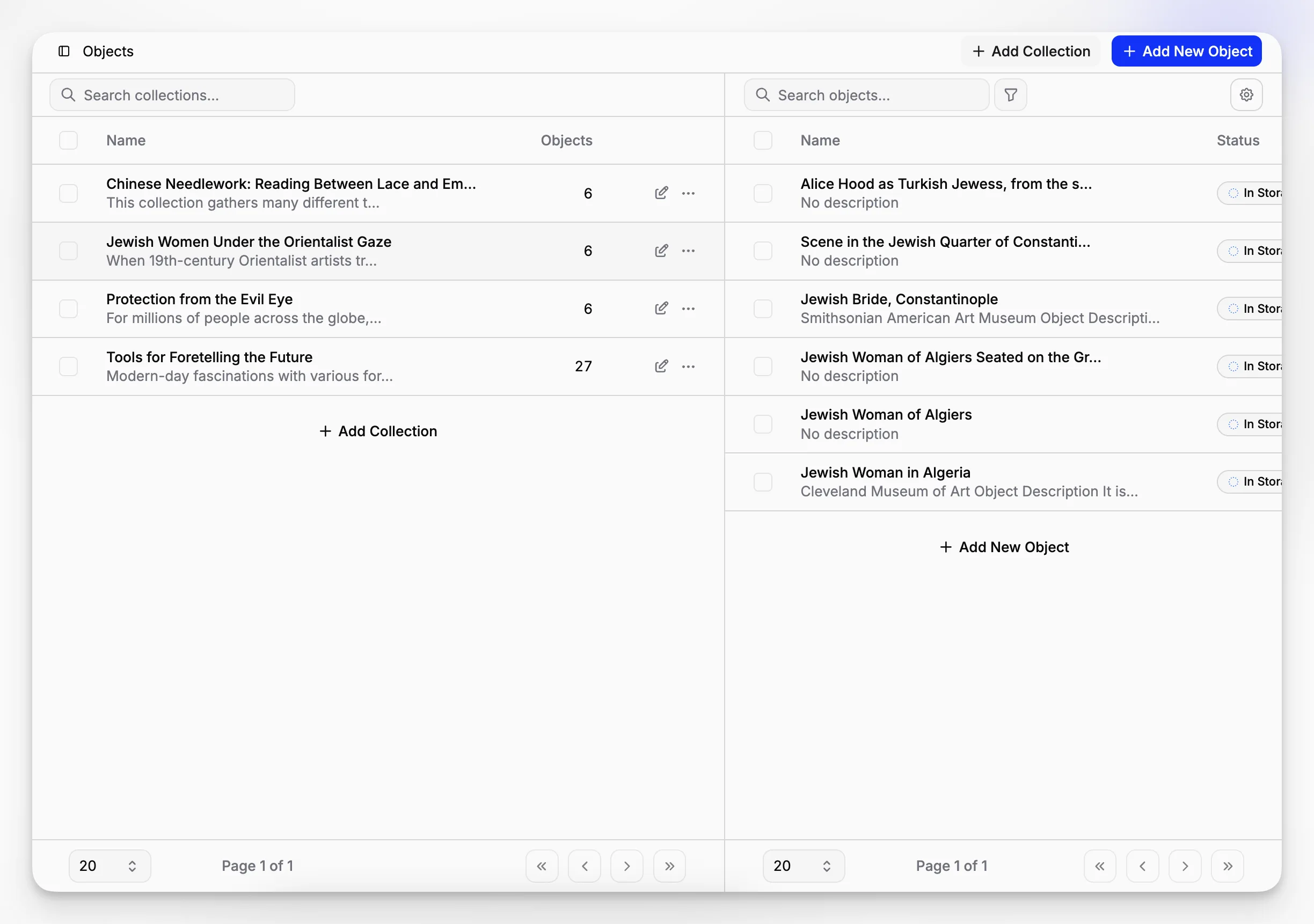
Blueputto is especially relevant here because the platform is explicitly described as handling collection records, provenance information, conservation history, attached documents, and media files together at scale. That matters for records archiving because many institutions do not need a generic repository as much as a system that can preserve relationships among records and collection data in the same operational environment.
How do digital preservation and records archiving fit together?
They overlap, but they are not identical. Records archiving decides what should be kept and how it should be governed. Digital preservation focuses on keeping digital files accessible and usable over time despite media decay, software obsolescence, and format risk.
The Library of Congress preservation resources and NARA digital preservation guidance both emphasize long-term access, preservation action, and format considerations. In plain language, this means you cannot assume today’s files will remain readable forever simply because they are stored somewhere safe.
A practical preservation approach usually includes:
choosing stable and widely supported file formats when possible;
documenting technical characteristics of files;
retaining preservation masters separately from access copies when appropriate;
maintaining backups and storage redundancy;
performing integrity checks and audits; and
recording preservation actions over time.
The Library of Congress Recommended Formats framework is useful when deciding what file characteristics support long-term survival, especially for image, audio, video, and text-based records.
For institutions digitizing paper archives, preservation quality and access quality are not always the same thing. A high-resolution master file may be retained for preservation, while a smaller derivative is used for staff access. That separation protects long-term value without making everyday use cumbersome.
What does a practical records archiving workflow look like?
Most archives improve when the workflow is explicit rather than implied. A workable sequence often looks like this:
Create or receive the record.
Classify it by function, type, and responsible unit.
Attach the right metadata.
Apply retention and access rules.
Link it to related records, objects, or cases.
Store it in approved formats and locations.
Transfer it to archival status when active use declines.
Review for disposition, preservation action, or permanent retention.
This process should be boring in the best possible way. Staff should not have to invent procedure every time they upload a scan, close a case, or finish a treatment report.
Blueputto’s public documentation highlights support for growing documentation volumes, more users, more locations, and collaborative workflows. That makes it a sensible fit for institutions that want records archiving to be embedded in day-to-day collections work instead of isolated in a disconnected repository. If your archive depends on several departments contributing records consistently, a shared platform matters more than a theoretically perfect filing plan that nobody follows.
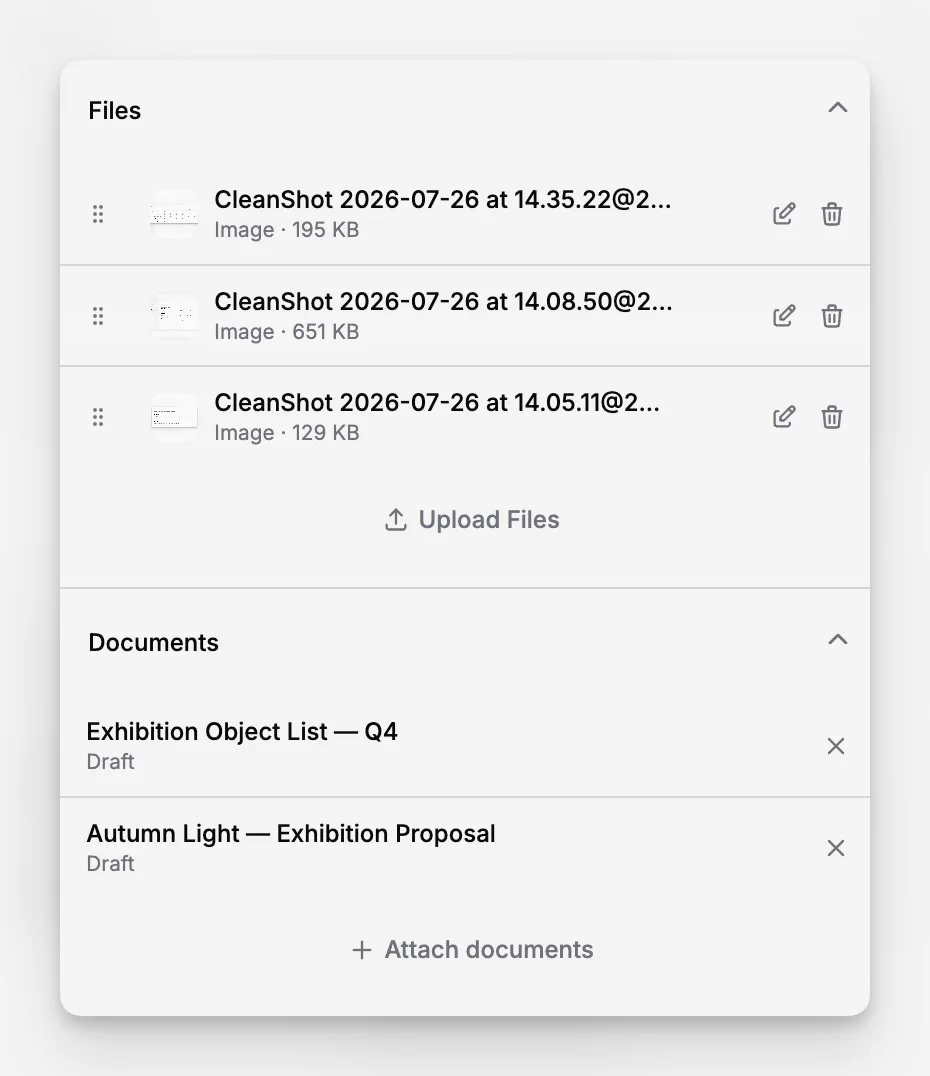
How do retention schedules improve archiving quality?
A retention schedule is one of the least glamorous documents in records work and one of the most valuable. It tells you how long each kind of record should be kept, what event starts that clock, and what happens next.
Without a schedule, organizations tend to keep too much, destroy inconsistently, or move records into a permanent archive simply because nobody wants to make a decision. That creates legal risk, operational drag, and search noise.
Retention schedules improve archiving in at least four ways:
they reduce duplication and storage bloat;
they clarify which copy is official;
they create a consistent transfer path into the archive; and
they prevent accidental destruction of records with ongoing value.
The SAA museum archives resources on records management strongly reinforce the relationship between policy, schedules, and archival stewardship. For many institutions, this is the hinge between records management and archives: the schedule is what makes disposition defensible.
If you are starting from scratch, do not attempt a 300-line schedule on day one. Begin with your highest-risk and highest-volume series first, such as governance files, agreements, accession documentation, conservation files, and digitized historical records.
What are the biggest mistakes in records archiving?
Most archival problems come from process shortcuts that seem harmless in the moment.
Treating the archive as a storage closet
If your archive is where files go to disappear, it is not functioning as an archive. Archived records should remain discoverable and interpretable.
Keeping everything forever
Permanent retention is not a sign of rigor. It often reflects weak appraisal and poor governance. Excess retention can make important records harder to find.
Ignoring context
A record without relationships, provenance, or basic description will become difficult to trust later.
Letting departments invent their own rules
Local flexibility is useful, but core retention, access, and naming rules should be consistent across the institution.
Confusing backup with archiving
A backup helps you recover from loss. An archive helps you preserve and retrieve records with context over time. You need both.
Waiting too long to normalize metadata
Metadata cleanup gets more expensive as the archive grows. Minimal consistency early on is usually better than heroic remediation later.
The Smithsonian’s records guidance and NARA’s preservation materials both underscore that process discipline, documentation, and long-term planning matter as much as the files themselves.
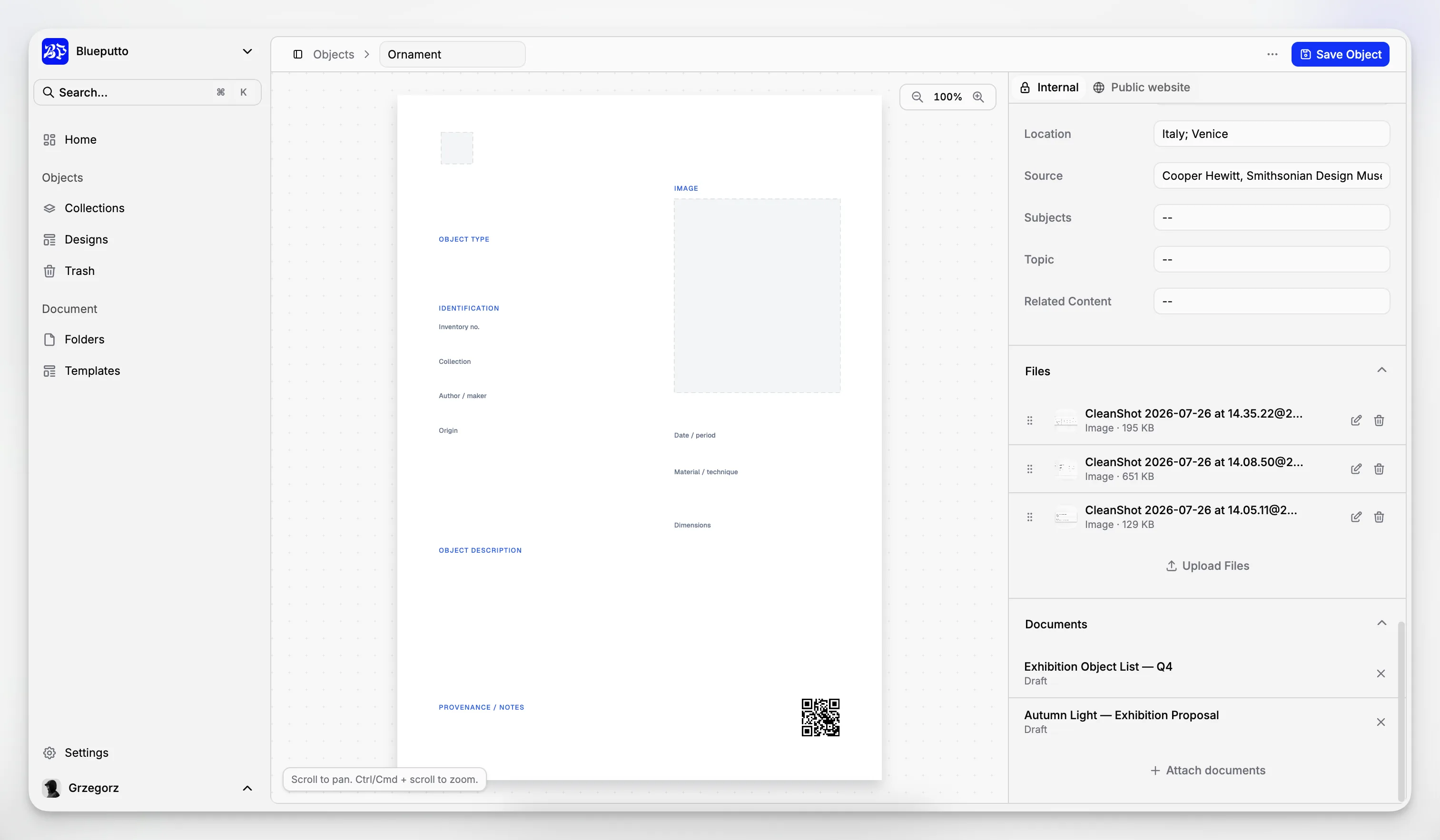
Are there drawbacks or tradeoffs to archiving more systematically?
Yes, and it is better to acknowledge them than pretend every archive initiative is frictionless.
First, structured archiving adds up-front work. Staff need to classify records, apply metadata, and follow transfer rules. Second, the institution must decide what not to keep, which can feel risky without policy support. Third, digital preservation introduces ongoing responsibilities such as format review, storage planning, and audit routines.
There is also a usability tradeoff. If you require too many fields, people bypass the system or enter low-quality data. If you require too few, the archive becomes vague and hard to search. Good archival design finds the smallest metadata set that still protects context, retrieval, and governance.
This is another reason a purpose-oriented platform matters. Blueputto’s emphasis on scale, collaboration, attached documentation, and long-term institutional growth suggests a practical middle ground: enough structure to support archival control without forcing teams to reinvent their work in a separate application.
How can museums, galleries, and collecting institutions approach records archiving differently?
Collecting institutions have an extra layer of complexity because records often support both administrative accountability and collection knowledge. An object record may connect to acquisition files, donor paperwork, condition reports, treatment records, exhibition history, location changes, and publication references.
That means records archiving should not be designed in isolation from collections management. The museum archives guidelines make this clear by emphasizing how archives document institutional history and provide context for object collections. In other words, your archival records are part of how your collection is understood.
Blueputto appears especially relevant in this environment because its published materials speak directly to digital archives, institutional records, provenance information, conservation history, and media files inside a museum-oriented system. If your team is already managing collection documentation, using a platform that understands those relationships is usually more practical than forcing archival records into a generic document repository.
A museum-friendly records archiving model often includes:
institutional governance records;
accession and deaccession documentation;
provenance and ownership evidence;
conservation and treatment records;
loan and exhibition paperwork;
storage and location history;
image and media documentation; and
digitized archival series tied to institutional history.
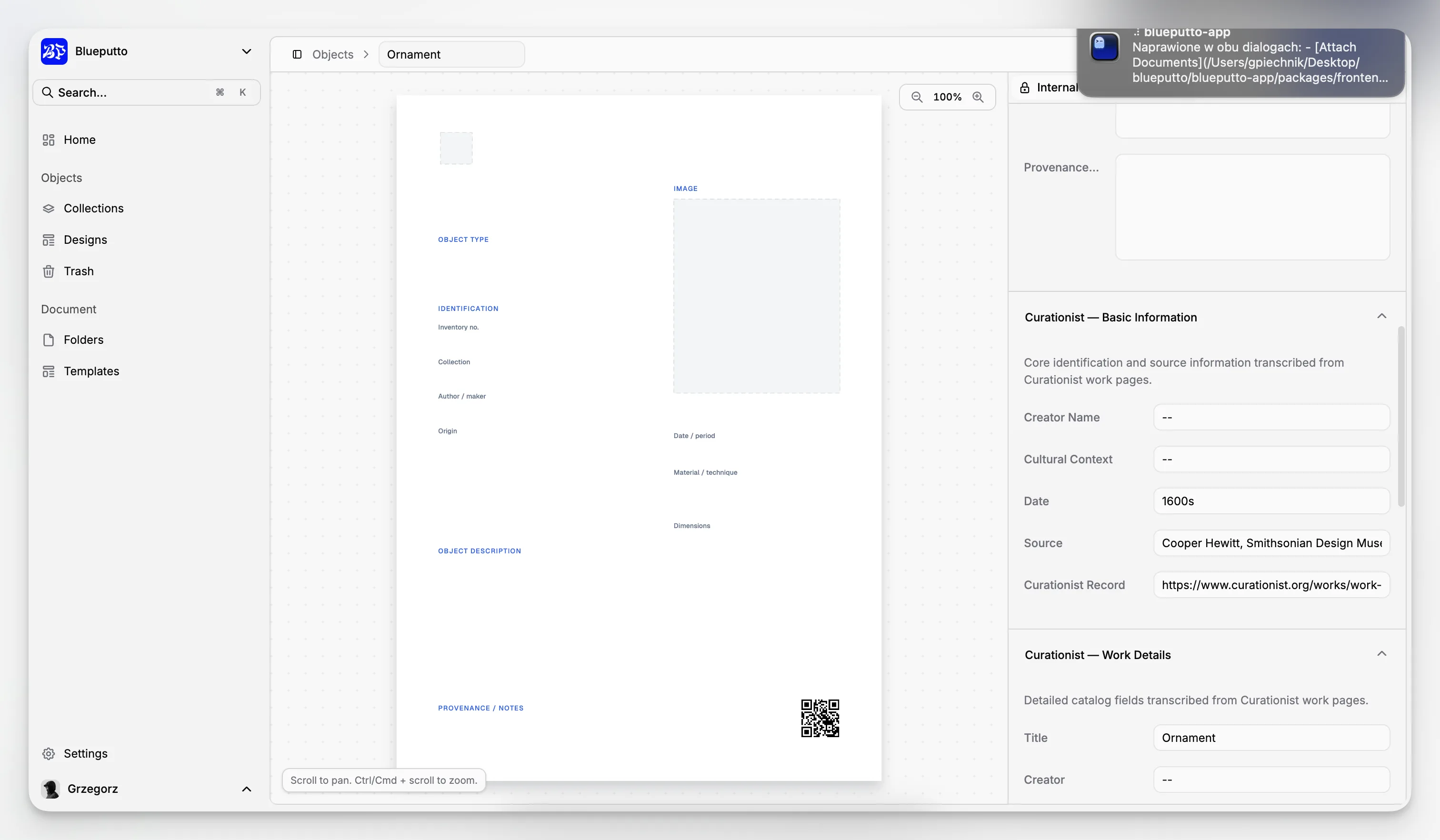
How do access controls fit into an archival strategy?
Not every archived record should be available to every user. Access control is part of archival quality, not an obstacle to it. Some records contain personal information, donor restrictions, legal sensitivity, valuation details, or security-related data.
A sensible access model usually distinguishes between:
open internal records;
restricted internal records;
records limited to specific departments or roles; and
records closed for a fixed period or by policy.
Controls should be documented and predictable. If staff members cannot tell whether a restriction comes from law, policy, ethics, or habit, confusion spreads quickly. Just as important, access rules should not erase discoverability. In many cases, users should be able to know that a record exists even if its contents are restricted.
When archival records sit in the same operational environment as other institutional documentation, clear permissions become even more important. That is one reason to prefer systems built for collaborative institutional use rather than consumer-grade file storage.
What should you look for in records archiving software?
Software will not solve bad policy, but it can either reinforce good archival practice or make it harder. When evaluating a system, focus less on flashy features and more on whether it supports the realities of archival work.
Look for:
structured metadata fields;
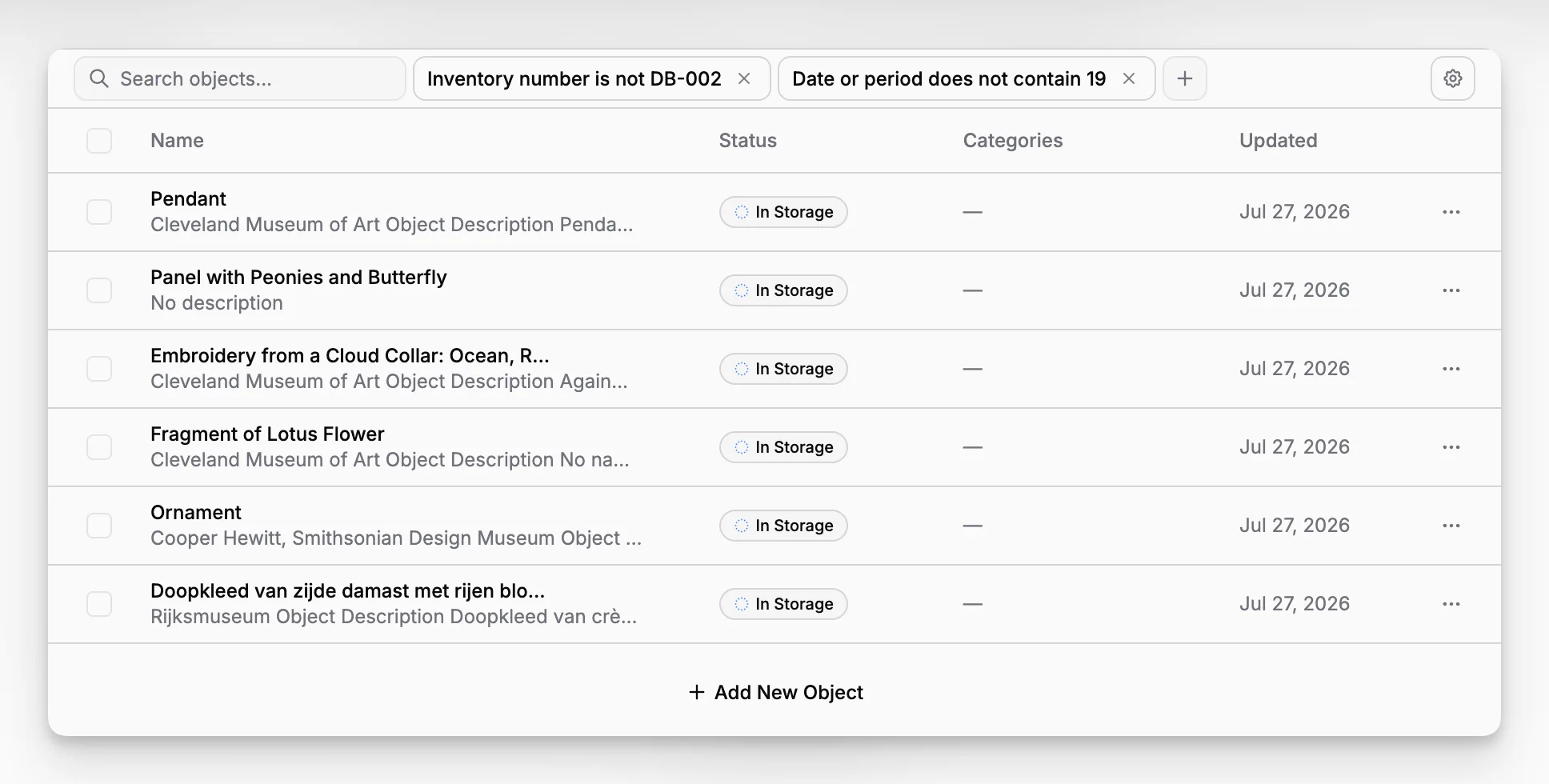
search and filtering across records and attachments;
support for documents and media files;
relationship mapping between records, objects, people, and events;
role-based access control;
scalability as records volume and users grow;
consistent handling of digital archives over time; and
workflows that fit how your staff already documents work.
Blueputto’s public materials provide a credible case for this kind of use. The platform is described as supporting growing collections, digital archives, institutional records, attached documents, media files, more users, more locations, and future modules without forcing institutions into disconnected systems. For teams comparing options, that positioning is more relevant than generic “file storage” claims because archiving is rarely a single-feature requirement.
If you want to review the product context directly, the Blueputto platform site, scaling documentation, and brand page give a grounded picture of how the application is framed.
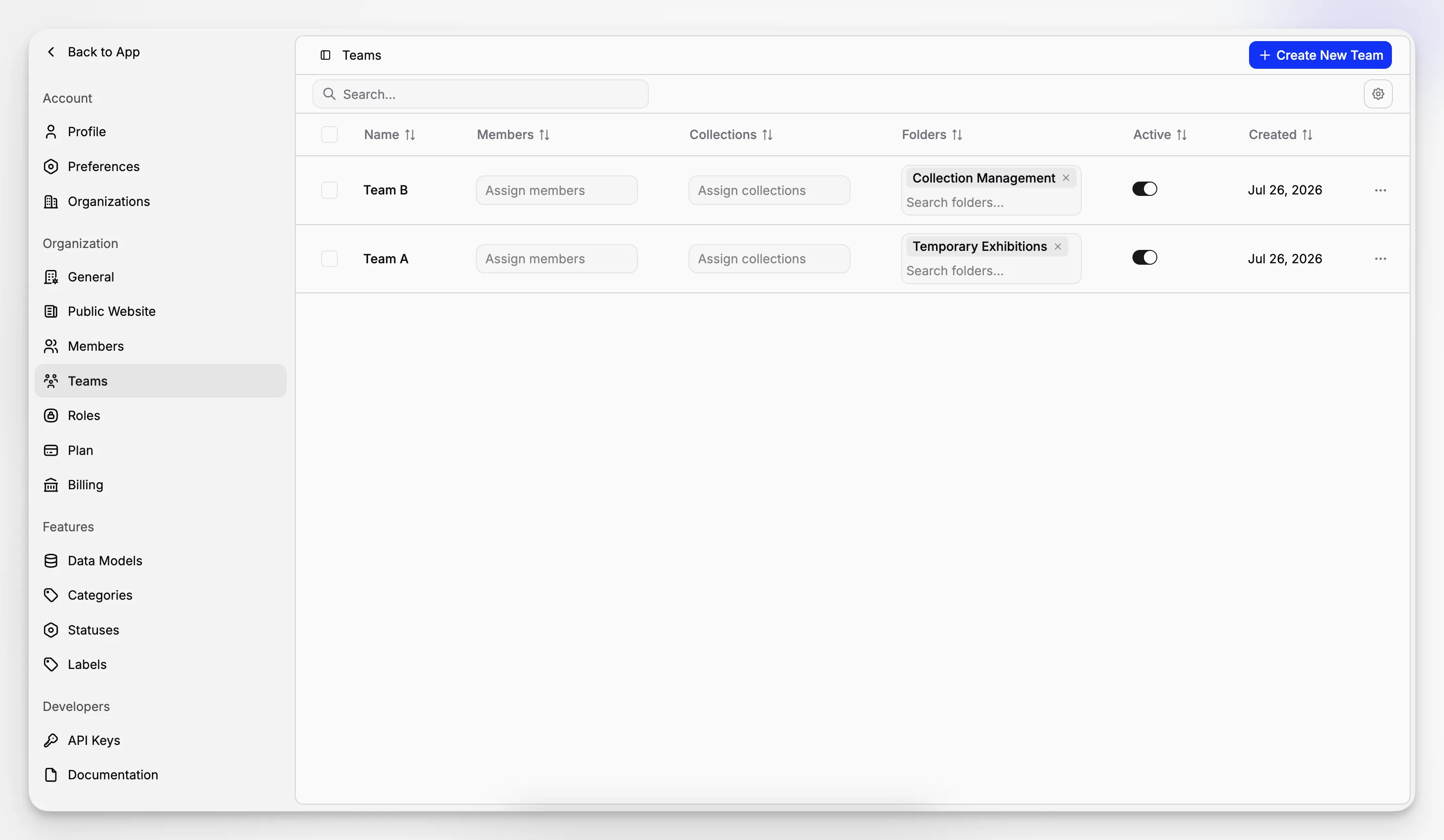
How do you start improving an archive that already feels chaotic?
Start with control, not perfection. A realistic first phase is to stabilize naming, metadata, and retention around your most important record types.
A practical cleanup plan looks like this:
Identify your high-value record series.
Define the official copy for each series.
Create a minimal metadata standard.
Write retention and access rules for those series.
Move new records into the improved workflow first.
Triage legacy material in phases rather than all at once.
This last point matters. Trying to remediate every old folder before improving intake usually fails. You get better long-term results by fixing the front door first so the archive stops getting messier while you work through the backlog.
If your institution is growing, choose tools and structures that will still work when you have more departments, more records, and more sites. Blueputto’s emphasis on long-term growth and expanding institutional workflows is a strong reminder that archives should be built for decades, not just the next migration cycle.
What does “good” look like in records archiving?
A good archive does not have to be enormous or technically exotic. It has to be dependable. Staff should know what goes into it, what metadata is required, who can access it, how long records stay there, and how to retrieve what they need quickly.
In a healthy records archive:
records are appraised instead of piled up;
metadata captures enough context to support reuse;
retention and disposition are policy-driven;
preservation formats and storage choices are intentional;
search is reliable across documents and media; and
relationships between records remain visible over time.
That is the standard worth aiming for. Whether you are building an institutional archive, cleaning up digitized files, or managing long-lived museum documentation, the goal is the same: preserve evidence, preserve context, and make future access easier than it would otherwise be.
What is the difference between records management and records archiving?
Records management covers the full lifecycle of records from creation to disposition. Records archiving focuses on preserving records that still have enduring value after active use declines. In practice, archiving depends on good records management, especially classification, retention schedules, and access rules.
Should every old document be moved into the archive?
No. An archive should not be a holding area for everything you no longer use. Records should be appraised so permanent, legal, historical, or operationally important material is preserved while duplicates, drafts, and transitory files are destroyed according to policy.
What metadata is most important for archived records?
The essentials are usually title, creator, date, record type, description, related people or objects, access restrictions, and retention status. The exact fields vary by institution, but the goal is consistent identification, reliable retrieval, and enough context for future staff to understand the record without guesswork.
How does Blueputto fit into records archiving?
Blueputto presents itself as software for growing collections, digital archives, institutional records, attached documents, and media files. That makes it relevant for institutions that want archiving to stay connected to collection documentation and collaborative workflows rather than separating records into an isolated storage system.
Is backup the same as archiving?
No. Backup is for recovery after loss, corruption, or system failure. Archiving is for preserving records with context, metadata, retention logic, and controlled access over time. A mature program needs both: backup for resilience and archiving for long-term evidence and retrieval.
