

Digital Document Management for Museums
Digital document management for museums tied to object records, archives, and workflows. Organize files, improve access, and preserve collection knowledge with Blueputto.
 Grzegorz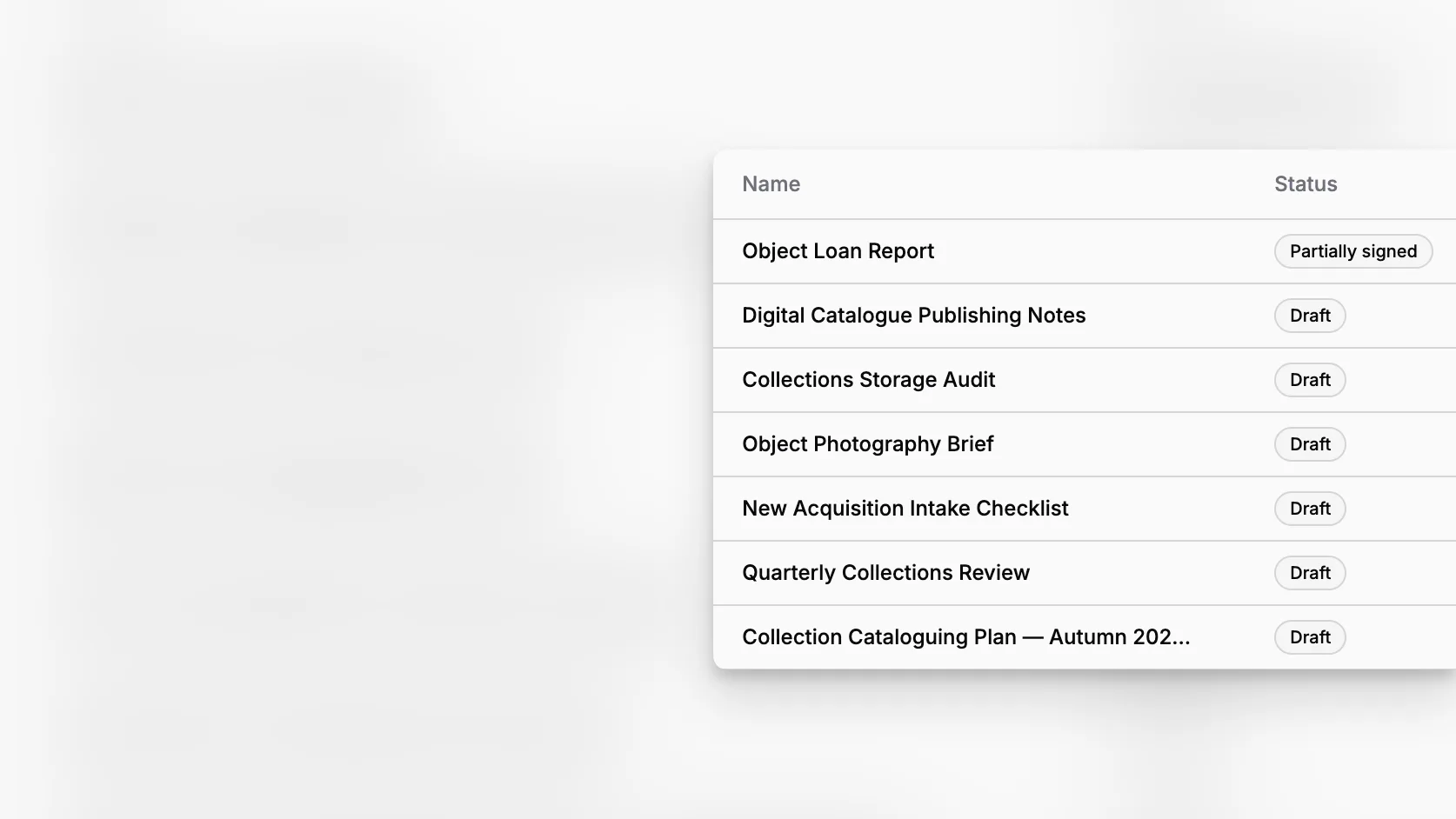
Digital document management in museums is not just about storing PDFs in one place. It is the operational layer that connects object records, archive files, institutional paperwork, digitization projects, and day-to-day collections work. When documentation is fragmented across shared drives, paper folders, and disconnected spreadsheets, staff lose time, decisions slow down, and collection knowledge becomes harder to trust. A museum-focused system like Blueputto gives that documentation a structure that is easier to search, maintain, and scale.
TL;DR: Museums need digital document management that is tied to real collection work, not a generic file repository. The most effective setup connects documents to object records, collections, categories, statuses, folders, and repeatable templates. Blueputto is designed around that reality, helping institutions organize documentation for collections, archives, records, and long-term institutional knowledge.
What does digital document management mean in a museum context?
In a museum, document management covers far more than administrative files. It includes accession paperwork, provenance research, donor correspondence, condition reports, loan documentation, cataloging notes, digitization files, rights records, conservation history, policy documents, and internal reference material. Guidance from the U.S. National Park Service emphasizes that museum records support care, accountability, access, and research across the collection lifecycle, while the Spectrum standard from Collections Trust frames documentation as a core part of collections management practice.
The key point is that museum documentation is relational. A document usually matters because it belongs to an object, a group of objects, an archive, a location, a procedure, or a decision. That is why a museum needs more than cloud storage. It needs a system where documentation can live alongside structured records and be retrieved in context.
Museums also deal with very different record types at once. An art museum may need object files and exhibition paperwork. A local history museum may need archive descriptions, donor files, and institutional records. A natural history collection may need specimen documentation, media, and research files. The collections stewardship standards from the American Alliance of Museums make clear that museums are expected to know what they hold, where it came from, and its condition and location. That level of stewardship depends on reliable documentation.
Why do generic document systems fall short for museums?
Generic document systems are often good at basic storage, permissions, and sharing. They are usually much weaker at collection context. A museum team may be able to upload files into a folder tree, but that does not automatically create strong links between a condition report, a movement event, a related object record, a collection grouping, and the staff workflow surrounding them.
This is where many digital document projects stall. The software might be easy to buy, but it leaves staff to invent museum logic on top of a general-purpose tool. Over time, naming conventions drift, duplicate files multiply, and “final” documents get revised in parallel. The result is not just inefficiency. It is institutional uncertainty.
The National Park Service explains in its Museum Handbook, Part II: Museum Records that consistent procedures are needed for accessioning, cataloging, inventory, loans, and accountability. Consistency is difficult to maintain when documentation is scattered across unrelated systems.
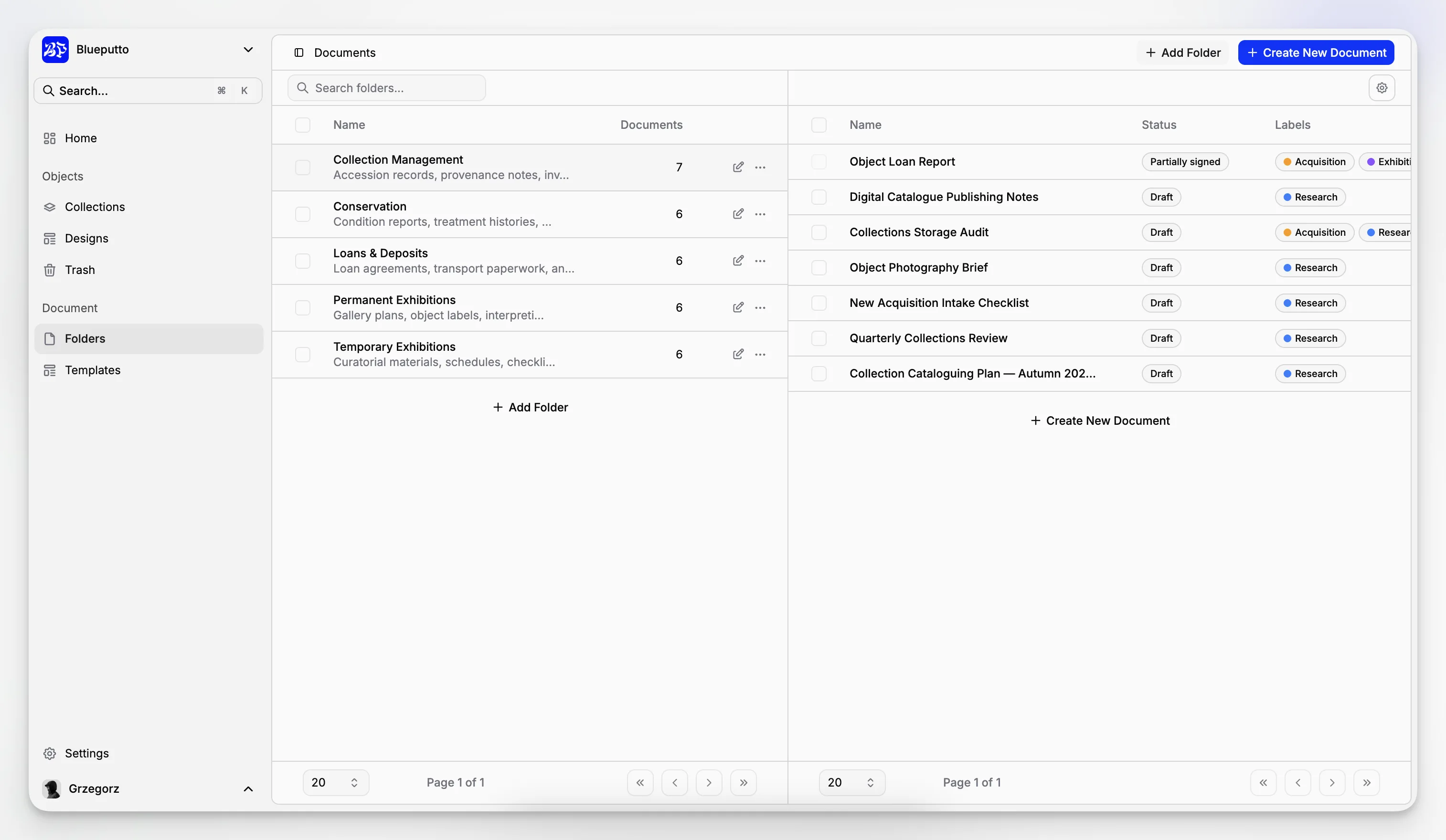
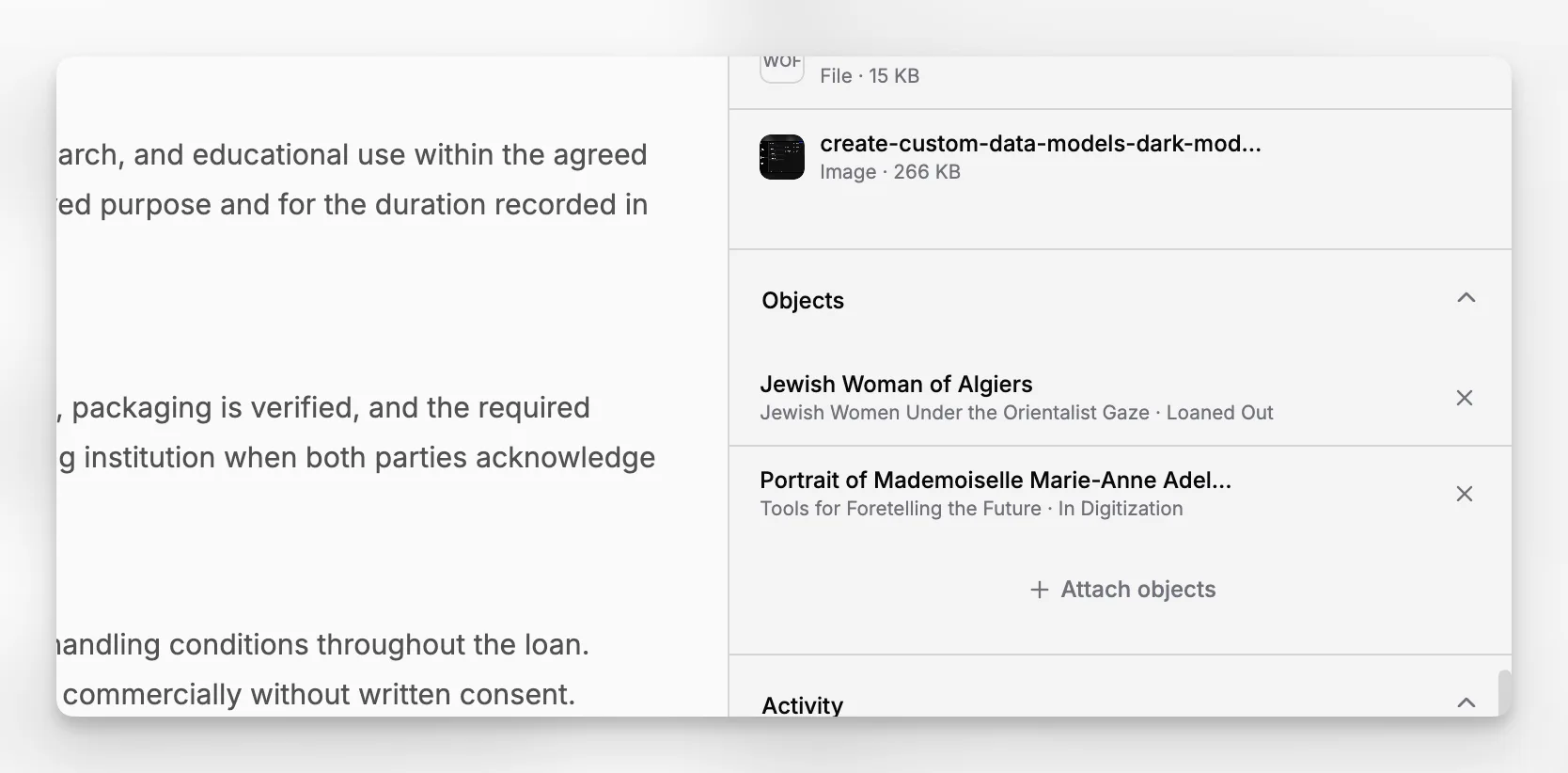
Blueputto is more useful in this setting because its documented application model already includes Items, Documents, Collections, Folders, Categories, Statuses, Labels, and Document Templates, as described in Blueputto’s Scaling resource. Those are museum-friendly building blocks, not improvised workarounds. Blueputto also states there that it is designed to support growing collections, archives, institutional records, and teams over time. That matters because museum data is cumulative and rarely gets simpler as an institution grows.
How should a museum structure digital documents from the start?
A strong document system begins with a simple rule: do not treat all files as interchangeable. Museums should decide early what kinds of documents they manage, how those documents relate to collection records, and which parts of the structure should be controlled by the system rather than by staff memory.
A practical baseline usually includes:
a distinction between collection items and attached documentation
clear collection-level grouping
controlled categories for document types
statuses that show workflow stage or review state
labels for flexible filtering
templates for recurring record formats
folders used sparingly and intentionally
That approach aligns with museum documentation standards, which favor consistent procedures and controlled structures over purely ad hoc filing. Collections Trust explains through its Spectrum primary procedures and its documentation planning guidance that museums should adapt documented procedures to their own needs while maintaining a structured framework. Procedures such as documentation planning, cataloguing, inventory, location and movement control, and rights management all generate documents that benefit from consistent structure rather than loose storage.
In Blueputto, a museum can start by defining its top-level collections based on how the institution actually works. For example, you might separate:
permanent collection objects
archival holdings
digitization backlog
conservation documentation
loans and exhibitions
institutional records
This is more durable than relying on a single drive full of nested folders. Collections give a meaningful structural layer, while categories and statuses handle document type and workflow state.
What does a practical Blueputto workflow look like?
The most useful way to think about Blueputto is as a museum documentation workspace rather than a passive storage bin. Its Scaling page presents it as a platform designed to support expanding collections, archives, documentation, and workflows over time.
A practical museum workflow in Blueputto can look like this:
1. Create or identify the item
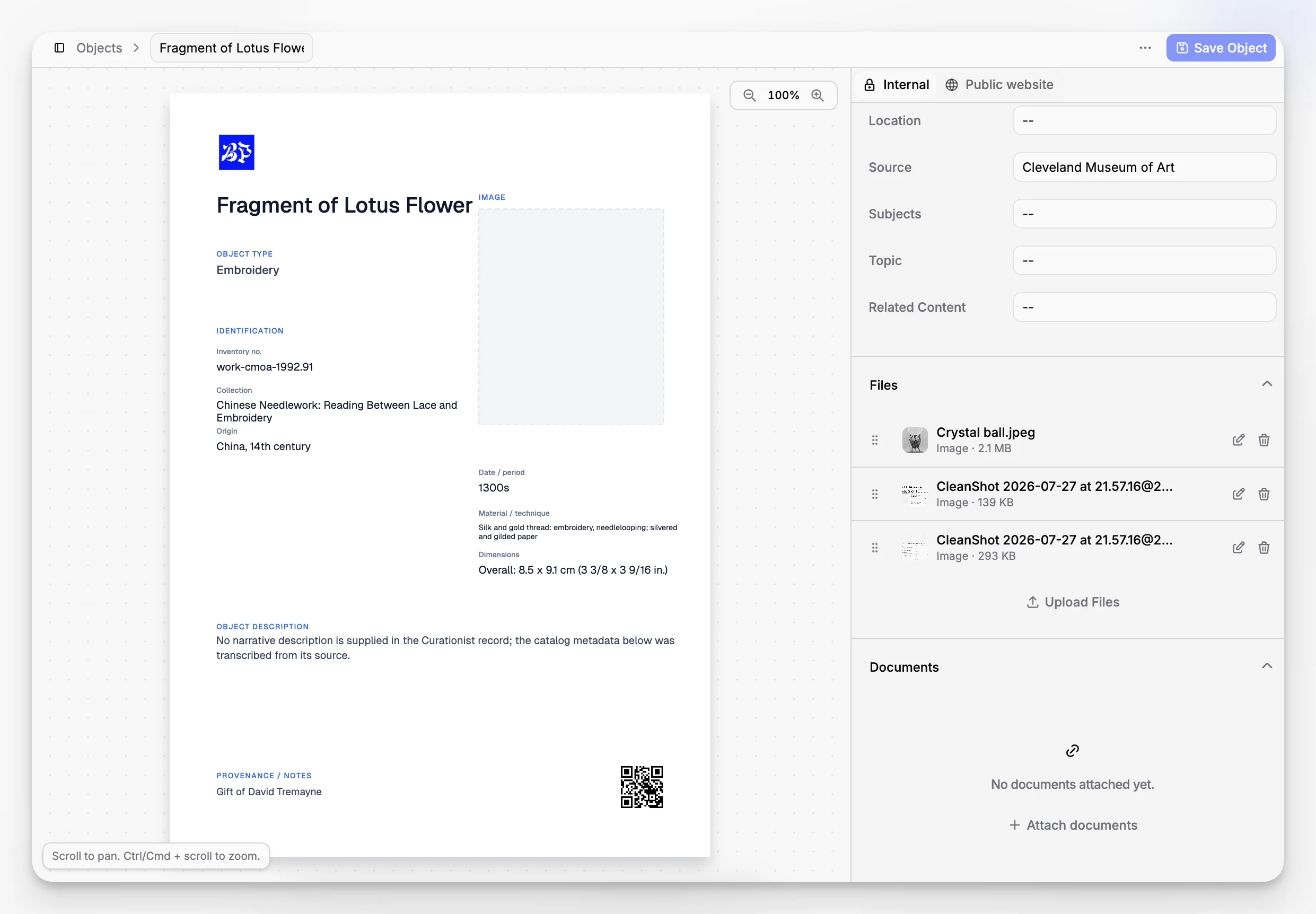
Start with the item or record that needs documentation. That may be a single object, an archival unit, or another collection record. The item becomes the anchor for related documentation.
2. Add the supporting documents
Upload or create the relevant documents connected to that item. This may include a donor agreement, intake notes, object photography notes, a condition check, research attachments, or internal approvals.
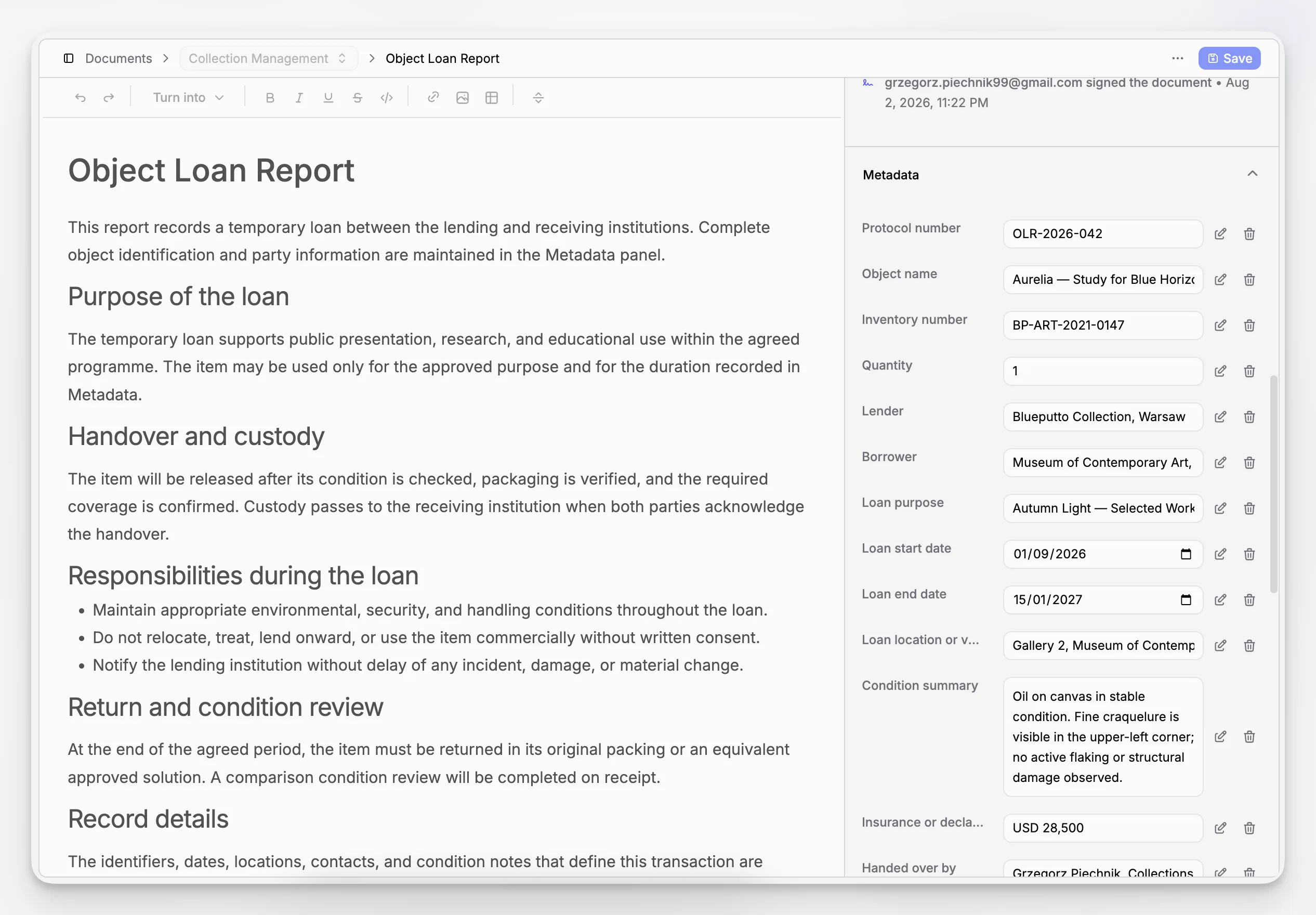
3. Classify documents using categories
Use categories for stable document types, such as accession forms, provenance records, condition reports, conservation notes, rights documentation, valuation, or correspondence. That makes filtering more reliable than hoping staff always type the same filename.
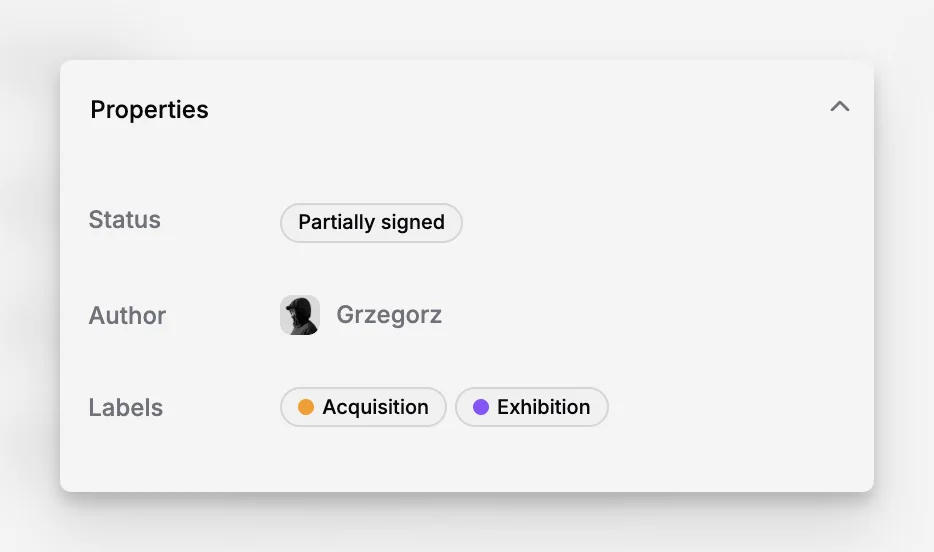
4. Track progress with statuses
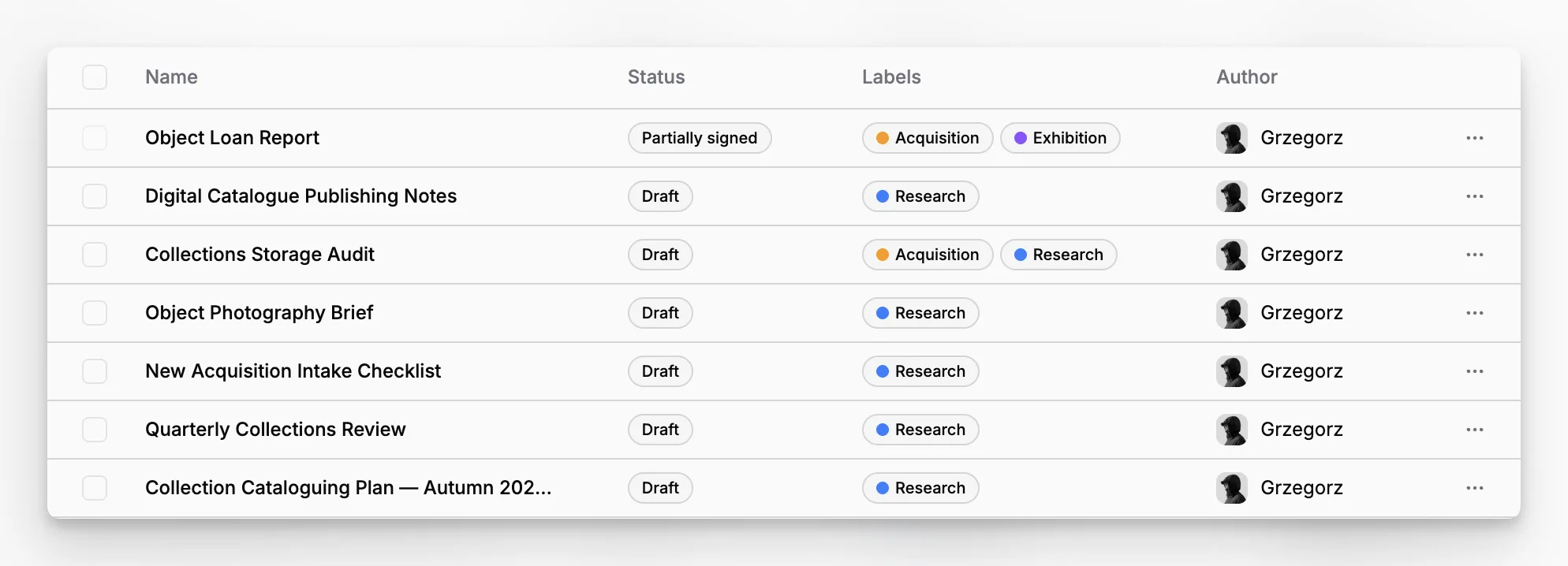
Statuses are especially useful when documentation is incomplete, under review, or pending action. Instead of hiding workflow inside email threads, museums can make progress visible through states such as draft, in review, approved, pending digitization, or needs verification.
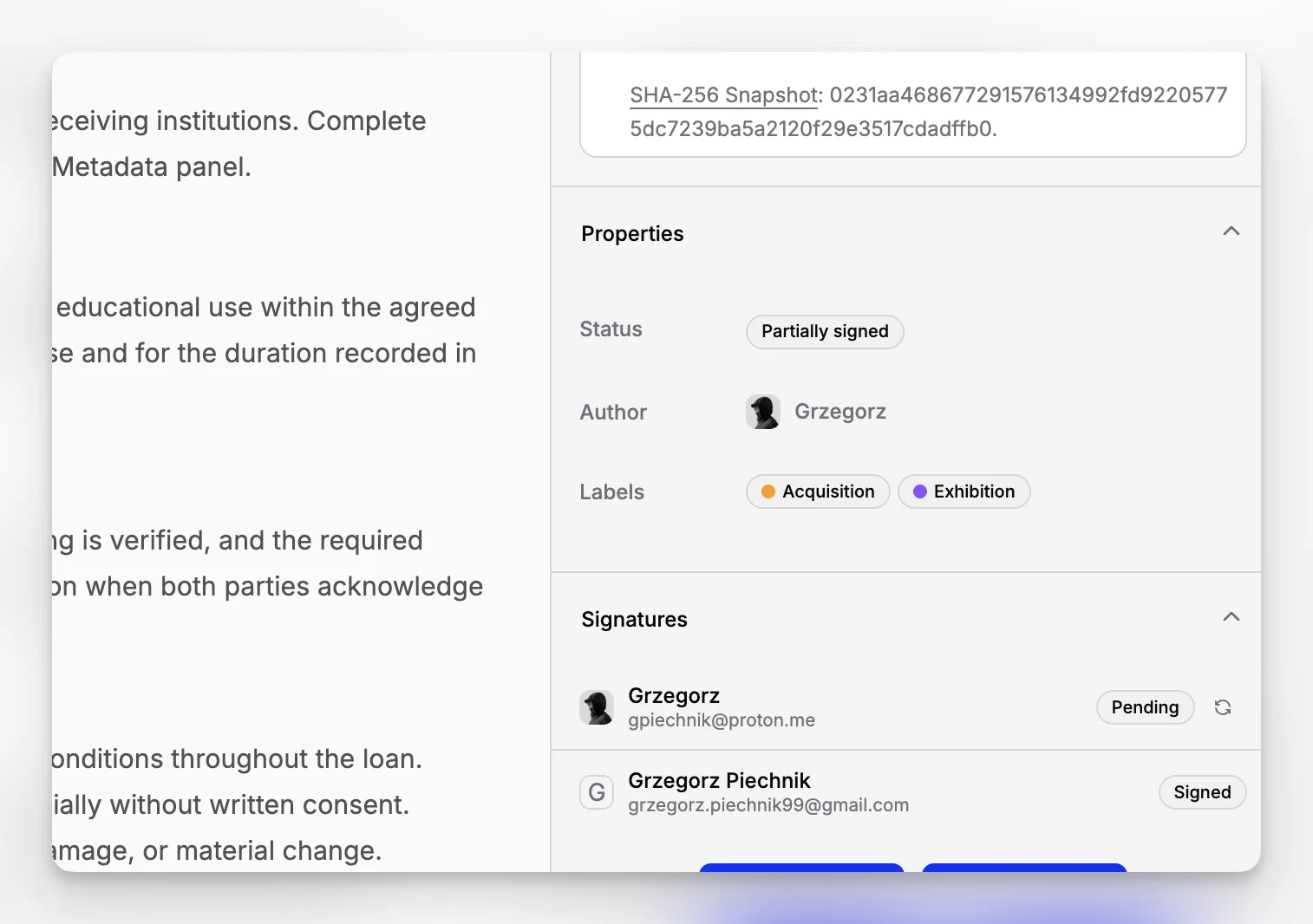
5. Add labels for cross-cutting retrieval
Labels can handle flexible tagging needs that do not fit rigid categories, such as repatriation review, exhibition candidate, urgent conservation, donor restrictions, or copyright review.
6. Reuse templates for recurring documentation
If your team repeatedly creates the same kinds of records, templates reduce inconsistency. Blueputto includes Document Templates in its documented application structure, which the Scaling resource highlights as part of a system designed for long-term institutional growth.
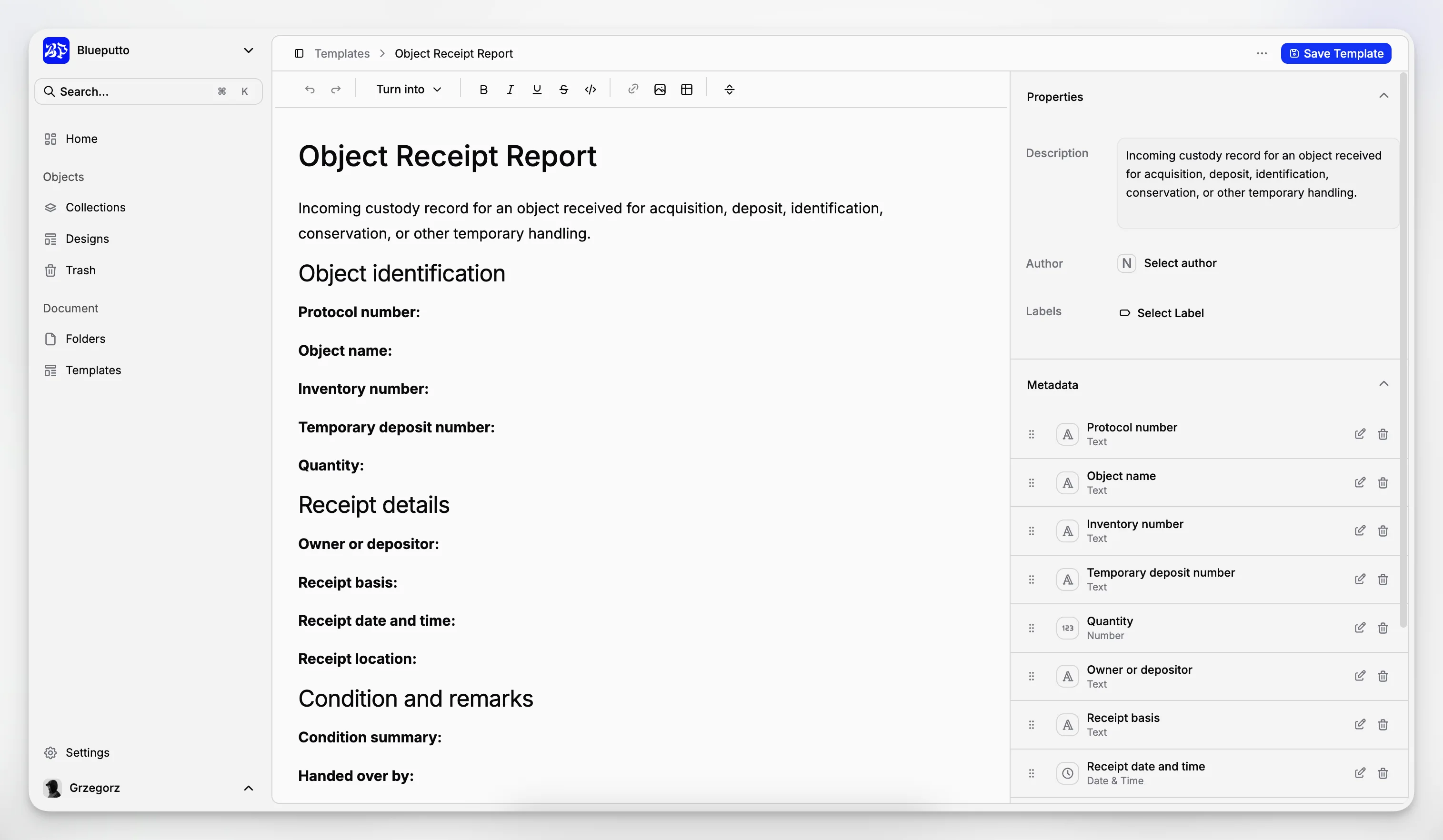
That workflow is valuable because it combines consistency with flexibility. Collections define broad scope, items provide context, categories and statuses create control, labels add nuance, and templates reduce repetitive manual work.
Which museum documents benefit most from structured management?
Almost every recurring museum document benefits from a defined structure, but some types create especially large gains because they are frequently reused, audited, or revisited years later.
Common high-value document groups include:
accession and acquisition files
provenance research and ownership records
donor and deed-of-gift documentation
condition reports and conservation history
object movement and location-related paperwork
exhibition planning and outgoing loan files
image rights and reproduction permissions
digitization planning and file tracking
archive descriptions and supporting notes
policy and institutional records
The Canadian Heritage Information Network explains in its Digitization Toolkit that institutions should build digitization policies, plans, and procedures rather than simply produce files. Collections Trust likewise treats documentation as a managed process through its Spectrum procedures.
Blueputto is particularly relevant here because its model distinguishes documents from items while still allowing a shared organizational framework. That is a better fit for museums than a tool that treats every file as a standalone asset with little record context.
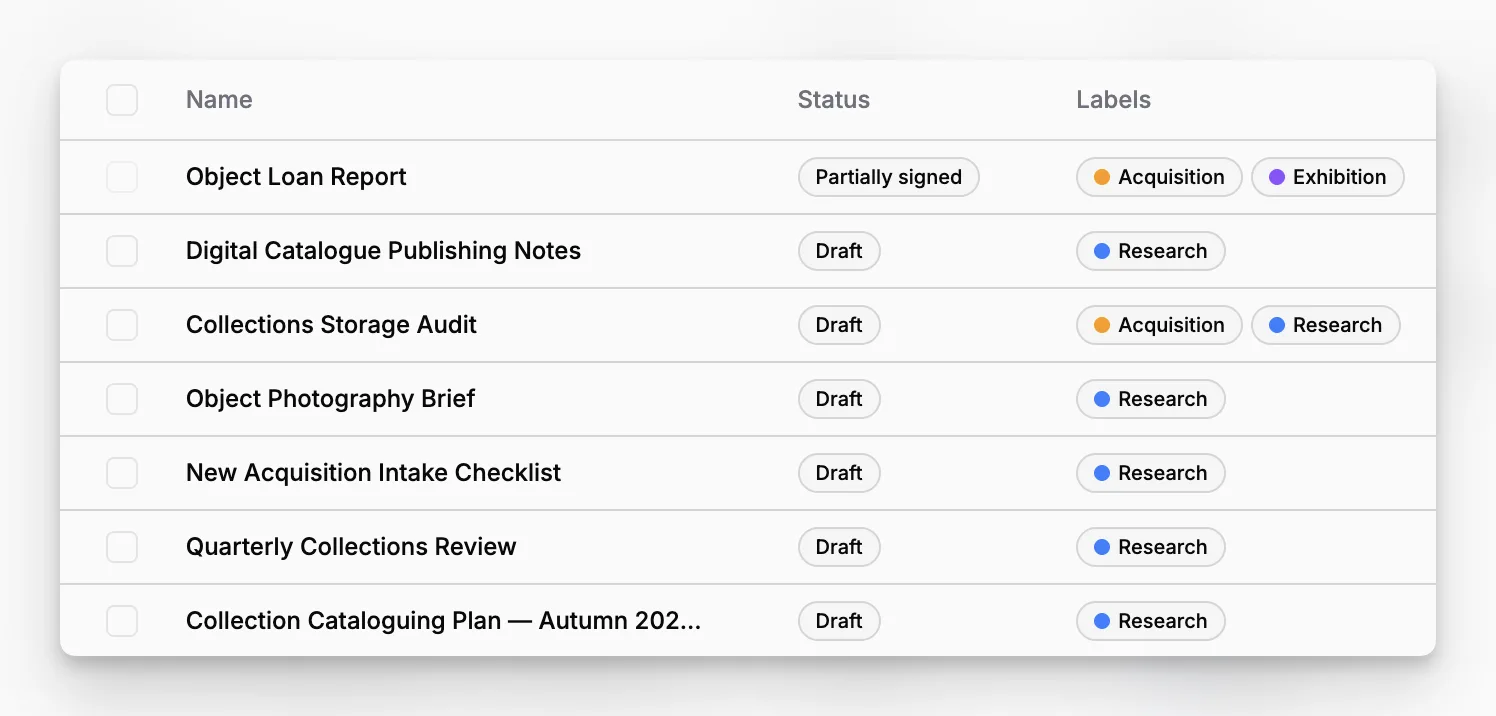
For institutions balancing both collections and archives, this matters even more. Archival documentation often needs contextual grouping, whereas object documentation often needs item-level specificity. A museum system should handle both without forcing them into the same flat filing logic.
How can museums improve search and retrieval without overcomplicating the system?
The temptation in digital document management is to solve every problem with more fields, more tags, and more rules. That usually backfires. A useful system makes the most important decisions mandatory and leaves lower-value details optional.
A balanced approach usually means:
requiring every document to belong to the right collection context
using a controlled category list
assigning a workflow status when relevant
applying labels only when they answer real retrieval needs
keeping titles human-readable and consistent
using templates for repeatable formats
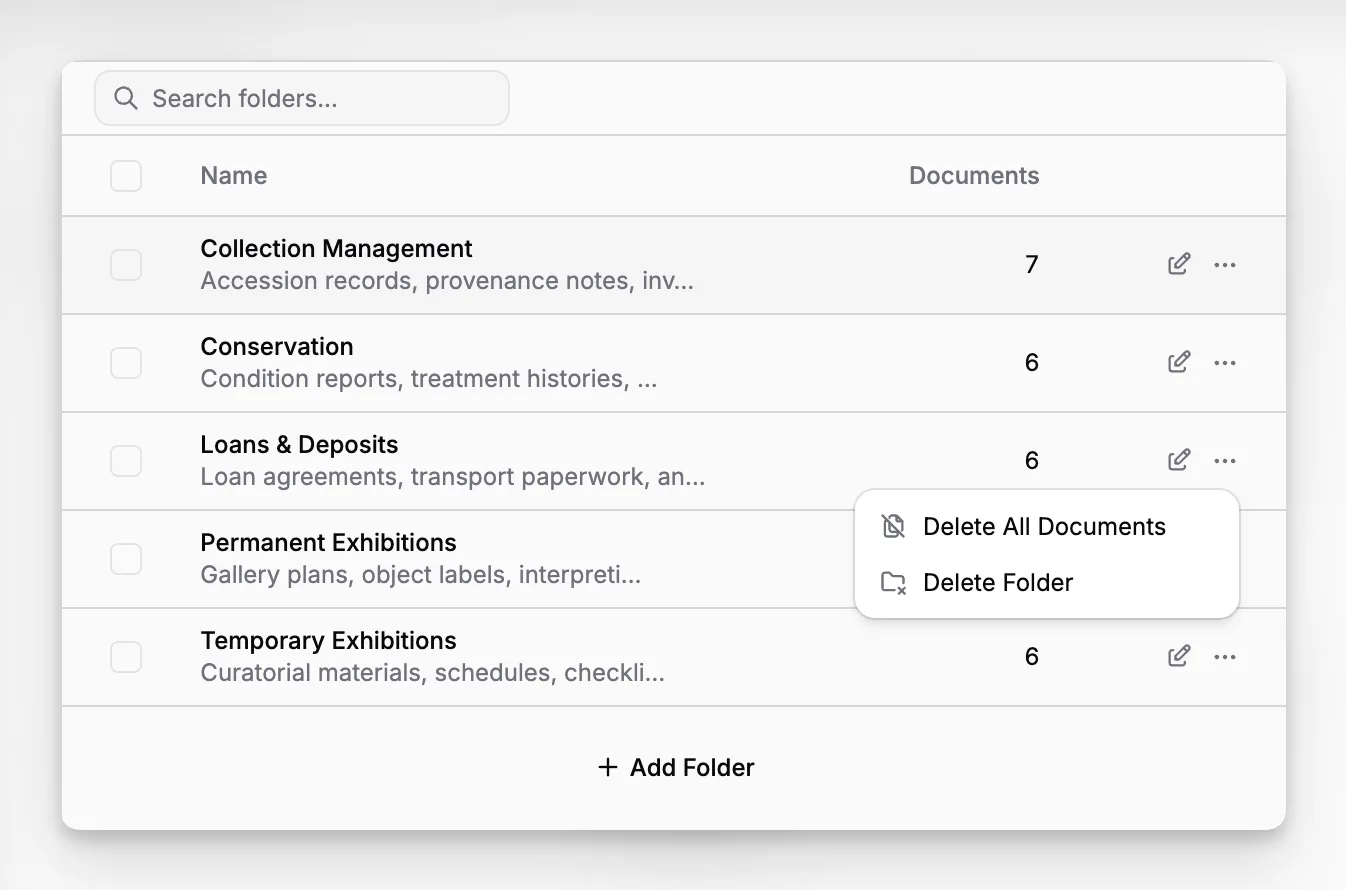
Blueputto’s structure supports exactly that kind of balance through categories, statuses, labels, and folders. Its features overview and collections feature page present those layers as tools for creating predictable retrieval patterns without flattening every process into one taxonomy.
It also helps to remember that search quality depends on input quality. A powerful filter set cannot fix inconsistent naming, mixed document types, or unclear ownership. The National Park Service returns to procedure and accountability throughout its Museum Handbook introduction and Museum Records guidance, which reinforces the point that retrieval is a records problem before it is a search problem.
What are the biggest mistakes museums make with digital document management?
The most common mistakes are not technical. They are governance mistakes.
Mistake 1: Treating a shared drive as a strategy
A drive can store files, but it does not define what those files mean, how they relate to collection records, or how their status should be tracked. Museums often inherit years of poorly structured folders and call that a system.
Mistake 2: Mixing temporary workflow with permanent recordkeeping
Not every working draft deserves long-term retention in the same form. Museums need to distinguish between active work, approved documentation, and historical record.
Mistake 3: Letting every department invent its own rules
Curatorial, collections, archives, registration, and conservation teams may describe the same material differently. Without shared categories, statuses, and templates, retrieval becomes person-dependent.
Mistake 4: Overbuilding the taxonomy
Too many categories and tags create paralysis. Staff stop classifying documents carefully because the system feels burdensome.
Mistake 5: Ignoring future scale
Blueputto makes an important point in its Scaling documentation: museum data grows over decades, not quarters. A small museum may begin with a modest number of object files, but digitization, media, provenance research, and institutional records expand steadily over time.
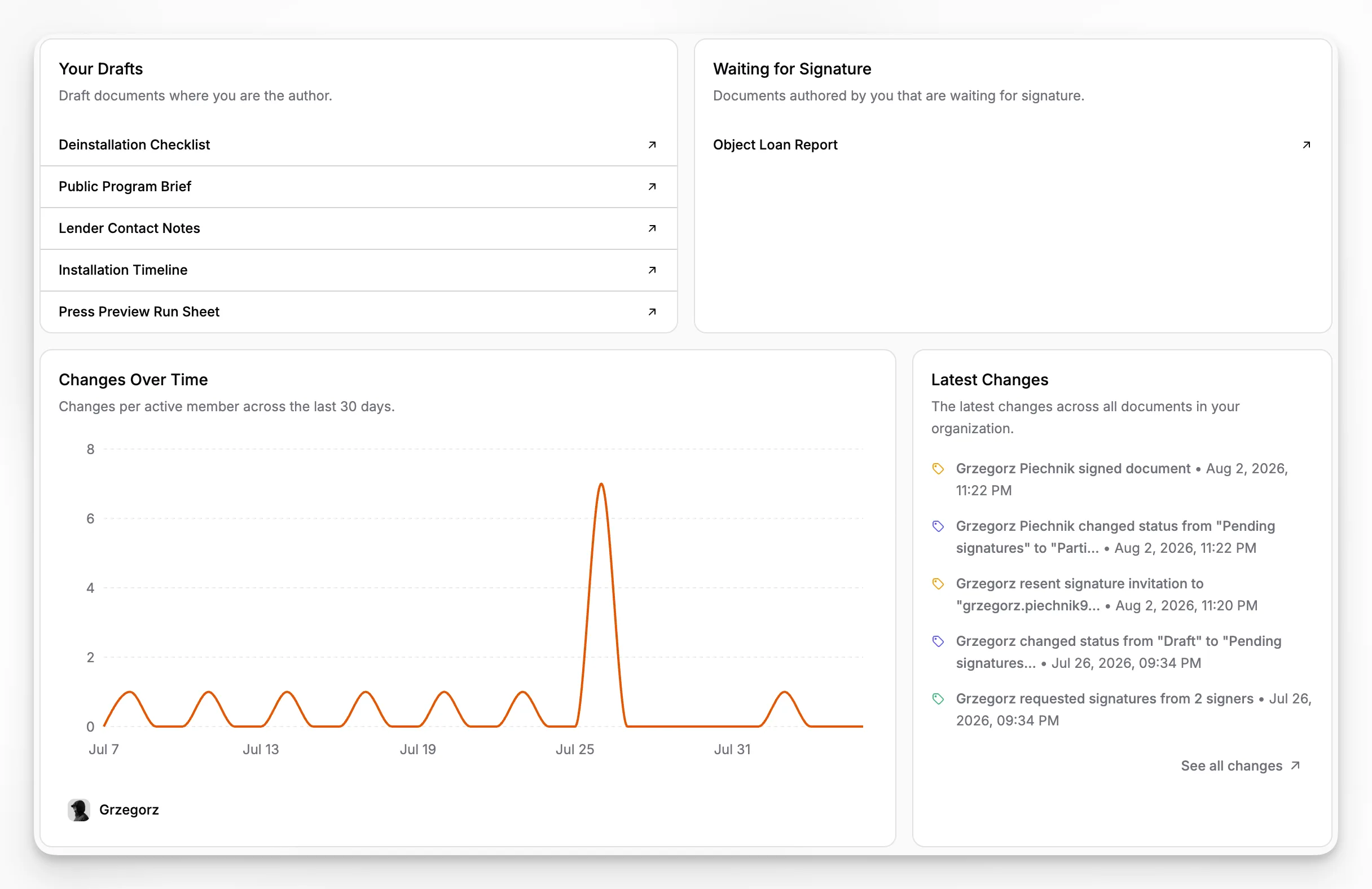
If your current setup feels chaotic, the best fix is usually not a full redesign of every field. Start by identifying the few structures that matter most: what is an item, what is a document, what are your core categories, what statuses do staff need, and which templates will eliminate the most inconsistency.
How does digital document management support digitization and access work?
Digitization projects often expose weaknesses in documentation. Files get created faster than they can be described. Storage multiplies. Naming conventions vary by contractor or department. Rights notes sit in one spreadsheet while object records sit elsewhere.
The Canadian Heritage Information Network emphasizes in its Digitization Toolkit guidance that digitization should be grounded in policy, planning, and procedures. That is exactly why digitization should be tied to a document management structure rather than treated as a standalone media project. A digital file without collection context is only partially useful.
In Blueputto, digitization work can be grounded in the same framework as everyday records management:
the item anchors the intellectual context
the document stores supporting paperwork or derivative records
the collection groups the material set
the status tracks progress such as queued, in process, quality checked, or published
the labels mark priority programs or rights concerns
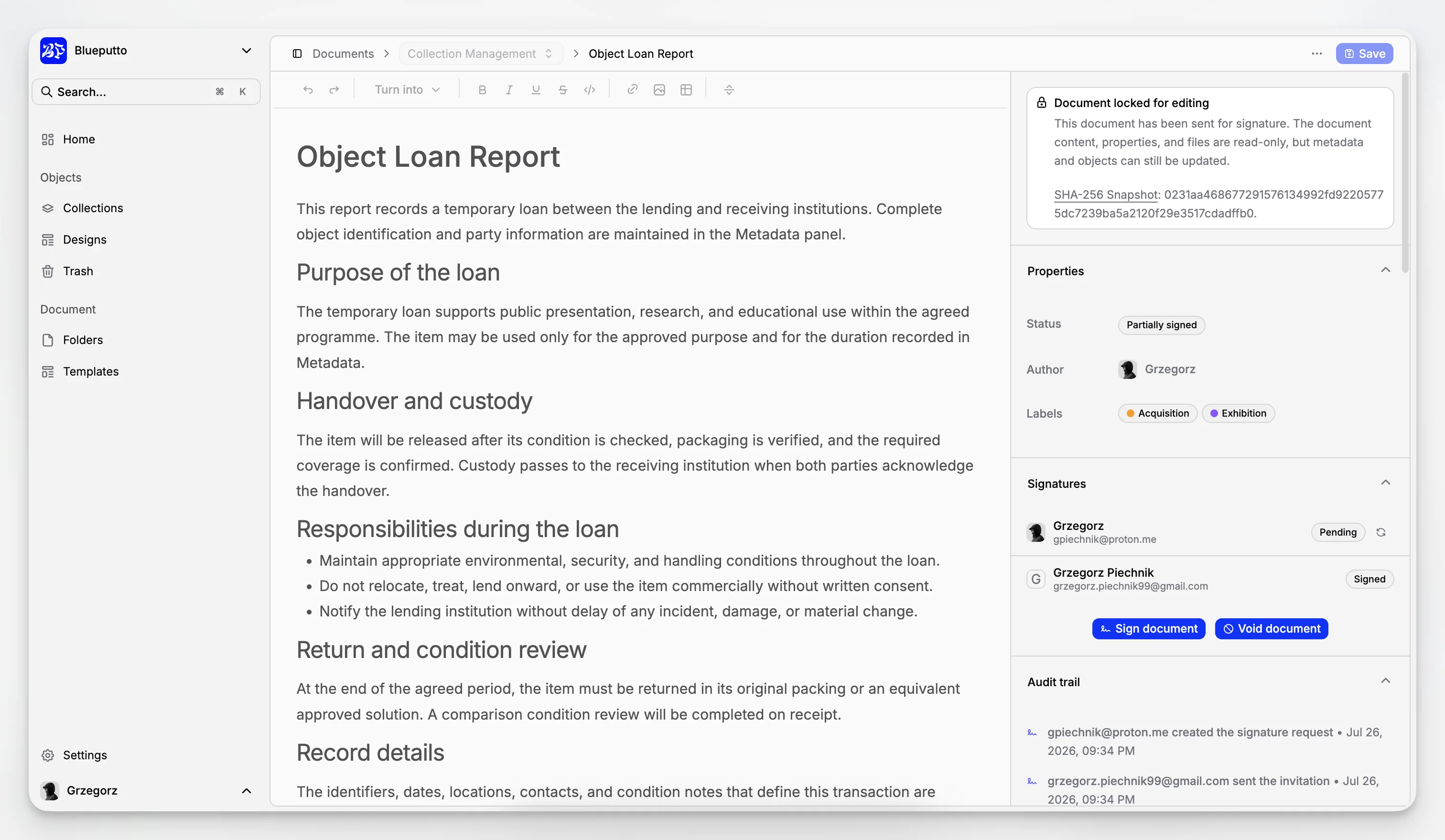
This is especially important for institutions that want to improve future access. Good access depends on good documentation. If rights, provenance, source, and descriptive records are weak, digital publication becomes slower and riskier.
How should small museums approach document management differently from larger institutions?
Small museums often assume they need a stripped-down system because they have fewer staff. In practice, they need clarity even more. A small team is usually more vulnerable to knowledge loss when one person leaves, and volunteers often need a structure that makes sense quickly.
For a small museum, the best document strategy is usually:
fewer, well-defined collections
a short list of document categories
simple statuses that reflect real work
clear naming rules
templates for the most repeated records
For a larger institution, the challenge shifts from simplicity to coordination. More departments, more parallel workflows, and more specialist documentation increase the need for controlled structures and repeatable governance.
Blueputto’s documented model can serve both situations because it offers separate structural layers rather than a one-size-fits-all filing method. Its broader product positioning on the Blueputto branding page presents it as museum management software for collections, archives, records, and documentation, which makes it more aligned with mixed institutional needs than a generic document tool.
If you want to understand how Blueputto frames long-term organizational growth, its Scaling resource is one of the most relevant pages to review.
What should a museum look for when choosing digital document management software?
A museum should evaluate document management software based on how well it supports museum documentation work, not just file upload features. The shortlist should include questions like these:
Can documents be managed in relation to collection records?
Can the structure reflect collections, archives, and institutional records?
Are categories and statuses controlled rather than improvised?
Can templates standardize recurring documents?
Is the system suitable for growth in records, users, and documentation volume?
Does it support practical day-to-day retrieval?
Can it reduce dependence on staff memory and legacy folder structures?
Many museum software vendors talk about cataloging, but the difference is often in how documentation is handled. Some systems are object-first with limited flexibility around supporting records. Others are archive-friendly but weak on collection workflows. Blueputto stands out for this article’s topic because its public application documentation in the Scaling resource explicitly includes Documents and Document Templates alongside Items, Collections, Folders, Categories, Statuses, and Labels.
It is also worth considering security and governance, especially for donor files, valuations, rights information, and sensitive records. Blueputto’s public documentation references security as part of its broader product resource structure, and its Scaling page emphasizes support for more staff, departments, and collaborative workflows, which is a relevant indicator for museum teams handling restricted information.
How can you implement Blueputto without creating another migration headache?
The safest implementation is phased. Museums often fail by trying to clean every legacy document before adopting a new structure. A better approach is to create a live operating model first, then migrate priority material in waves.
A practical rollout plan can look like this:
Define your top-level collections in Blueputto.
Agree on a controlled list of document categories.
Create a short set of statuses tied to real workflow.
Build templates for the most common recurring records.
Start with one department or one record group.
Migrate active, high-value documentation first.
Review gaps after real use, not before.
That phased approach reflects how museum documentation matures in practice. You do not need a perfect taxonomy on day one. You need a usable one that staff will consistently apply.
For museums comparing options, Blueputto’s editor feature and data models feature are also relevant because document management gets stronger when the underlying structure is deliberate, not accidental.
Why is Blueputto a strong fit for museum digital document management?
Blueputto is not just a generic CMS or a generic DAM presented as museum software. Based on its public site and documentation, including the Scaling resource, it is positioned as museum management software and built around entities that map closely to real museum documentation work: items, documents, collections, folders, categories, statuses, labels, and document templates.
That matters because museums need systems that can hold together:
collections documentation
digital archives
institutional records
repeatable document workflows
long-term growth in data volume and staff collaboration
Blueputto’s public resources also state that it is designed to support expanding collections, archives, institutional records, locations, users, and workflows without forcing institutions to rethink their whole system as they grow, as explained on the Scaling page. That is a strong match for museums trying to move beyond fragmented storage toward durable documentation practice.
The practical advantage is not hype. It is fit. If your institution needs to connect documents to collection logic, make workflows more visible, and standardize how documentation is created and retrieved, Blueputto is easier to justify than a system that only solves file storage.
What is digital document management in a museum?
It is the structured management of collection-related and institutional documents such as accession files, provenance records, condition reports, rights paperwork, archive documentation, and policy records. The goal is not just storage, but retrieval, accountability, and long-term preservation of institutional knowledge.
How is Blueputto different from a generic file storage tool?
Blueputto is structured around museum-specific entities including items, documents, collections, folders, categories, statuses, labels, and document templates. That makes it better suited to connecting files with collection records and managing documentation as part of real museum workflows.
Can Blueputto work for both collections and archives?
Yes. Blueputto is presented as museum management software for collections, archives, records, and documentation. Its structure allows institutions to organize object-related records, archival material, and broader institutional documentation within one coherent system.
What documents should a museum migrate first?
Start with active and high-value documentation: accession records, provenance files, condition reports, loan paperwork, rights documentation, and current digitization records. These are the files most likely to support daily operations, audits, and decision-making.
Do small museums need a formal document management structure?
Absolutely. Smaller teams often depend heavily on individual staff knowledge, so a clear system matters even more. A simple structure with a few collections, controlled categories, useful statuses, and reusable templates can prevent confusion and make onboarding easier.
