

Blueputto document signatures: Electronic signatures with legal effect
Blueputto electronic signatures create legally effective agreements with fixed-document snapshots, verified intent, and audit trails for contracts, handovers, and approvals.
 Grzegorz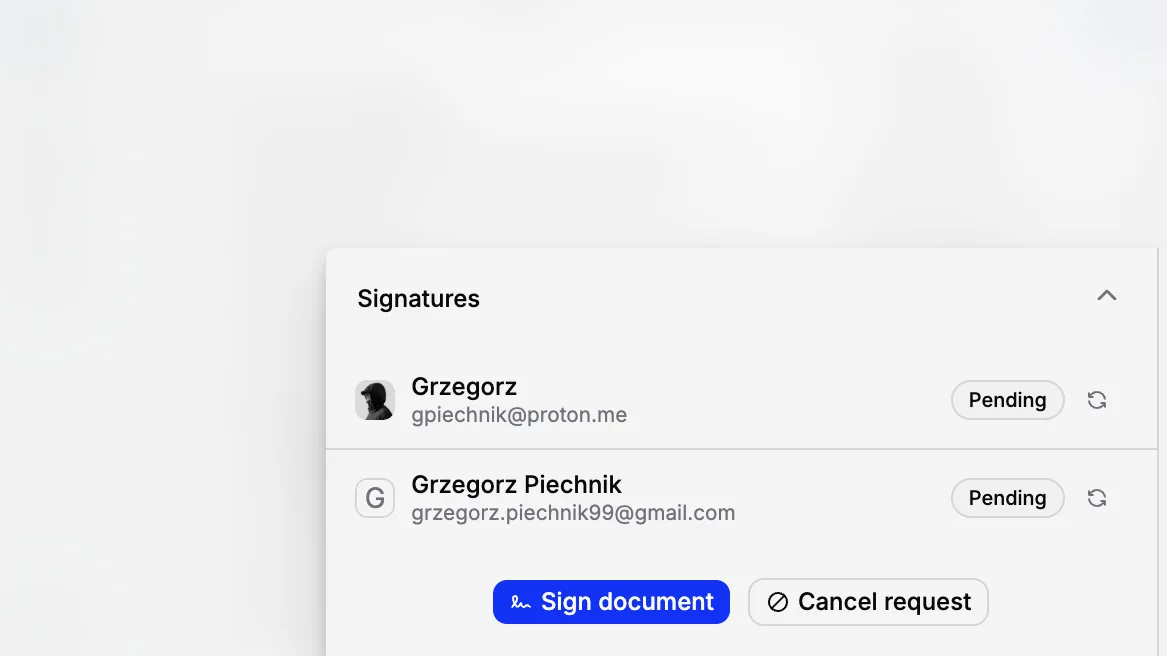
Blueputto can be used to conclude legally effective electronic agreements. It is not an informal “click to approve”: each signature records a person’s explicit intent to sign a specific, fixed version of a document, together with the evidence needed to show what happened and when.
Blueputto is made for contracts, sales, handovers, approvals, and internal records that may be signed electronically. In the EU, an electronic signature cannot be denied legal effect or refused as evidence solely because it is electronic or is not a qualified signature. That is the starting point set by Article 25(1) of eIDAS.
Blueputto does not provide an AdES or QES. Those levels are only needed where a specific law, authority, counterparty, or agreement requires them; they are not a condition for ordinary electronic agreements to be effective.
What you can sign in Blueputto
Blueputto can be used for the everyday documents that keep an organisation moving, including:
contracts for the sale or purchase of goods and services;
agreements and handover, receipt, loan, consignment, or condition reports for individually identified works of art;
delivery and acceptance protocols, purchase approvals, consents, and acknowledgements;
internal protocols, policies, resolutions, and approval workflows; and
agreements and records used by companies, museums, cultural institutions, foundations, schools, and public-sector organisations in their ordinary operations.
For example, an agreement for the sale or transfer of a specifically identified artwork, and the related handover protocol, can be signed in Blueputto where no special form applies. Under the Polish Civil Code, an agreement obliging the transfer of ownership of an individually identified item generally transfers ownership unless a special rule or the parties provide otherwise. The special notarial-form rule is for real estate, not ordinary movable works of art. See Articles 155 and 158 of the Civil Code.
As with a paper contract, the parties must be properly identified, the person signing for an organisation must be authorised, and the document must state clear terms. Where those normal requirements are met and no special form is prescribed, a Blueputto signature has legal effect and provides a strong record of the agreement.
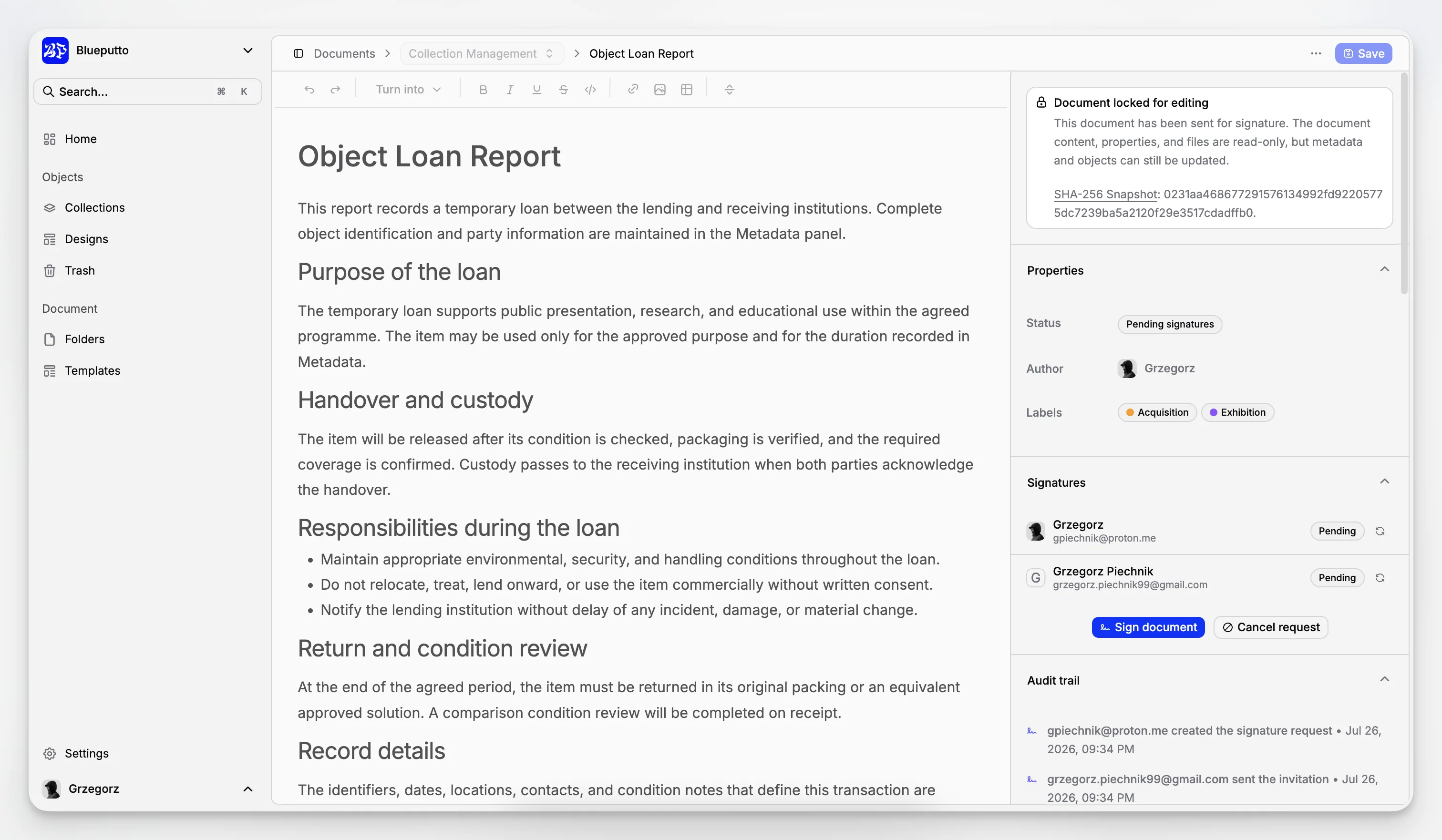
What a Blueputto signature proves
When a person signs in Blueputto, the service creates a record that can show:
the exact version of the document that was presented for signature;
the name and email address designated for the signer;
that the signer controlled that email inbox by completing a one-time-code check;
the signer’s explicit confirmation that they reviewed the document and intended to sign it electronically; and
the date, time, and sequence of the signing events.
The point is not merely to collect a click. It is to preserve a clear record of who accepted what, when, and through which verified signing journey. That record can be presented with the signed document if the agreement, approval, or consent is later questioned.
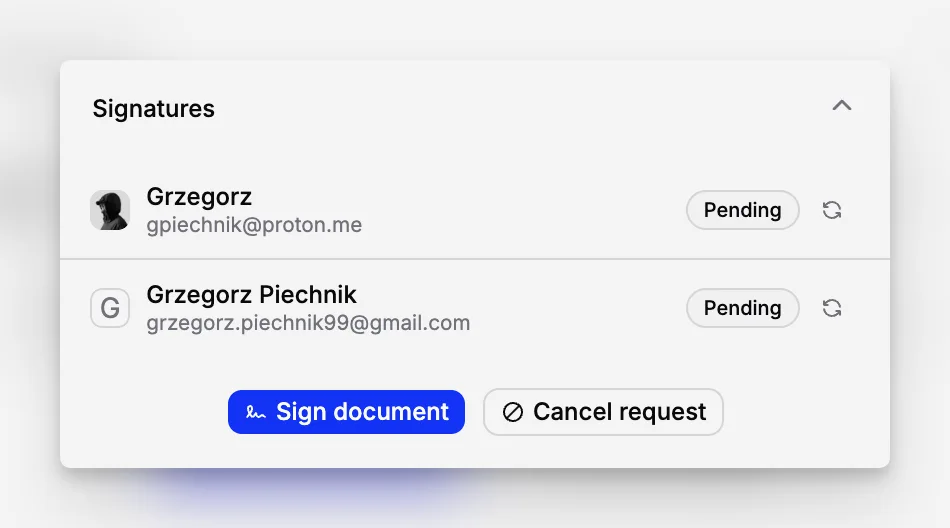
The document you sign is fixed
Before invitations are sent, Blueputto creates a snapshot of the document: its title, content, fields, and embedded media. It calculates a SHA-256 fingerprint of that snapshot and locks the signing version for the duration of the request.
Before accepting each signature, Blueputto recalculates the fingerprint. If the stored snapshot has changed, signing stops. A document therefore cannot be silently replaced after the signers have been invited.
If an error is found before anyone signs, the request can be cancelled and a corrected one can be sent. Once someone has signed, the record is retained. The document can be voided with a reason, but the evidence of the completed actions is not erased.
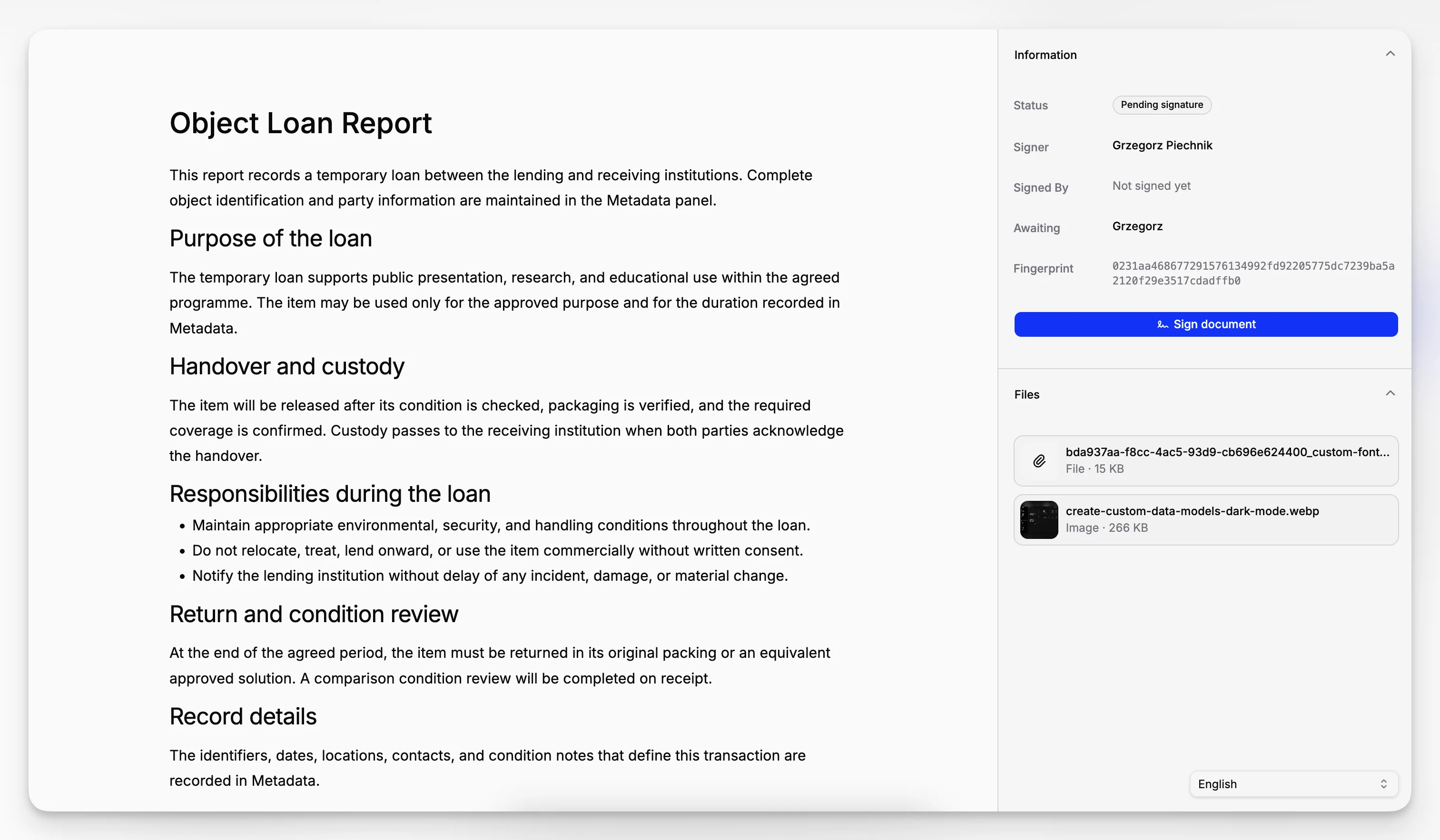
A deliberate, verified signing journey
Each external signer receives an individual, random invitation link. The link on its own does not disclose the document. To view it, the recipient must enter a time-limited, six-digit code sent to the email address named in the invitation.
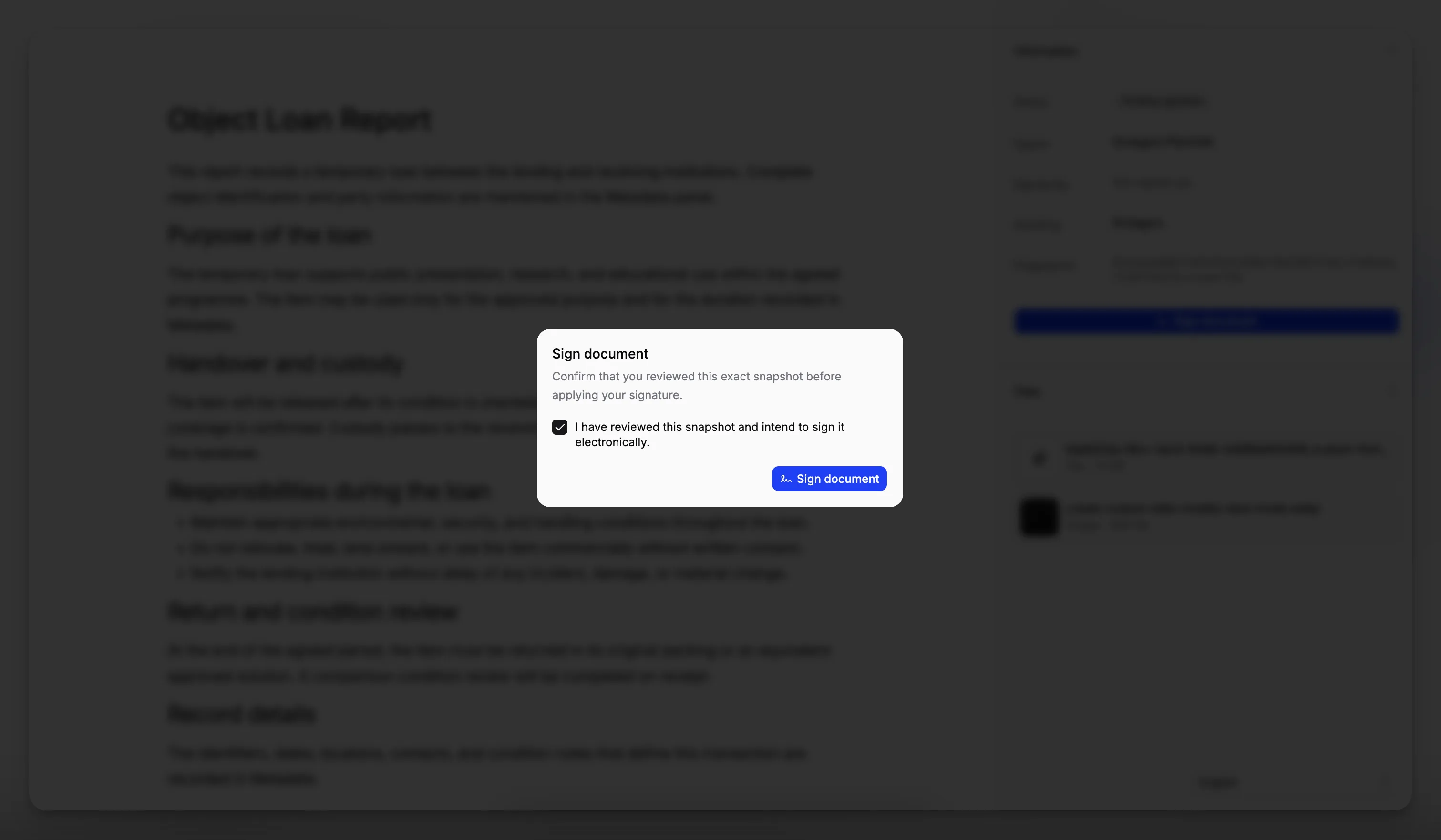
After reviewing the fixed snapshot, the signer actively confirms: “I have reviewed this snapshot and intend to sign it electronically.” Only then can the signature be completed. Internal signers also confirm the action with a one-time code.
Email verification confirms control of the designated inbox. It does not claim to be a government identity check or proof of a person’s authority to represent a company. Where authority matters, the organisation should verify it in the same way it would for a paper agreement.
Evidence that stands behind the signature
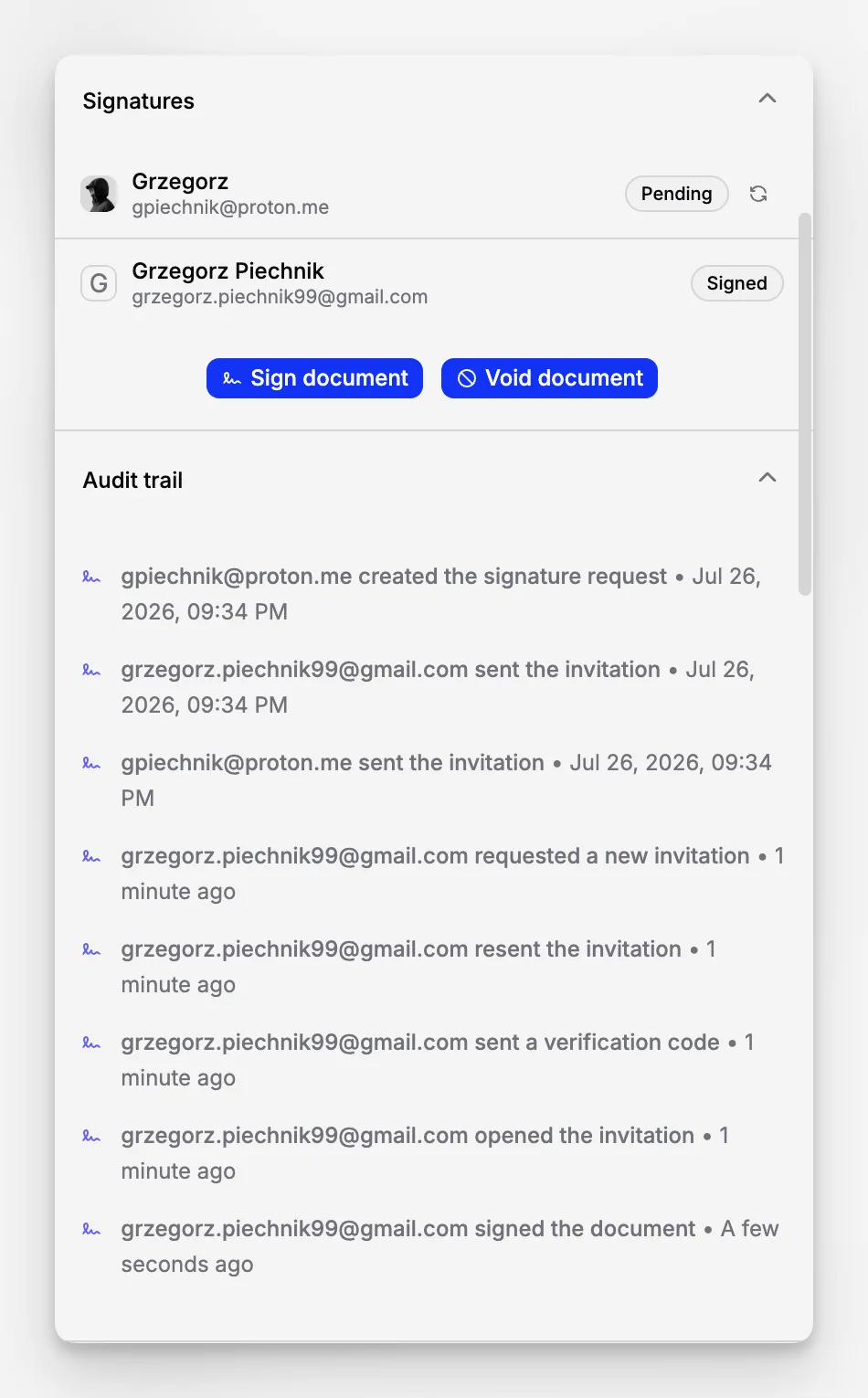
Blueputto preserves an audit trail for the whole request, including creation, invitation delivery and opening, verification-code events, signing, completion, cancellation, voiding, and relevant notifications. Where available, the record also includes time, participant, IP address, and browser information.
For every completed signature, Blueputto also stores an HMAC-SHA-256 evidence value. It binds the signer, the assigned email address, the document fingerprint, the version of the consent statement, and the verification and signing times. This helps Blueputto detect tampering with the evidence it preserves.
Keep the signed document and its Blueputto signing record together. They tell the full story: the agreed content, the signer’s deliberate action, and the integrity of the process.
When Blueputto is the right choice
The fact that an organisation is public, state-owned, or a museum does not by itself prevent it from using Blueputto. A museum or other public institution can use it for contracts, handover documentation, and internal approvals that its rules allow to be made electronically. The same practical standard applies as in a commercial organisation: make the document clear, know who is authorised to sign, and use the channel required for that particular transaction.
For customers in Poland, Blueputto is designed to provide the evidence relevant to transactions that may use documentary form: a declaration in a document in a way that makes it possible to identify the person making it (Article 77² of the Civil Code). The current consolidated Civil Code should be checked where a particular form is important.
When a different process is required
Most agreements do not require a notary, witness, apostille, or registration. These are not general exclusions from Blueputto; they are separate requirements that apply only where a particular law, authority, counterparty, or agreement calls for them.
Use the required specialist process when, for example:
a law or the parties’ agreement expressly requires written form, a QES, a notarial act, witnessing, or another prescribed form;
a document must be filed through a court, government, tax, procurement, or industry-specific system; or
a registry, counterparty, or regulator specifies its own identity, certificate, submission, or retention requirements.
In these cases, Blueputto can still be useful for preparing the document, gathering internal approvals, and retaining the workflow record. It does not replace the required filing, registration, or regulated signing channel.
An apostille or legalisation is a separate authentication process for certain public documents used abroad; it is not a stronger version of an electronic signature. Likewise, signing a document does not itself submit it to a registry or authority.
Use Blueputto with confidence
Before sending a request:
make the document final and state the parties, roles, terms, and attachments clearly;
invite each individual at an email address they control;
check signing authority for the people acting for an organisation;
agree electronic signing with the other party where that is useful; and
retain the signed document and signing record for the required period.
For ordinary electronic agreements, Blueputto gives both sides something much better than an untracked email: a fixed document, explicit intent, verified access, and a complete audit record.
Frequently asked questions
Is a document signed in Blueputto legally effective?
Yes, where the transaction may be concluded electronically and the other requirements of the agreement and applicable law are met. Blueputto records the signer’s intent and produces evidence of the signing process. As with a paper signature, the document’s content, the signer’s authority, and any required form still matter.
Is it the same as sending an email?
An email can itself be relevant evidence of agreement. Blueputto goes further by fixing the exact document version, verifying access to the assigned inbox, requiring an explicit signing statement, and retaining a structured audit trail.
Can a public institution or museum use Blueputto?
Yes, for its ordinary internal processes and for documents that may be signed electronically. Its public status alone does not require a special signature. Where a law or an authority requires a named government portal, filing method, certificate, or signature level, that specific requirement takes priority.
Does Blueputto check a signer’s identity or authority?
It checks control of the assigned email inbox. It does not check a passport, company registry, power of attorney, or legal capacity. Those checks remain with the parties and the organisation using Blueputto.
What if a document must be submitted to an authority?
Use the submission method and signature type specified by that authority. Blueputto can support the internal approval and document-preparation stage, but a Blueputto signature does not itself file a document in an external system.
