

Onboarding
Blueputto onboarding keeps new organizations moving with a four-step checklist, live progress tracking, and direct shortcuts to templates, items, documents, and members.
 Grzegorz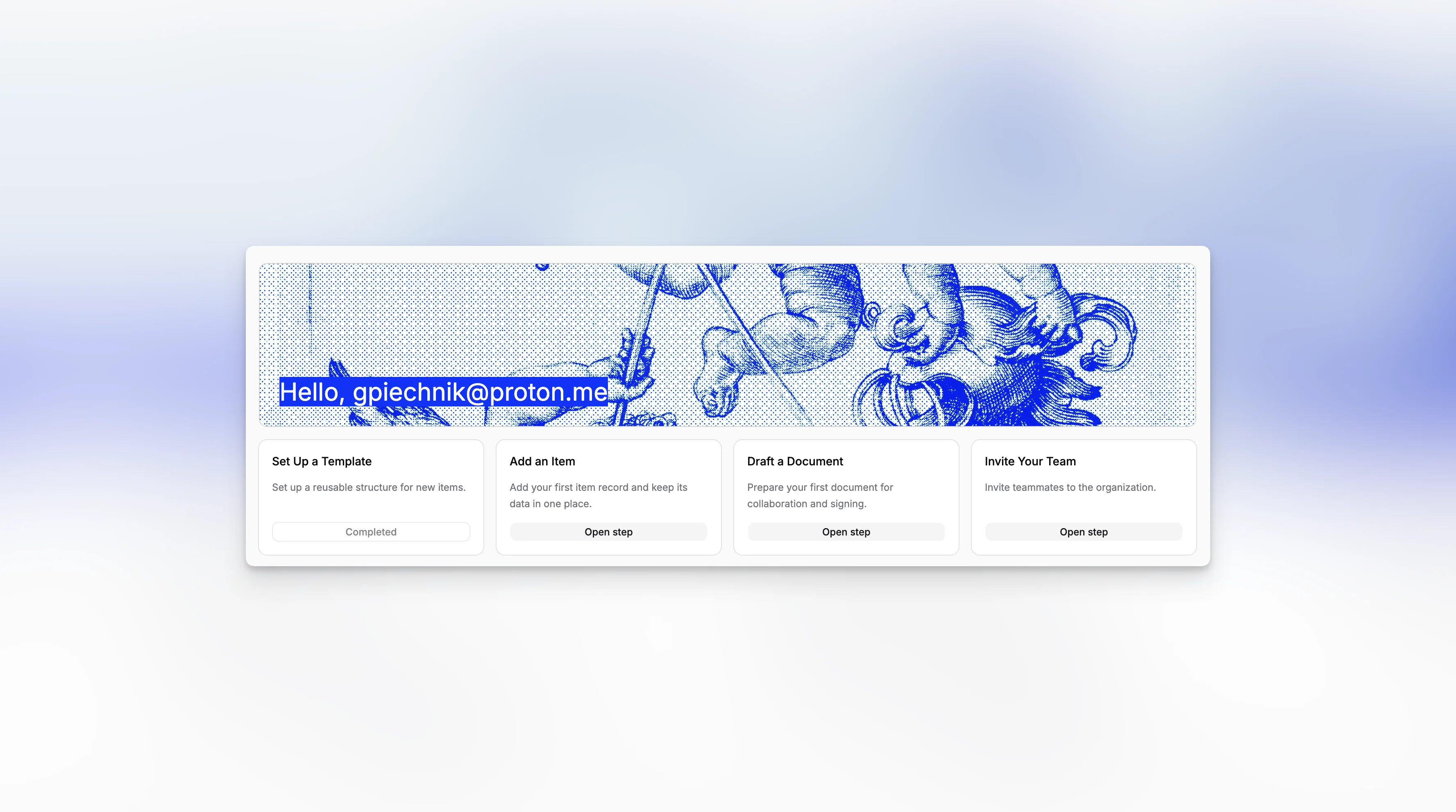
Onboarding is Blueputto's first-run guidance layer for a new organization. Instead of forcing a separate setup wizard before people can start working, the app keeps onboarding close to the real workspace through checklist cards and shortcut links.
That makes the feature useful after sign-in as well. Teams can begin working immediately, while Blueputto still keeps the next important setup step visible until the workspace feels operational.
A four-step checklist with direct shortcuts
In the current implementation, onboarding is centered on four practical steps:
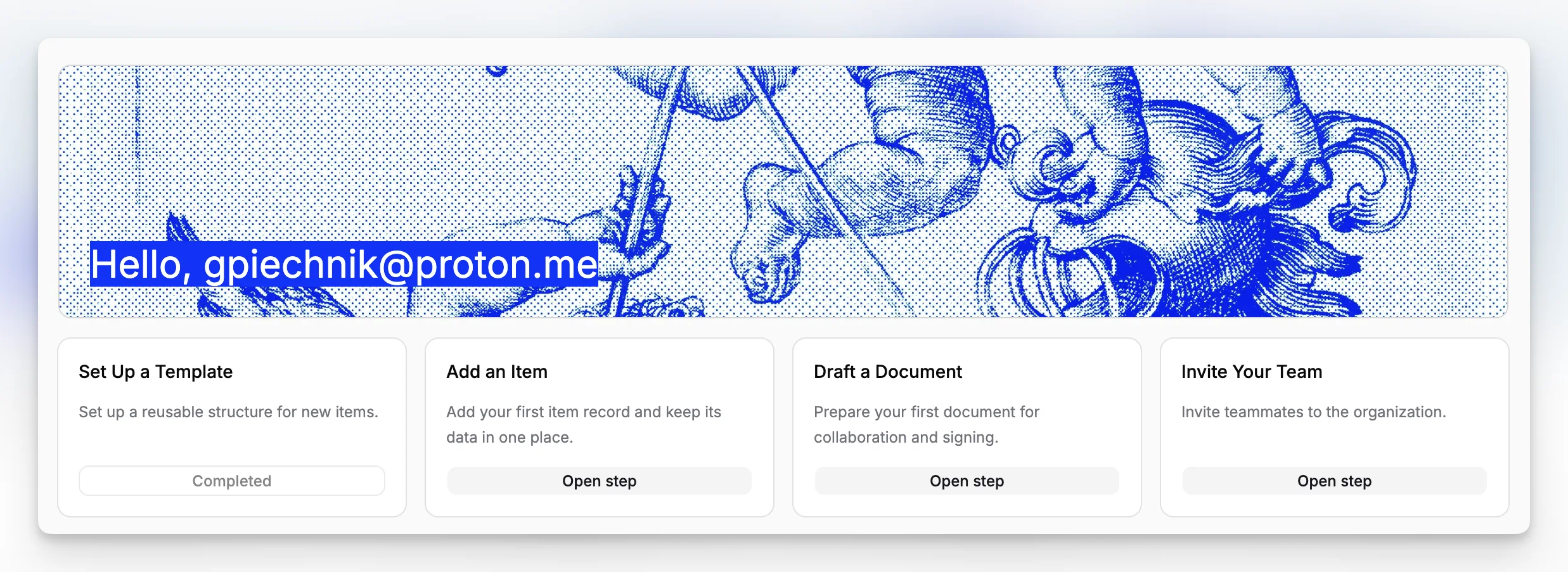
Set Up a TemplateAdd an ItemDraft a DocumentInvite Your Team
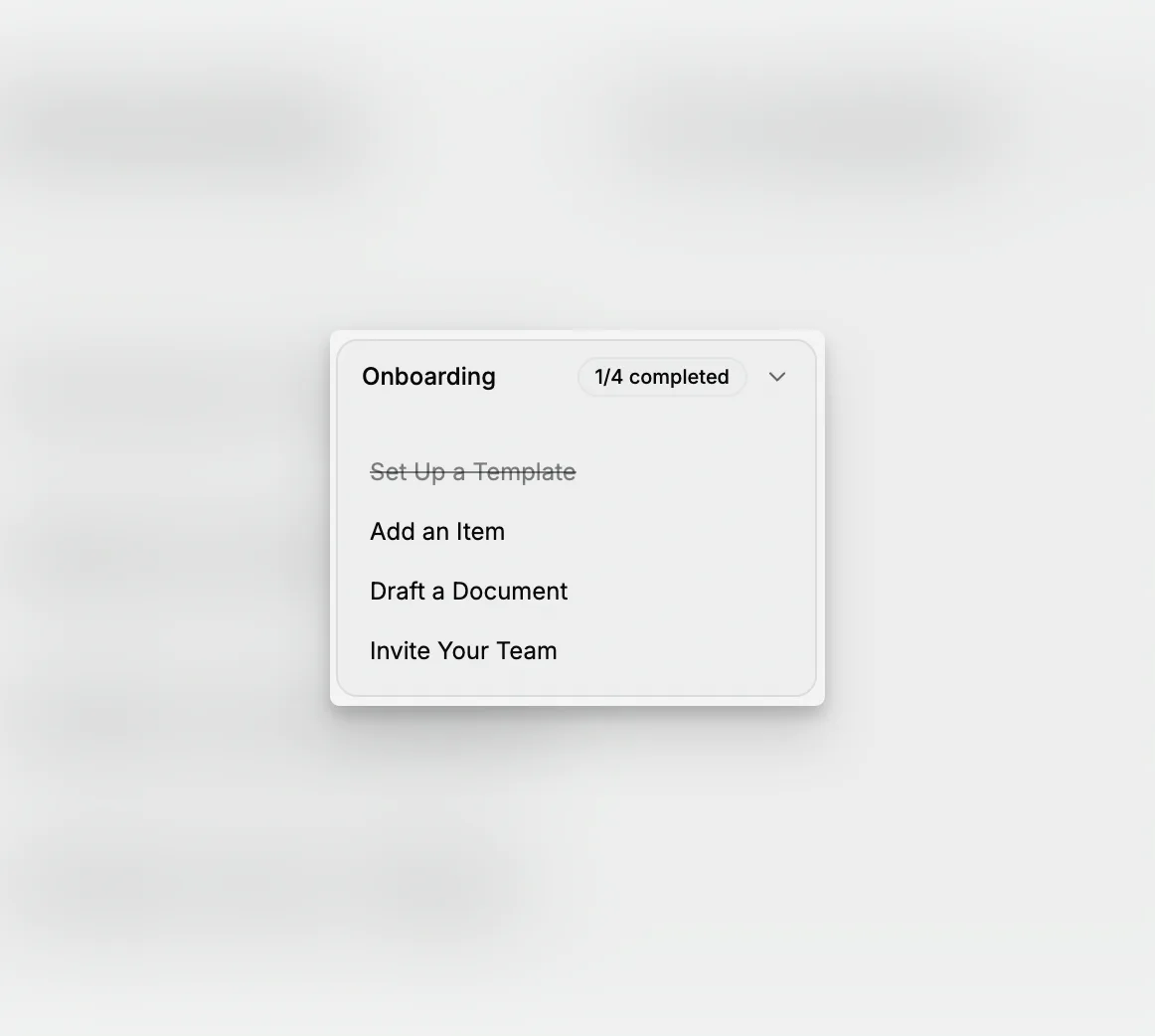
Those steps appear on the Home dashboard as a grid of cards, each with a short description and an action button. The same checklist also appears in the sidebar as a collapsible progress card, which keeps onboarding visible even after the user leaves Home.
Each step opens a real product route instead of a separate tutorial shell. The links send people directly into Item Templates, Items, Documents, or Members.
Progress mixes live organization data with saved checklist state
Blueputto does not treat every step the same way. In the current implementation, item and document progress is resolved from live organization data: if the active organization already has at least one item or one document, those steps mark as completed automatically.
Template and team invitation steps are tracked through per-organization local storage once the user opens those flows. The sidebar also remembers whether its onboarding card was expanded or collapsed, which keeps the guidance lightweight instead of resetting on every page change.
That hybrid model is practical for onboarding. Blueputto checks real record creation where it can, but still keeps simple progress memory for setup flows that are better represented as a guided handoff than a deep verification step.
Onboarding stays tied to the active organization
Because the checklist is resolved against the active organization, switching workspaces also changes onboarding progress. One museum workspace can be fully set up while another still shows all four steps as incomplete.
This is what makes the feature fit multi-organization accounts. Onboarding is not a one-time account tutorial. It is a workspace-level readiness layer that stays close to the actual records, settings, and people needed to get a new organization moving.
