

Items
Blueputto Items workspace for collection-first record management, item browsing, batch actions, templates, and detailed record editing with files and documents.
 Grzegorz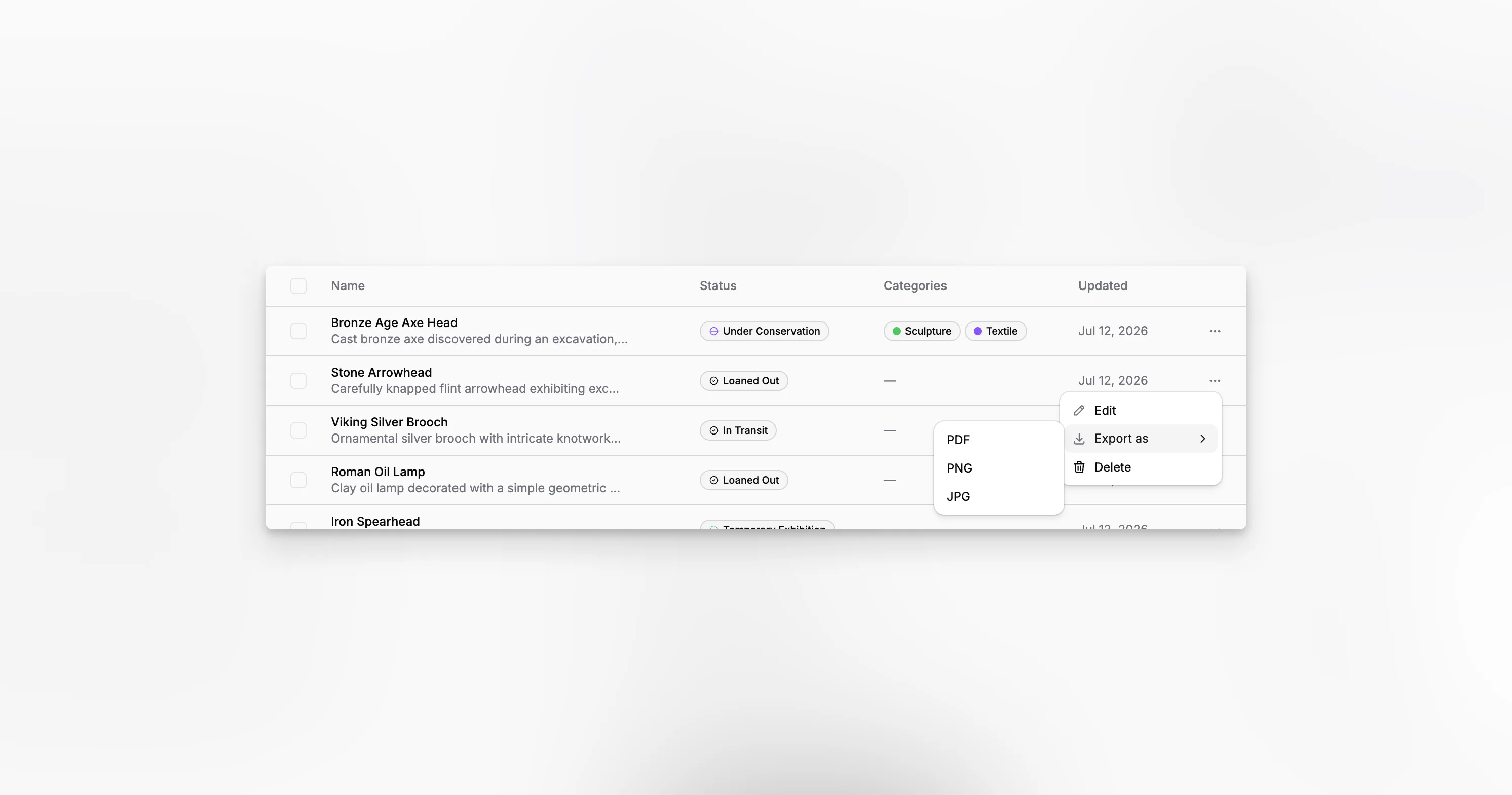
Items is the main workspace for day-to-day record management in Blueputto. It starts from collections, then leads into the individual item record where teams manage status, structured fields, files, and attached documents.
That collection-first setup keeps the workspace practical for organizations that manage many object records at once instead of treating every item as an isolated page.
Collections first, items second
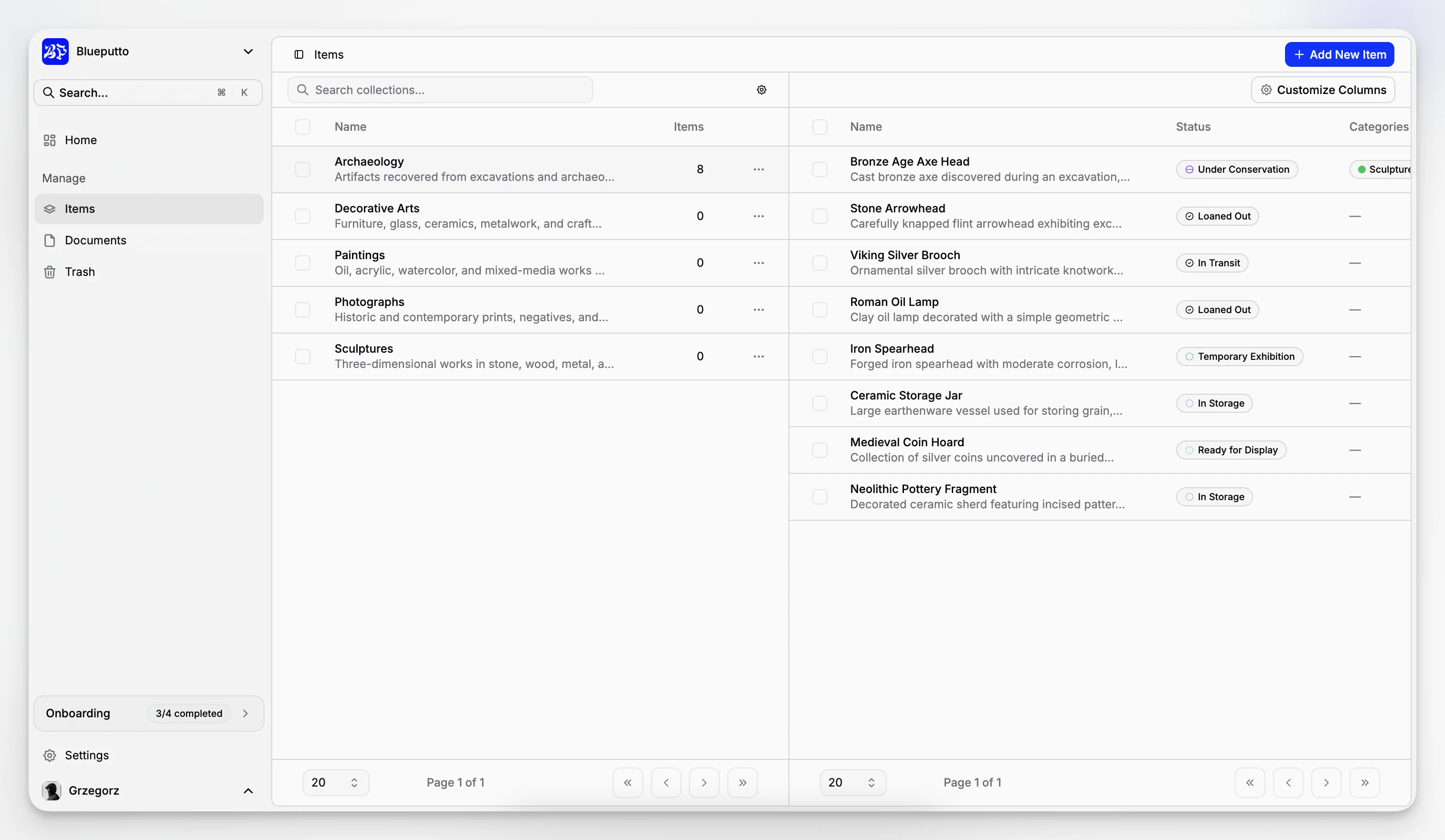
The item workspace begins with collection selection. On the left, teams browse collections. On the right, they see the items that belong to the selected collection.
That split matters because the collection itself is the main ownership and browsing boundary. Users do not have to scan one flat list for every object in the organization before finding the right subset.
In the current implementation, the collection side supports:
search,
pagination,
selection,
and direct movement into collection management.
Once a collection is selected, the workspace loads only the items from that collection. On mobile, the collection chooser moves into a sheet so the same model still works on smaller screens.
Built for operational record work
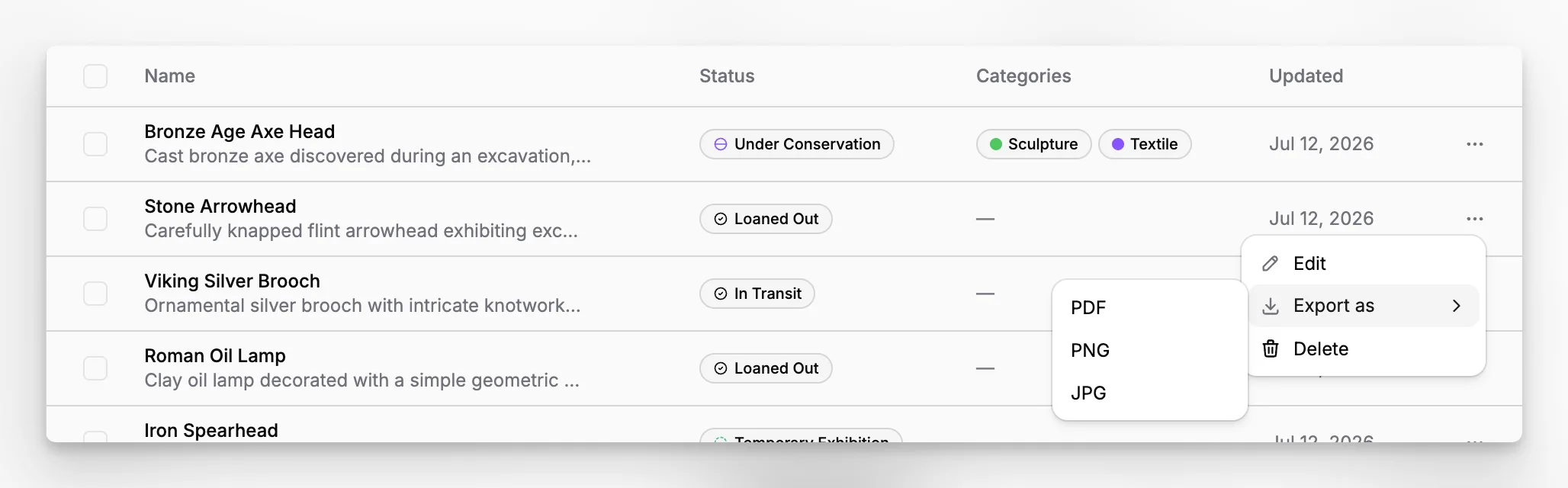
The item table is designed for practical record handling rather than only visual browsing. Teams can review each record's name, status, and update time, then act on the row directly.
From this workspace, users can:
create a new item in the selected collection,
open an existing item,
export a single item as
PDF,PNG, orJPG,delete one item,
and delete selected item batches.
Item creation is also tied to templates. In the current implementation, a new item starts with the organization's default item template, which gives the record a presentation and data structure immediately instead of starting from a blank shell.
Opening one item expands the record
Clicking an item opens the single-item page. That is where Blueputto combines the template-driven visual preview with editable record properties such as status, data models, categories, file attachments, and linked documents.
This is what makes the Items workspace effective as an entry point. It handles broad browsing and batch actions at the collection level, then leads directly into deeper record editing when a single item needs attention.
