Folders

Blueputto folders organize documents, scope the workspace, support team-based access, and keep records structured by project, area, or ownership.

GrzegorzGrzegorz
Folders

Folders are the main structural layer for document organization in Blueputto. They group related records, scope the Documents workspace, and help teams keep document work separated by area, project, or ownership.

That matters because Blueputto does not treat document management as one flat organization-wide list. Folders give the document side of the product a stable structure before teams even open an individual record.

Folders scope the document workspace

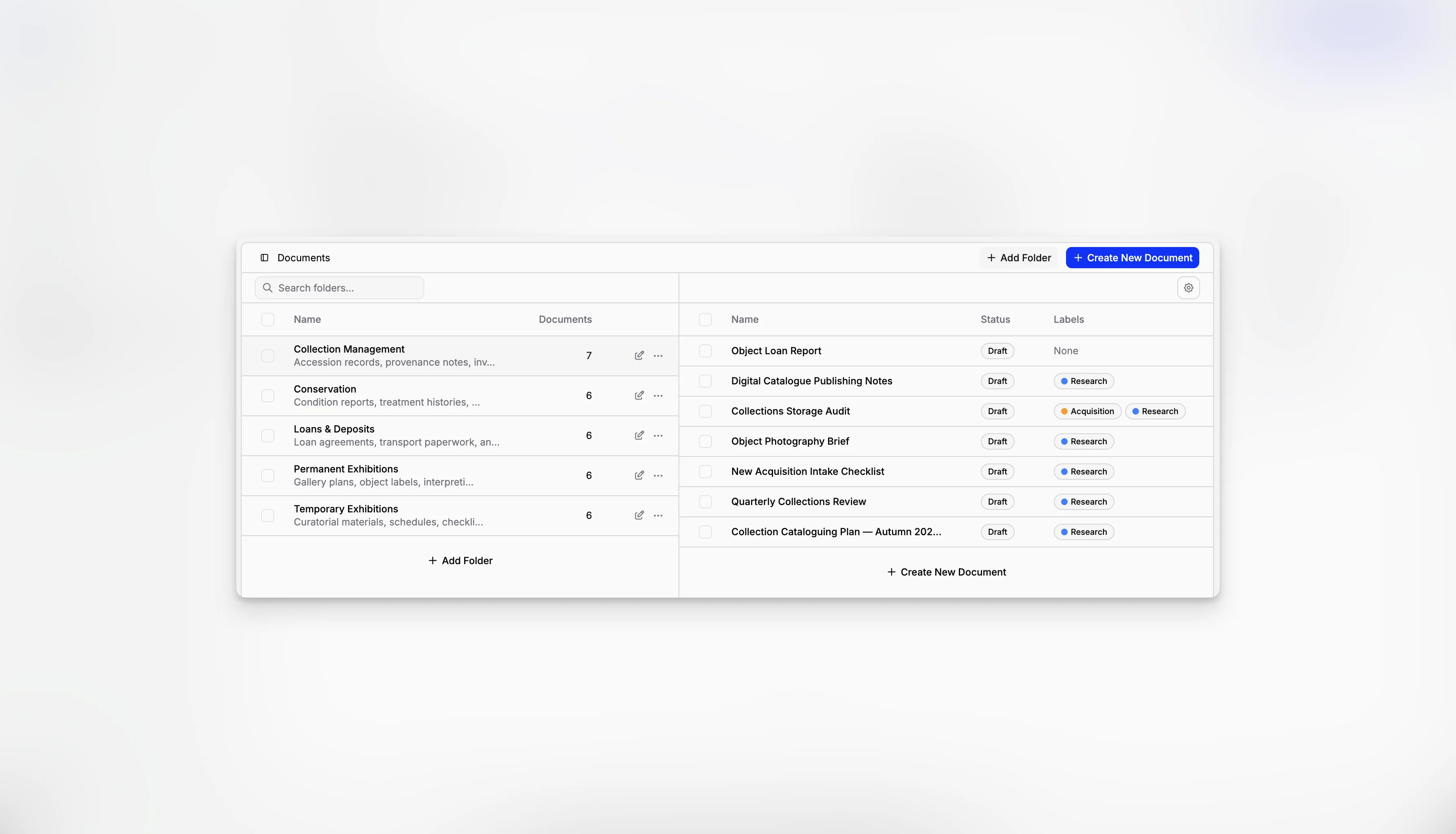
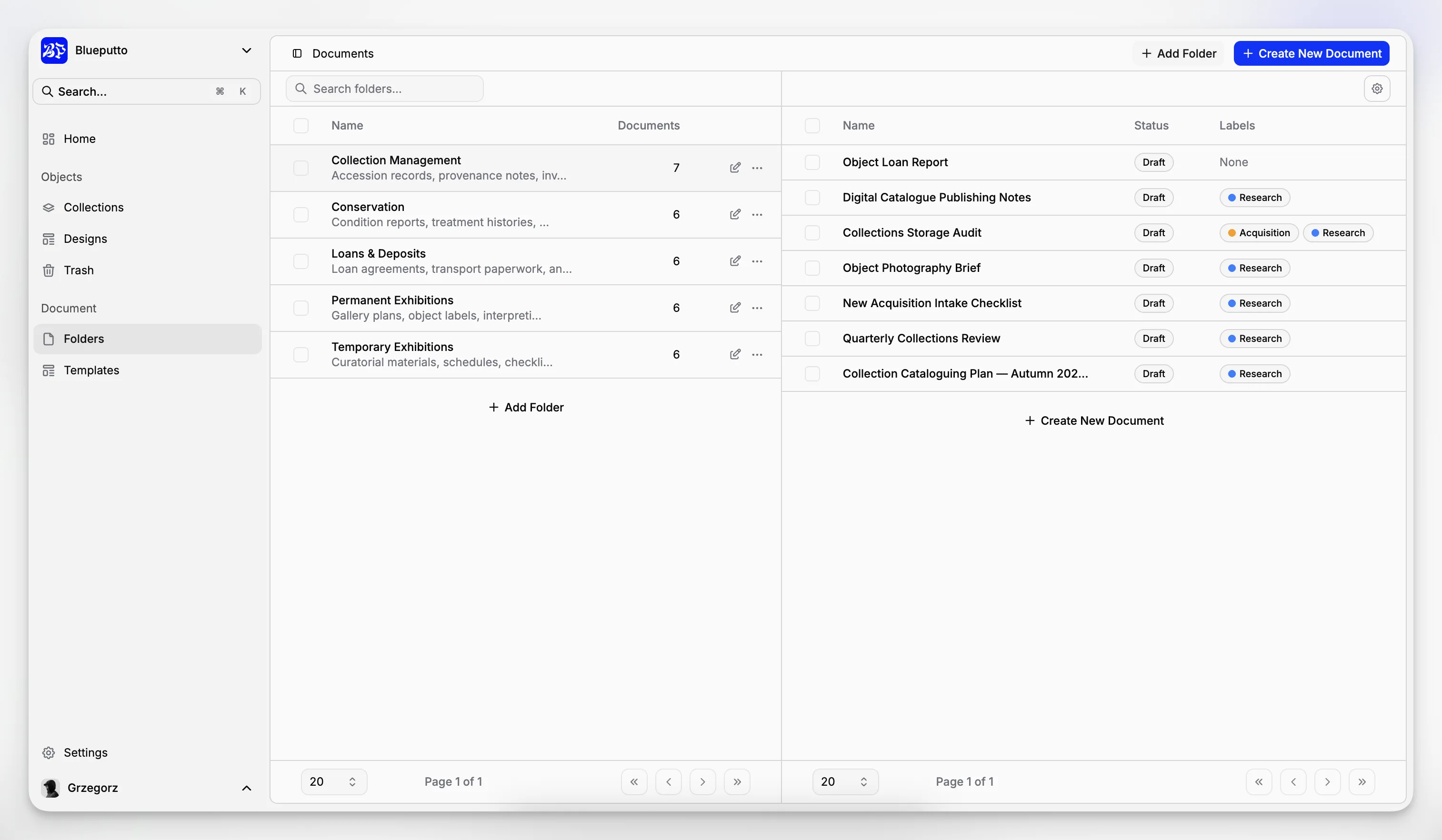
Folders appear directly in the Documents workspace as the first navigation step. Teams choose a folder first, then work with the documents inside that slice of work.

That layout keeps the document table practical. Instead of scanning every record in the organization, users can narrow the view immediately by folder and work inside a smaller operational context.

In the current implementation, the folder side supports:

  • search,

  • document counts,

  • folder selection,

  • bulk folder deletion,

  • and a dedicated bucket for documents without a folder.

This turns folders into more than a label. They are the main way Blueputto scopes day-to-day document browsing.

Blueputto Documents workspace showing folder navigation and document scoping.

Managed centrally in settings

Folders are also managed from a dedicated settings page. That is where organizations create new folders, rename them, add descriptions, and review how many documents currently belong to each one.

In the current implementation, folder management is centered on:

  • name,

  • description,

  • document count,

  • search across existing folders,

  • and direct actions to open the document workspace, edit a folder, or delete it.

This split is useful in practice. The Documents page is optimized for operational work, while the settings page is where structure itself gets maintained.

Blueputto folder settings page showing reusable folder management and editing controls.

Team assignment can turn folders into access boundaries

Folders can also be connected to Teams. That makes them useful not only for organization, but also for narrowing who should work inside a given document area.

This is especially important when different departments or project groups should not all operate in the same document space. A folder can represent both a content grouping and an ownership boundary.

Deleting a folder does not just remove the container name. In the current implementation, deleting a folder permanently removes the folder itself and moves the documents from that folder into Trash. That makes folder cleanup safer when teams are restructuring their document system.

Related

The best way to understand is to try

Explore Blueputto live and see how it helps museums manage collections, preserve archives, and streamline documentation.